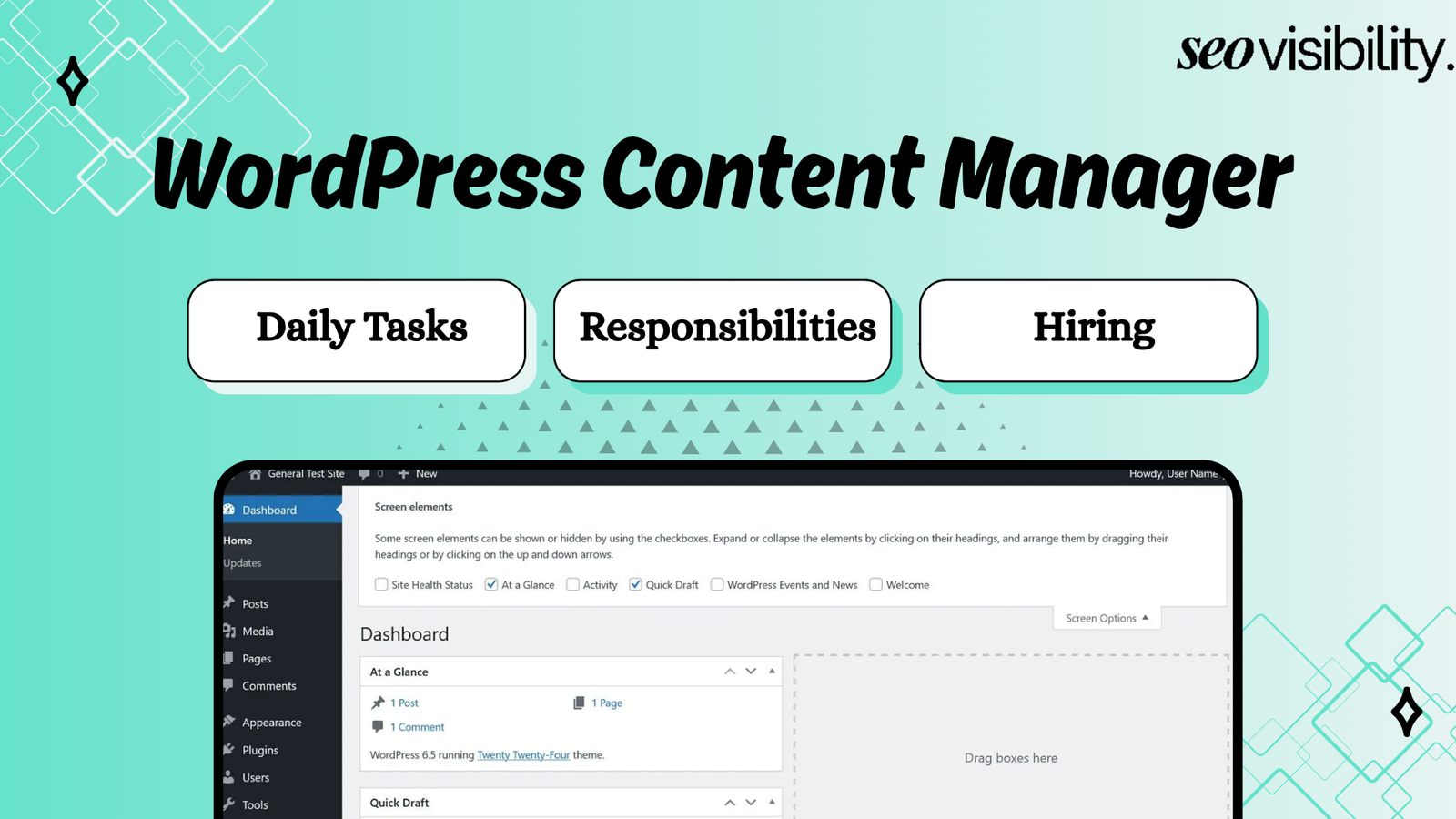
A WordPress content manager is the person who publishes, formats, and optimizes all the content on your website using the WordPress dashboard. They handle everything from uploading blog posts and images to checking SEO settings before anything goes live, so your site stays updated without you touching the backend yourself.
If you publish consistently, manage several writers, run an eCommerce store, or need regular website management, hiring a skilled WordPress content assistant can save time and prevent small publishing mistakes from turning into traffic, conversion, or trust problems.
This guide breaks down exactly what a WordPress content manager does every day. It also covers the difference between a content assistant, a virtual assistant, and a full-time hire, plus what it actually costs to bring one on board.
Why Hiring A WordPress Content Manager is Important
Managing content in-house eats up hours that most business owners don’t have. Every post you publish yourself takes time away from running your business, talking to customers, or growing revenue.
A dedicated WordPress content manager handles the repetitive parts of running a WordPress site, so you can focus on strategy instead of formatting. This matters even more if you’re publishing multiple posts per week or managing an ecommerce catalog that needs constant updates.
There’s also a quality factor. Content managers who work with WordPress daily catch mistakes that inexperienced uploaders miss, from broken shortcodes to incorrect SEO settings that quietly hurt your rankings.
You should consider hiring when website updates are being delayed because you are too busy, your team publishes content inconsistently, or content goes live with repeated mistakes. It is also a smart move when writers are producing work faster than you can upload and review it.
A dedicated WordPress content manager is especially useful if you:
- Publish four or more articles per month
- Manage multiple WordPress websites
- Run an SEO agency and need white-label content uploads
- Have writers but no one to publish their work properly
- Need regular service-page, product-page, or landing-page updates
- Operate a WooCommerce store with frequent product uploads
- Want a consistent content quality checklist
- Need ongoing content refreshes and internal-linking updates
- Spend too much time inside WordPress instead of running your business
- Have experienced traffic or conversion issues caused by poor page formatting
For a smaller website, a part-time WordPress virtual assistant may be enough. For content-heavy brands, publishers, agencies, and eCommerce businesses, a dedicated manager can quickly become an essential part of your marketing operation.
What Does A WordPress Content Manager Do
A WordPress content manager is responsible for creating, editing, and managing everything that shows up on your website. This includes publishing new articles, updating old pages, uploading images and videos, and making sure every piece of content follows your brand’s style.
They also work closely with writers, designers, and marketers to keep your content calendar on track. Think of them as the person standing between your raw content and your live website, catching errors before your visitors ever see them.
Some people call this role a WordPress content assistant. Others call it a WordPress content uploader or a WordPress VA.
The title changes depending on the business, but the core job stays the same. Someone needs to manage what goes on your site, format it correctly, and make sure it performs well in search results.
Daily Tasks Of A WordPress Content Manager
The day-to-day work of a WordPress content uploader is more detailed than most site owners realize. Here’s what a typical day usually looks like.
- Uploading and formatting blog posts, including headings, images, and internal links
- Adding meta titles, meta descriptions, and alt text for on-page SEO
- Scheduling posts to publish at the right time based on your content calendar
- Checking existing pages for broken links, outdated information, or formatting issues
- Compressing and uploading images so pages load faster
- Managing categories, tags, and site navigation
- Reviewing content for grammar, tone, and brand consistency before it goes live
- Coordinating with writers and designers to keep projects moving
- Monitoring basic site performance using tools like Google Search Console and Google Analytics
- Troubleshooting small plugin or formatting errors that pop up during publishing
Most WordPress content managers also keep an eye on plugin updates and basic site health, even if they aren’t full-time developers. This keeps your site from breaking silently in the background.
WordPress Content Manager Responsibilities
Beyond the daily to-do list, a WordPress content manager carries a set of ongoing responsibilities that affect your site’s growth over time. These responsibilities separate a reliable content manager from someone who just clicks “publish.”
Publishing Blog Posts and Articles
A WordPress content manager receives a draft from a writer, Google Doc, content brief, or project-management tool. They add the content to WordPress, apply the correct layout, and prepare it for review or publication.
This includes using the right heading structure, paragraphs, lists, tables, call-to-action blocks, and featured image. They also make sure the post matches the formatting used across the rest of your website.
A good content uploader does not simply copy and paste text. They clean up unnecessary spacing, remove broken formatting, check embedded links, and make the page easy to scan.
Formatting Pages for Readability
Poor formatting can make strong content hard to read. A WordPress content manager formats every page so visitors can quickly find answers, understand the offer, and take the next step.
Their formatting work may include:
- Adding H2 and H3 headings in the right order
- Creating short paragraphs and useful bullet lists
- Using tables where comparisons make decisions easier
- Adding buttons, callouts, FAQs, and lead forms
- Applying the correct template or page builder section
- Making sure desktop and mobile layouts both look clean
- Removing strange line breaks, empty blocks, and inconsistent fonts
This work is especially important for service pages, long-form blog posts, product pages, and landing pages. A page may be well-written, but poor visual structure can still reduce engagement and conversions.
Uploading and Optimizing Images
Images play a major role in content quality, page speed, user experience, and SEO. A WordPress content uploader should know how to upload images correctly instead of adding oversized files directly from a designer or stock library.
Common image-related tasks include:
- Renaming image files before upload
- Compressing large image files when needed
- Choosing the correct image dimensions
- Adding descriptive alt text
- Adding captions only when they help readers
- Setting a featured image for blog posts
- Using images in the right places inside the article
- Checking that images display properly on mobile
- Removing unused or duplicate media files when appropriate
The goal is not to add images just for decoration. Images should explain a point, support the page, break up long content, or help visitors understand a product or process.
Managing Categories, Tags, and Content Structure
Content can become difficult to manage when categories, tags, and URLs are inconsistent. A WordPress Content Manager keeps the site organized as content grows.
For a blog, this may mean assigning each article to the correct category and avoiding unnecessary tags. For a service website, it may involve keeping related pages grouped logically and ensuring internal navigation makes sense.
This is useful for both users and search engines. A clear content structure helps visitors move from a blog post to a related service page, comparison page, or contact page without getting lost.
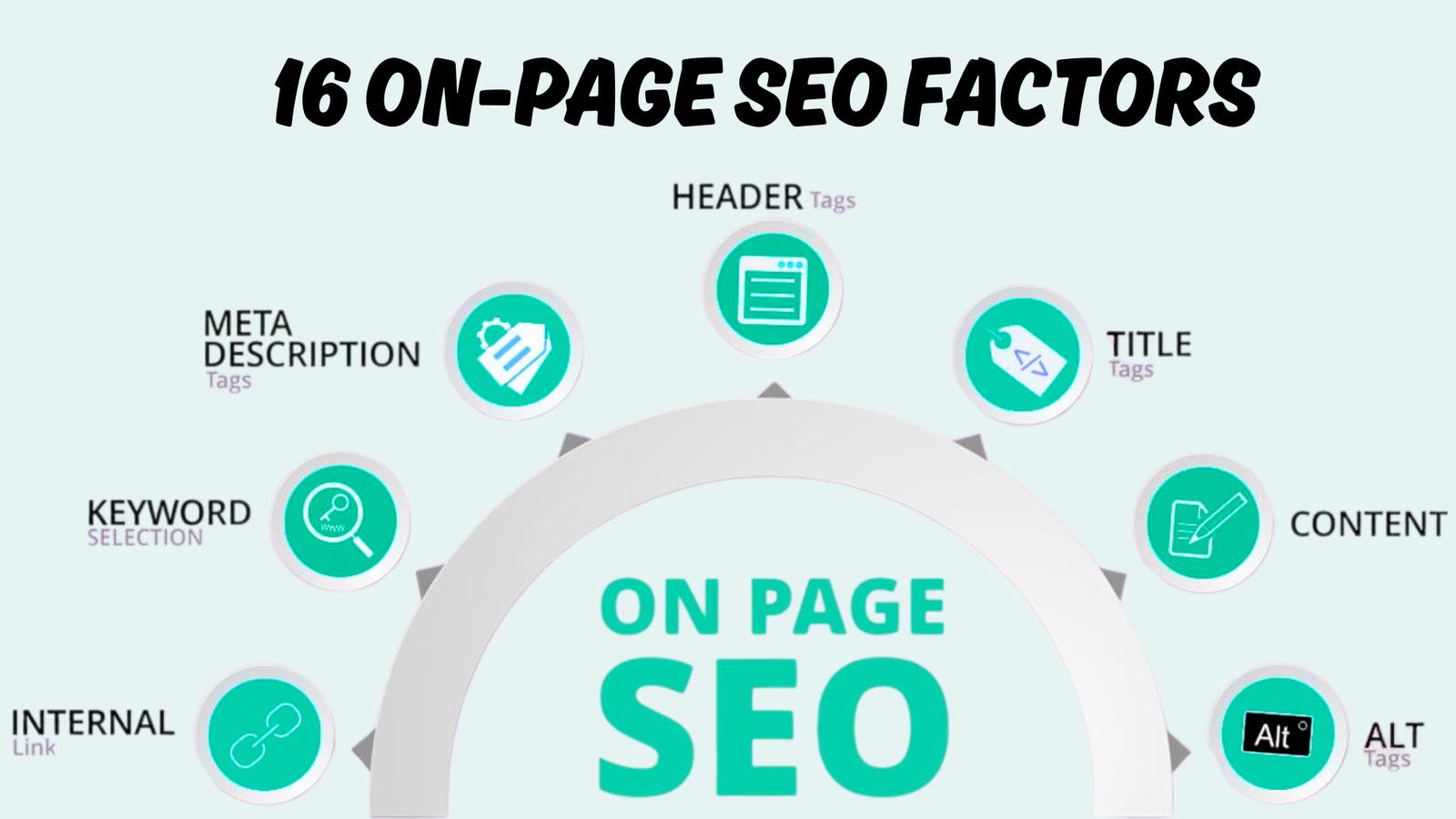
On-Page SEO
A WordPress content manager is not always a full SEO strategist. However, they should understand the on-page SEO requirements needed to publish content correctly.
Typical SEO tasks include:
- Adding the SEO title and meta description
- Creating a short, clean URL slug
- Using the primary keyword naturally in key areas
- Checking heading structure
- Adding internal links to relevant pages
- Checking external links when required
- Writing image alt text
- Adding FAQ schema or other approved schema through a plugin
- Making sure the correct page is set to index or noindex
- Reviewing canonical settings when an SEO specialist provides instructions
The role is not about stuffing keywords into every paragraph. It is about making each page clear, useful, properly structured, and easy for search engines to interpret.
Updating Existing Content
Publishing new content matters, but old content also needs attention. A WordPress content manager may update articles that are out of date, underperforming, or no longer accurate.
For example, they may replace old screenshots, update service pricing language, add new internal links, improve formatting, or remove discontinued products. They may also refresh title tags and descriptions based on recommendations from an SEO specialist.
This work helps a business maintain trust. It also prevents visitors from finding outdated offers, broken pages, incorrect information, or expired calls to action.
Regular Content Quality Checks
A final pre-publish check is one of the most valuable parts of the role. Even excellent writers can miss small details, and those details can make a website look unprofessional.
A WordPress Content Manager should check:
- Is the headline clear and correct?
- Does the URL slug match the page topic?
- Are headings in the correct order?
- Do all links work?
- Is the featured image showing correctly?
- Do images have useful alt text?
- Are the title tag and meta description added?
- Are there spelling, grammar, or formatting issues?
- Does the page look good on mobile?
- Are forms, buttons, and call-to-action links working?
- Has the right category, author, and publish date been selected?
This final checklist prevents common problems, such as a blog post going live with a broken button, an empty meta description, an incorrect image, or a heading that looks wrong on mobile.
Coordinating With Writers, Designers, Developers, and SEOs
Content publishing rarely happens in isolation. The WordPress content manager often works with writers, SEO specialists, designers, developers, and business owners.
They may request a missing image from a designer, ask a writer to clarify a section, get an internal-linking plan from an SEO, or flag a layout issue for a developer. Strong communication makes this role much more valuable.
A content manager should know when to handle a small issue and when to escalate it. For example, fixing a broken link is routine, while changing a custom template or resolving a plugin conflict may require a developer.
Daily WordPress Content Manager Tasks
The daily work of a WordPress Content Manager changes based on the business. A small local business may need a few updates each week, while an agency, publisher, SaaS company, or eCommerce brand may need content uploaded every day.
Below is a practical view of common WordPress content manager tasks.
| Daily Task | What It Involves | Why It Matters |
|---|---|---|
| Review publishing queue | Check drafts, briefs, approvals, and due dates | Keeps content moving without delays |
| Upload new content | Add blogs, pages, products, or resources to WordPress | Turns approved work into live website assets |
| Format content | Apply headings, lists, tables, links, images, and CTA blocks | Makes content readable and conversion-friendly |
| Optimize on-page SEO | Add metadata, slugs, internal links, alt text, and categories | Helps search engines understand the page |
| Check media assets | Upload, resize, compress, label, and place images | Improves page quality and performance |
| Perform QA | Test links, forms, layout, spelling, and mobile display | Prevents publishing errors |
| Schedule posts | Set future publishing dates and times | Supports a consistent content calendar |
| Update old pages | Refresh content, offers, links, and visuals | Keeps site information current |
| Monitor issues | Identify broken links, formatting errors, or page problems | Protects user experience |
| Report progress | Share published URLs, completed tasks, and blockers | Keeps the owner or marketing team informed |
An experienced WordPress VA usually works from a clear checklist. This is important because consistency matters more than speed alone.
For example, publishing a 2,500-word SEO article may take 30 to 90 minutes depending on the level of formatting, images, tables, internal links, and quality checks required. A simple text update may take only a few minutes.
WordPress Content Assistant vs WordPress VA vs Content Manager
Knowing the difference helps you hire the right person and avoid paying for skills you do not need.
| Role | Primary Focus | Typical Scope | Best For |
|---|---|---|---|
| WordPress Content Manager | Content strategy, publishing, and SEO oversight | Manages full content workflow and calendar | Sites publishing content regularly |
| WordPress Content Assistant | Supports the content manager with formatting and uploads | Narrower, task-based support | Businesses needing extra hands during busy periods |
| WordPress Virtual Assistant (VA) | General WordPress support, not just content | Content uploads plus light technical tasks | Owners who need broad support beyond content |
| WordPress Content Uploader | Publishing and formatting only | Focused strictly on getting content live | Sites with content already written, needing only upload support |
A WordPress content assistant is a good fit if you already have a writer, SEO plan, and content calendar. They can take repeatable publishing work off your plate.
A WordPress virtual assistant can be useful if your needs go beyond content uploading. For example, you may want help uploading products, responding to basic customer questions, updating inventory details, scheduling social posts, or organizing spreadsheets.
A WordPress Content Manager is the stronger choice when your website has multiple contributors, and you need someone to protect quality across every page. This person should understand your brand, content standards, SEO requirements, and approval process.
Skills To Look For When Hiring A WordPress Content Manager
Not every WordPress content manager brings the same skill set, so match the hire to your specific needs. Here are the core skills worth checking before you commit.
- Comfort with WordPress core and page builders like Elementor, Divi, or Gutenberg
- Working knowledge of SEO plugins such as Rank Math or Yoast SEO
- Basic HTML and CSS for fixing small formatting issues without a developer
- Familiarity with Google Search Console and Google Analytics for performance tracking
- Strong attention to detail for proofreading and quality checks
- Clear written communication for coordinating with your team
- Experience with WooCommerce if your site sells products
If SEO is a priority for your site, look for someone who understands search intent and keyword placement, not just formatting. A content manager who only uploads without optimizing leaves a lot of traffic on the table.
Questions to Ask Before Hiring a WordPress Content Manager
The right interview questions reveal whether the candidate understands content operations or only basic WordPress editing.
Ask questions such as:
- Which WordPress editors and page builders have you used?
- How do you check a post before publishing it?
- How do you handle internal linking for a new blog post?
- What steps do you take before uploading an image to WordPress?
- Which SEO plugins have you worked with?
- How do you check that a post looks good on mobile?
- What would you do if a page layout breaks after editing?
- How do you organize work when you have several posts due on the same day?
- Can you share examples of sites or articles you have uploaded?
- How do you prefer to receive content briefs and publishing instructions?
- What type of WordPress tasks should be handled by a developer instead?
- How to provide daily content updates?
- How do you protect a client site when working as a contractor?
The last question is important. A professional should support least-privilege access, use secure passwords or access methods, avoid unnecessary administrator permissions, and keep client information confidential.
How To Hire The Right WordPress Content Manager
Hiring the right person comes down to a clear process, not luck. Follow these steps to avoid a bad hire and find someone who actually knows WordPress.
- List your exact tasks first. Write down every recurring task you want handled, from publishing to SEO checks, before writing your job post.
- Choose your hiring model. Decide between a freelancer for project work, a VA for ongoing support, or a full-time hire if your content volume is high.
- Write a clear job description. Include the tools you use, like Elementor, Rank Math, or WooCommerce, and the exact scope of work expected.
- Ask for real examples. Request links to WordPress sites they’ve managed or a short video walking through how they format and publish a post.
- Assign a paid trial task. Give them a small, real task like publishing a formatted post with proper SEO settings, and review the output closely.
- Check communication style early. Ask how they handle unclear instructions and how quickly they respond, since this predicts how the working relationship will go.
- Set up clear SOPs before onboarding. Record how you want tasks done and store login credentials securely before handing over access.
Skipping the trial task is the most common mistake site owners make. A resume looks good on paper, but only a real task shows you how someone actually works inside WordPress.
Get Reliable WordPress Content Management Support Without Hassle
Hiring the right WordPress Content Manager gives you more than help with uploading articles. It gives you a dependable process for publishing content regularly and accurately, keeping pages updated, protecting your brand standards, and making every post more useful for visitors and search engines.
Whether you need a WordPress content uploader for regular articles, a WordPress content assistant for everyday updates, or a skilled WordPress VA to support a growing website, the best hire is someone who follows a proven workflow, pays attention to details, and understands SEO basics.
At SEOVisibility, Khalid Hussain is a freelance SEO expert and WordPress content manager with 15+ years of hands-on experience helping 999+ businesses, agencies, and eCommerce stores grow online. If you need accurate content uploads, SEO-ready formatting, content updates, internal linking, and dependable WordPress support,


![How Much Does an SEO Expert Cost in 2026 [SEO Pricing]](https://seovisibility.co/wp-content/uploads/2026/01/how-much-does-an-seo-expert-cost.png)

![SEO Copywriting Checklist [Easy to Follow Guidelines]](https://seovisibility.co/wp-content/uploads/2026/01/seo-copywriting-checklist.png)