The best SEO tools in 2026 include Ahrefs, Semrush, Screaming Frog, Google Search Console, Surfer SEO, and Yoast SEO, each covering a different part of the SEO process, from keyword research and technical audits to content optimization and local rankings.
This guide breaks down 49 SEO tools across six categories: research and rank tracking, technical SEO, content and AEO/GEO, local SEO, on-page SEO, and learning resources. Each entry covers what the tool does, who it’s best for, its pricing, and its limitations, so you can build a stack that actually fits your budget and workflow.
How to Choose the Right SEO Tools
Choose tools by the decision they help you make, not by how many features appear on a sales page. A freelancer who needs client-ready rank reports has different needs from a publisher updating 500 articles or a local plumber managing three service areas.
Use this simple buying checklist before starting a trial:
- Confirm the tool covers your market and search engine, especially if you target a specific U.S. city or sell internationally.
- Check hard limits on projects, tracked keywords, crawl credits, reports, users, exports, and AI writing credits.
- Export a small sample report during the trial, because a dashboard is only useful if you can turn it into an action plan.
- Compare its keyword and backlink data against Search Console and your real competitors instead of treating any third-party metric as absolute truth.
- Avoid paying for overlapping suites until a client, team, or workflow genuinely needs the extra data.
Research And Rank Tracking Tools
These SEO tools help you find keywords, track rankings, and understand what your competitors are doing. They form the foundation of almost every SEO campaign.
Ahrefs
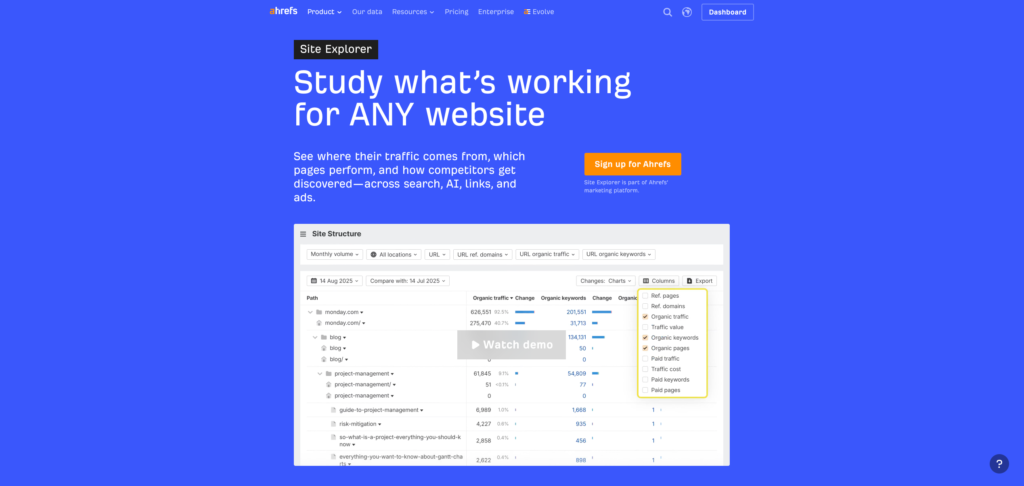
Ahrefs is one of the most complete SEO platforms on the market, combining backlink analysis, keyword research, rank tracking, and site auditing in one dashboard.
Best for: Backlink analysis and competitive keyword research.
Uses: Freelancers use Ahrefs to audit client sites, track keyword rankings, spy on competitor backlinks, and find content gaps.
Benefits: Its backlink index is one of the largest in the industry, and the Site Explorer feature saves hours of manual competitor research.
Pricing: Plans range from $29/month (Starter) to $129/month (Lite), $249/month (Standard), and $449/month (Advanced), with Enterprise pricing starting around $1,499/month.
Limitations: Report credits and crawl limits run out fast on lower tiers, and the price jump between plans is steep for freelancers.
Best alternative: Semrush offers similar depth at a comparable price point.
Semrush
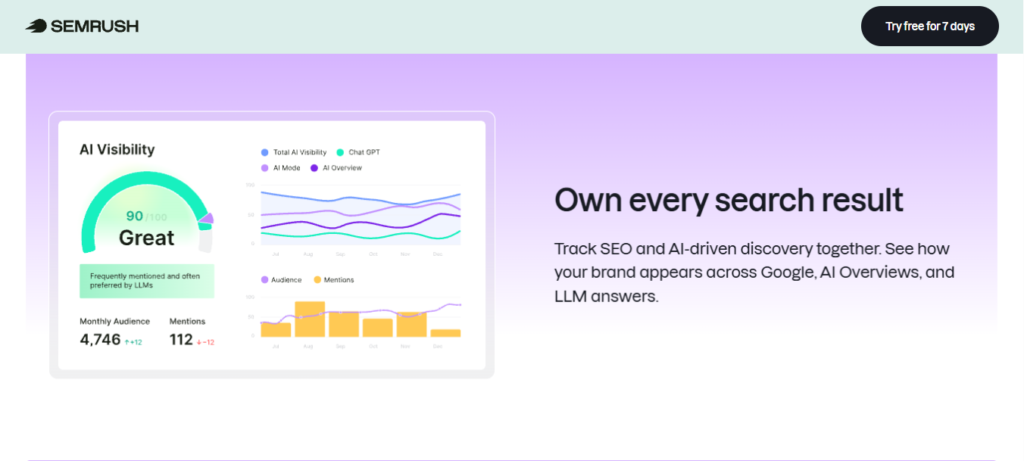
Semrush is an all-in-one marketing toolkit covering SEO, PPC, content marketing, and social media tracking.
Best for: Competitive research and content marketing.
Uses: SEO specialists use Semrush for keyword gap analysis, site audits, position tracking, and content optimization suggestions.
Benefits: The Content Marketing Toolkit and Traffic Analytics features give you a fuller picture of a competitor’s strategy than most tools.
Pricing: Pro starts at $139.95/month, Guru at $249.95/month, and Business at $499.95/month, with a limited free plan also available.
Limitations: The interface can feel overwhelming for beginners, and historical data is locked behind the Guru plan and above.
Best alternative: Ahrefs for stronger backlink data at a similar price.
Moz
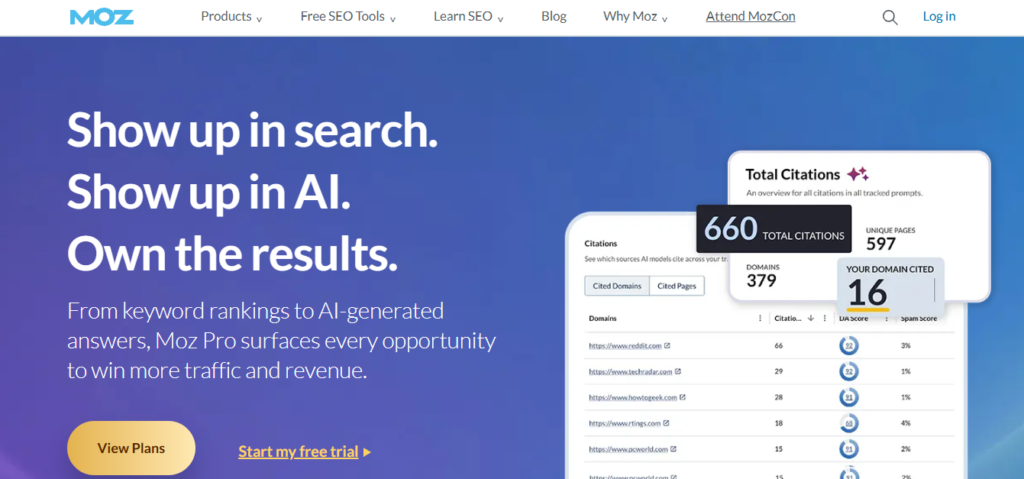
Moz Pro is a long-standing SEO suite known for its Domain Authority metric and beginner-friendly interface.
Best for: Rank tracking and on-page optimization for smaller sites.
Uses: Freelancers use Moz Pro for keyword research, site crawls, and tracking Domain Authority changes over time.
Benefits: The learning curve is gentler than Ahrefs or Semrush, making it a solid pick for people newer to SEO.
Pricing: Plans start at $49/month (Starter) and go up to $299/month (Large), with annual billing dropping the entry price to $39/month.
Limitations: Its keyword database and backlink index are smaller than Ahrefs or Semrush.
Best alternative: Ubersuggest for a cheaper entry point with similar core features.
Ubersuggest
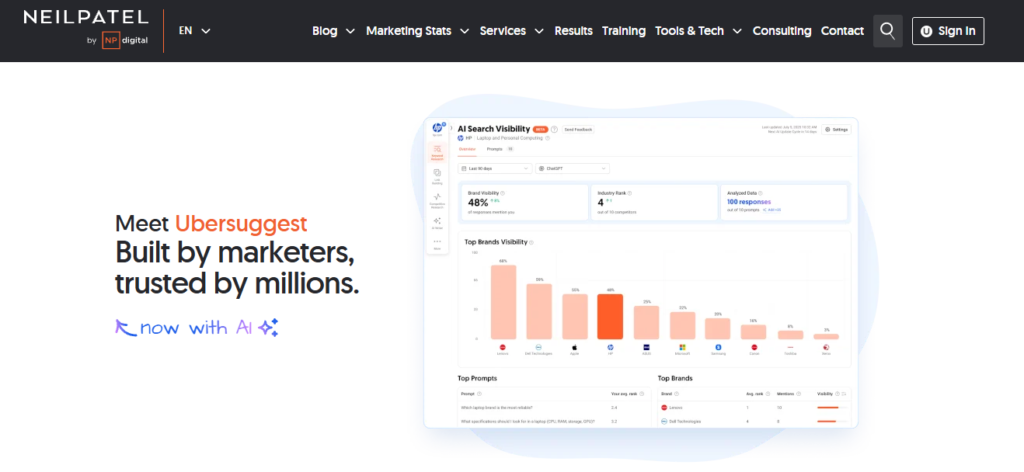
Ubersuggest, created by Neil Patel, is a budget SEO tool for keyword research, content ideas, and basic site audits.
Best for: Beginners and solo bloggers on a tight budget.
Uses: Content creators use it to find keyword ideas, check search volume, and run quick site audits.
Benefits: It’s one of the cheapest full-featured SEO tools available, making it accessible for new freelancers.
Pricing: Plans start at $12/month (Individual) or higher tiers at $29 and $99/month depending on the plan structure, with a lifetime one-time payment option also available.
Limitations: Data accuracy and depth lag behind Ahrefs, Semrush, and Moz.
Best alternative: Mangools KWFinder for similarly affordable keyword research with better data.
SE Ranking
SE Ranking is a full SEO platform offering rank tracking, site audits, and now AI search visibility tracking.
Best for: Agencies that need white-label reporting.
Uses: Agencies use SE Ranking to manage multiple client projects, track keyword positions, and generate branded reports.
Benefits: The white-label features and flat pricing model make client reporting simple without extra software.
Pricing: Core starts at $103.20/month billed annually ($129 monthly), and Growth is $223.20/month annually ($279 monthly), with custom Enterprise pricing above that.
Limitations: Some advanced features, like AI Search tracking, cost extra on top of the base plan.
Best alternative: Serpstat for a similar feature set at a lower entry price.
Serpstat
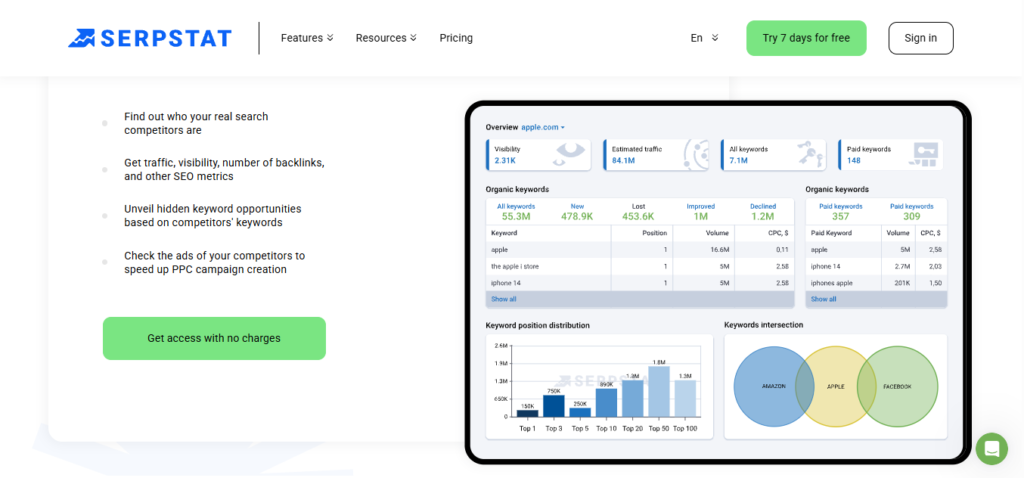
Serpstat combines keyword research, rank tracking, backlink analysis, and site audits into one affordable package.
Best for: Freelancers who want an all-in-one tool without enterprise pricing.
Uses: SEO consultants use Serpstat for keyword clustering, competitor gap analysis, and technical audits.
Benefits: It’s noticeably cheaper than Ahrefs or Semrush while covering most of the same core functions.
Pricing: Individual starts at $50/month, Team at $100/month, Team x2 at $169/month, and Agency at $410/month.
Limitations: The interface isn’t as polished as the bigger platforms, and daily search limits can feel tight on the entry plan.
Best alternative: SE Ranking for stronger white-label reporting.
Mangools (KWFinder)
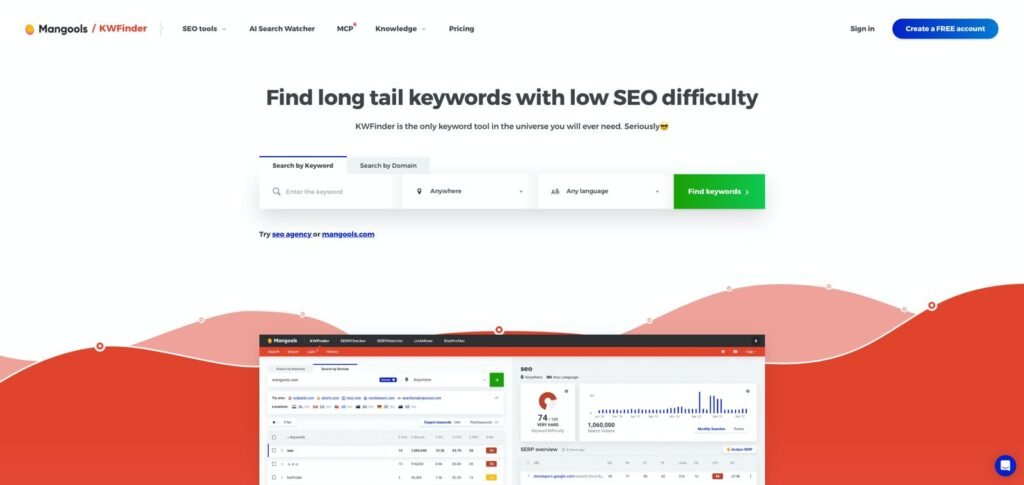
Mangools is a suite of five SEO tools built around KWFinder, its keyword research tool known for finding low-competition, long-tail keywords.
Best for: Long-tail keyword research on a budget.
Uses: Bloggers and small businesses use KWFinder to find keyword opportunities competitors are missing.
Benefits: The clean interface makes keyword research approachable for people who find Ahrefs or Semrush intimidating.
Pricing: Plans start around $18.90 to $29.90/month on the annual Entry or Basic tier, scaling up to $89.90/month for Agency.
Limitations: The keyword database is smaller than Ahrefs, and daily search limits apply on lower tiers.
Best alternative: Ubersuggest for a similarly priced alternative with site audit features included.
SpyFu
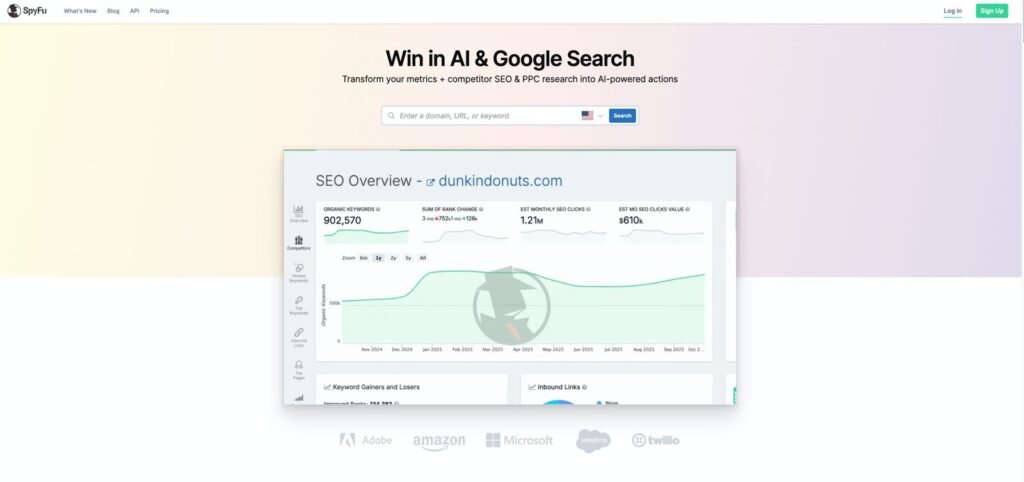
SpyFu specializes in competitor research, showing you a competitor’s organic keywords and Google Ads history going back years.
Best for: Competitor PPC and SEO keyword research.
Uses: Marketers use SpyFu to reverse-engineer competitor ad campaigns and find keyword gaps.
Benefits: Its historical Google Ads data goes back further than most competitors, which helps with long-term trend analysis.
Pricing: Basic starts at $39/month ($29 annually), Pro + AI at $119/month ($89 annually), and Team/Agency at $249/month ($187 annually).
Limitations: Keyword tracking is unavailable on the entry Basic plan.
Best alternative: Semrush for broader SEO features beyond competitor research.
Majestic
Majestic is a backlink analysis tool known for its Trust Flow and Citation Flow metrics.
Best for: Link building and backlink audits.
Uses: SEO specialists use Majestic to evaluate link quality before outreach and audit a site’s existing backlink profile.
Benefits: Its historic index covers a massive volume of backlink data, useful for tracking link changes over years.
Pricing: Lite starts at $49.99/month, Pro at $99.99/month, and API access at $399.99/month.
Limitations: It only covers backlinks, so you’ll need a separate tool for keyword research and site audits.
Best alternative: Ahrefs for combined backlink and keyword data in one subscription.
SimilarWeb
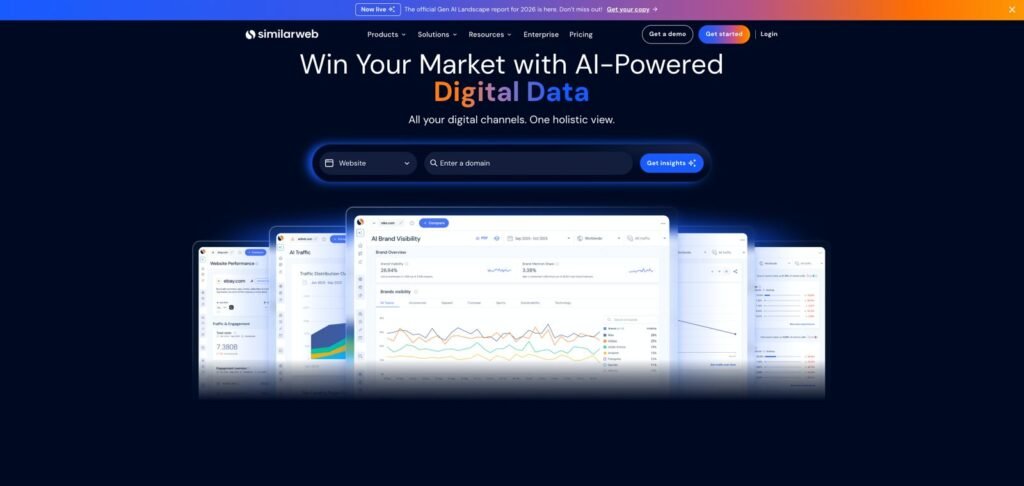
SimilarWeb provides traffic estimates, market intelligence, and competitor benchmarking across websites and apps.
Best for: Competitive traffic analysis and market research.
Uses: Marketers use SimilarWeb to estimate a competitor’s monthly traffic, top channels, and audience overlap.
Benefits: It’s one of the only tools that gives estimated traffic numbers for sites you don’t own, useful for market sizing.
Pricing: The Starter plan costs $199/month ($125/month billed annually), scaling to $399 and $649/month for higher tiers, with Team and Business plans starting at $14,000/year.
Limitations: Traffic estimates are directional, not exact, and the higher tiers get expensive fast.
Best alternative: Ubersuggest’s traffic analyzer for a cheaper, rougher estimate.
Here’s a quick comparison of the research and rank tracking tools covered above:
| Tool | Best For | Starting Price |
|---|---|---|
| Ahrefs | Backlink analysis | $29/mo |
| Semrush | Competitive research | $139.95/mo |
| Moz | Beginner-friendly SEO | $49/mo |
| Ubersuggest | Budget keyword research | $12/mo |
| SE Ranking | Agency white-label reports | $103.20/mo |
| Serpstat | All-in-one budget suite | $50/mo |
| Mangools | Long-tail keywords | $18.90/mo |
| SpyFu | Competitor PPC research | $39/mo |
| Majestic | Link building | $49.99/mo |
| SimilarWeb | Traffic estimation | $125/mo |
Technical SEO Tools
Technical SEO tools crawl your site to find broken links, slow pages, indexing errors, and other issues that hurt rankings before a single word of content matters.
Screaming Frog
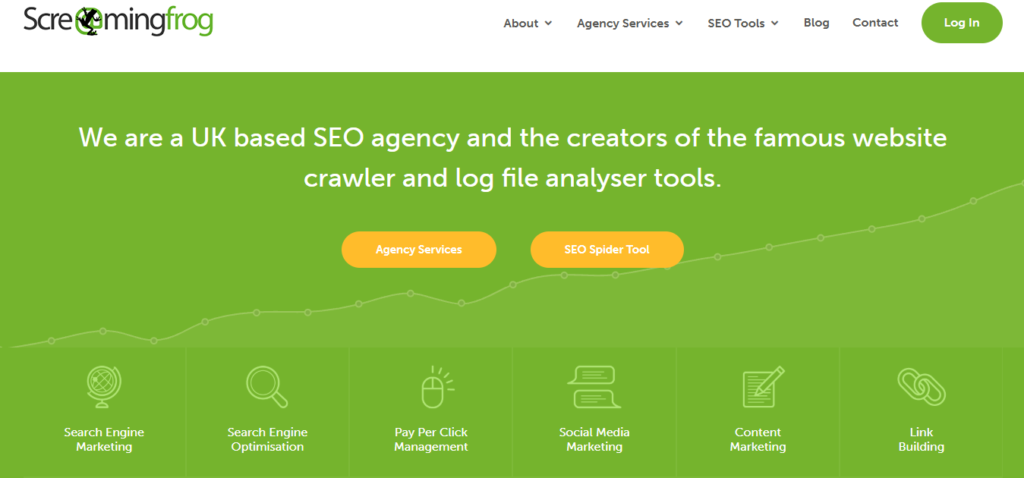
Screaming Frog SEO Spider is a desktop crawler that scans websites for broken links, duplicate content, redirect chains, and other technical issues.
Best for: Deep technical site audits.
Uses: SEO specialists use it to crawl entire websites, extract metadata, and identify crawl errors before a site migration.
Benefits: The one-time annual fee is far cheaper than most cloud-based auditing tools, and it runs unlimited crawls once purchased.
Pricing: Free for crawls up to 500 URLs, and $279/year for unlimited crawling with full features.
Limitations: It’s desktop-only, with no cloud collaboration or scheduling unless you build workarounds.
Best alternative: Sitebulb for a more visual, guided audit experience.
Sitebulb
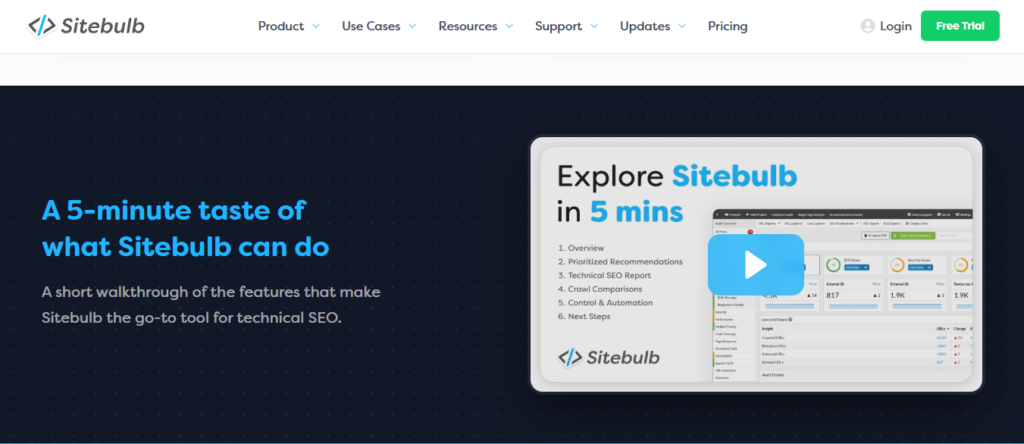
Sitebulb is a technical SEO crawler that pairs deep crawling with prioritized recommendations, called Hints, that explain what to fix and why.
Best for: Guided technical audits with clear priorities.
Uses: Agencies use Sitebulb to produce client-ready audit reports with visual crawl maps.
Benefits: The Hints system makes it easier for less technical team members to understand what issues need fixing first.
Pricing: Desktop Lite starts around $13.50/month, Pro around $35/month, and Cloud plans from $245/month.
Limitations: Cloud plans get expensive quickly for larger crawl volumes.
Best alternative: Screaming Frog for a cheaper, more configurable desktop option.
Google Search Console
Google Search Console is Google’s free tool for monitoring how your site performs in search results, including indexing status, click data, and manual penalties.
Best for: Monitoring organic search performance directly from Google.
Uses: Every SEO professional uses GSC to check indexing issues, submit sitemaps, and review which queries drive clicks.
Benefits: It’s the only tool that shows data straight from Google, making it essential even if you use paid tools alongside it.
Pricing: Free
Limitations: Data is limited to 16 months of history, and keyword data gets grouped for privacy reasons, hiding some query details.
Best alternative: Bing Webmaster Tools for a similar free option covering Bing’s search engine.
Bing Webmaster Tools
Bing Webmaster Tools mirrors Google Search Console but for Bing’s search index, giving you crawl stats, keyword data, and site health reports.
Best for: Monitoring Bing search performance.
Uses: SEO specialists submit sitemaps and check for crawl errors specific to Bing.
Benefits: Bing still drives meaningful traffic for many niches, and this tool is free to use.
Pricing: Free
Limitations: Bing’s market share is smaller than Google’s, so insights carry less weight for most websites.
Best alternative: Google Search Console for the larger search engine’s equivalent data.
PageSpeed Insights
PageSpeed Insights is Google’s free tool for measuring page load speed and Core Web Vitals scores.
Best for: Checking page speed and Core Web Vitals.
Uses: Developers and SEO specialists use it to diagnose slow-loading pages before Google penalizes rankings.
Benefits: It pulls real-world Chrome User Experience data alongside lab test results, giving a fuller performance picture.
Pricing: Free
Limitations: It only tests one URL at a time, so auditing an entire site takes manual effort or a separate crawler.
Best alternative: GTmetrix for more detailed waterfall charts and historical tracking.
GTmetrix
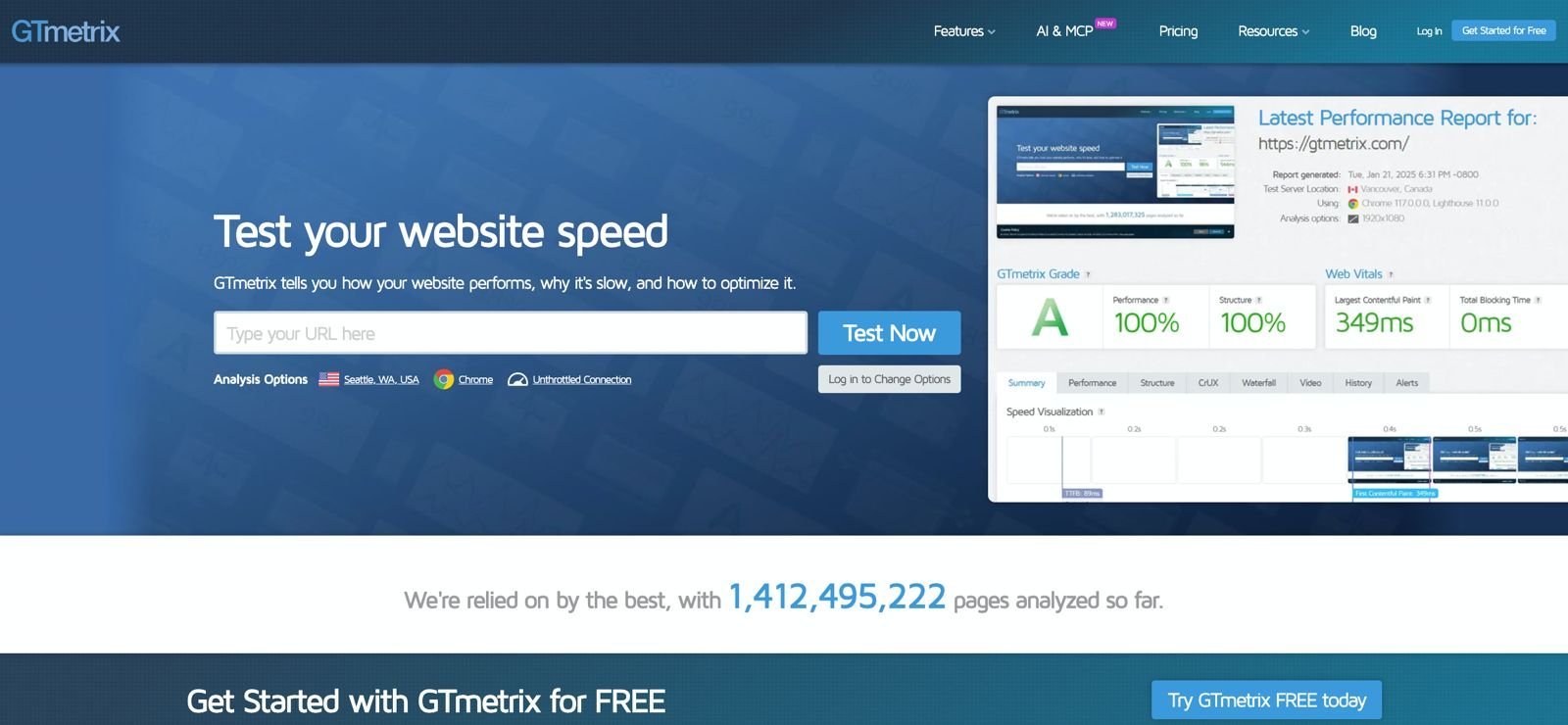
GTmetrix measures site speed performance and gives detailed waterfall charts showing exactly what’s slowing a page down.
Best for: Detailed page speed diagnostics.
Uses: Developers use GTmetrix to pinpoint which scripts or images are causing slow load times.
Benefits: The historical monitoring feature tracks speed changes over time, useful after site updates.
Pricing: A free plan is available, with paid plans starting around $5 to $11/month and scaling up to $425/month for Enterprise.
Limitations: Free plan data retention is short, and advanced monitoring requires a paid upgrade.
Best alternative: PageSpeed Insights for a free, Google-native alternative.
Google’s Rich Results Test
This free tool checks whether your structured data qualifies for rich results, like star ratings or FAQ dropdowns, in Google Search.
Best for: Validating schema markup before publishing.
Uses: SEO specialists test product pages, articles, and FAQ sections to confirm schema is correctly implemented.
Benefits: It catches schema errors before they cost you visibility in search results.
Pricing: Free
Limitations: It only checks a handful of rich result types, not every schema type Google supports.
Best alternative: Schema.org’s validator for broader markup checks.
Schema.org
Schema.org is the official reference site for structured data vocabulary used across search engines.
Best for: Looking up correct schema markup syntax.
Uses: Developers and SEO specialists reference Schema.org when building product, article, or local business schema.
Benefits: It’s the authoritative source, so you’re always working from accurate, up-to-date markup definitions.
Pricing: Free
Limitations: It’s a reference site, not a testing tool, so you still need something like Rich Results Test to validate your markup.
Best alternative: Google’s Rich Results Test for hands-on validation.
Botify
Botify is an enterprise-grade technical SEO platform that combines log file analysis, crawling, and content performance data for large websites.
Best for: Enterprise technical SEO at scale.
Uses: Large eCommerce and publisher sites use Botify to analyze crawl budget and indexation across millions of pages.
Benefits: Log file analysis reveals exactly how Googlebot crawls your site, data most tools can’t provide.
Pricing: Custom, quote-based pricing for enterprise clients.
Limitations: It’s built for large sites, so the cost and complexity don’t make sense for freelancers or small businesses.
Best alternative: Lumar for a comparable enterprise crawler.
Lumar (formerly DeepCrawl)
Lumar is a cloud-based enterprise crawler built for auditing massive websites and monitoring technical SEO health continuously.
Best for: Continuous technical SEO monitoring for large sites.
Uses: Enterprise SEO teams use Lumar to track crawl budget, JavaScript rendering issues, and site health trends over time.
Benefits: Scheduled crawls and alerts catch technical regressions before they tank rankings.
Pricing: Custom, quote-based pricing.
Limitations: Like Botify, it’s priced and built for enterprise use, not solo freelancers.
Best alternative: Screaming Frog for smaller-scale crawling at a fraction of the cost.
Here’s how the technical SEO tools stack up on pricing and use case:
| Tool | Best For | Starting Price |
|---|---|---|
| Screaming Frog | Deep site crawls | Free / $279/yr |
| Sitebulb | Guided audits | $13.50/mo |
| Google Search Console | Google performance data | Free |
| Bing Webmaster Tools | Bing performance data | Free |
| PageSpeed Insights | Page speed testing | Free |
| GTmetrix | Speed diagnostics | Free / $5/mo |
| Rich Results Test | Schema validation | Free |
| Schema.org | Schema reference | Free |
| Botify | Enterprise crawl analysis | Custom |
| Lumar | Enterprise monitoring | Custom |
Content And AEO/GEO Tools
These tools help you research topics, optimize content for rankings, and increasingly, get cited by AI search engines like ChatGPT and Google AI Overviews.
AnswerThePublic
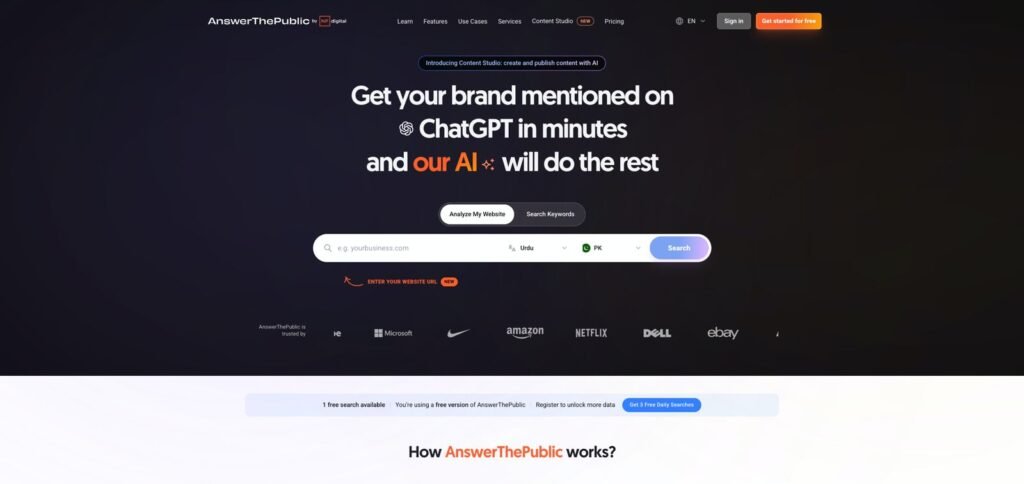
AnswerThePublic visualizes real search queries and questions people type into Google around a given keyword.
Best for: Finding content ideas based on real questions.
Uses: Content writers use it to build FAQ sections and blog outlines around actual search behavior.
Benefits: The visual format makes it easy to spot content gaps and question-based keywords fast.
Pricing: A limited free search is available, with paid plans typically starting around $9 to $99/month depending on the tier.
Limitations: Free searches are capped per day, and the data can feel repetitive for very niche topics.
Best alternative: AlsoAsked for a similar question-mining approach.
AlsoAsked
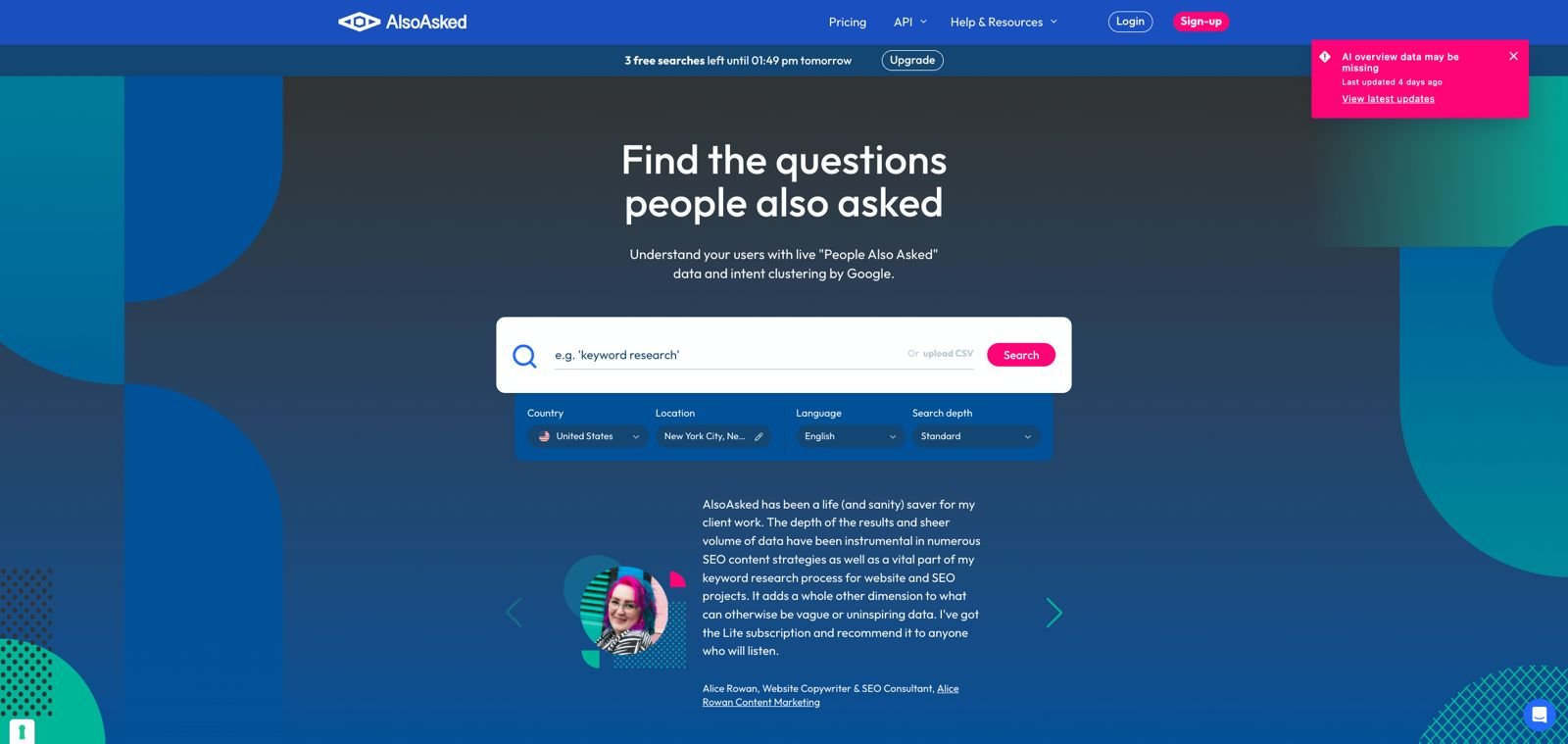
AlsoAsked pulls “People Also Ask” data from Google to show related questions people search alongside your target keyword.
Best for: Mapping out related questions for content structure.
Uses: Writers use AlsoAsked to build comprehensive articles that answer every related question a searcher might have.
Benefits: It shows how questions branch into deeper follow-up questions, which is great for topic clusters.
Pricing: A free tier with limited searches is available, with paid plans starting around $15/month.
Limitations: Data depth is thinner for very low-search-volume topics.
Best alternative: AnswerThePublic for a broader keyword-question mix.
Surfer SEO

Surfer SEO analyzes top-ranking pages for a keyword and gives content optimization scores based on word count, keyword usage, and structure.
Best for: On-page content optimization.
Uses: Content teams use Surfer to optimize drafts before publishing and audit existing content for gaps.
Benefits: The Content Editor gives real-time feedback while you write, which speeds up the editing process significantly.
Pricing: Plans start around $49/month (Discovery) and scale to $99, $219, and $359/month depending on tier and billing cycle, with Enterprise starting at $999/month.
Limitations: Document credits run out fast for teams publishing at high volume.
Best alternative: Frase for a similar content scoring feature at a lower entry price.
Clearscope
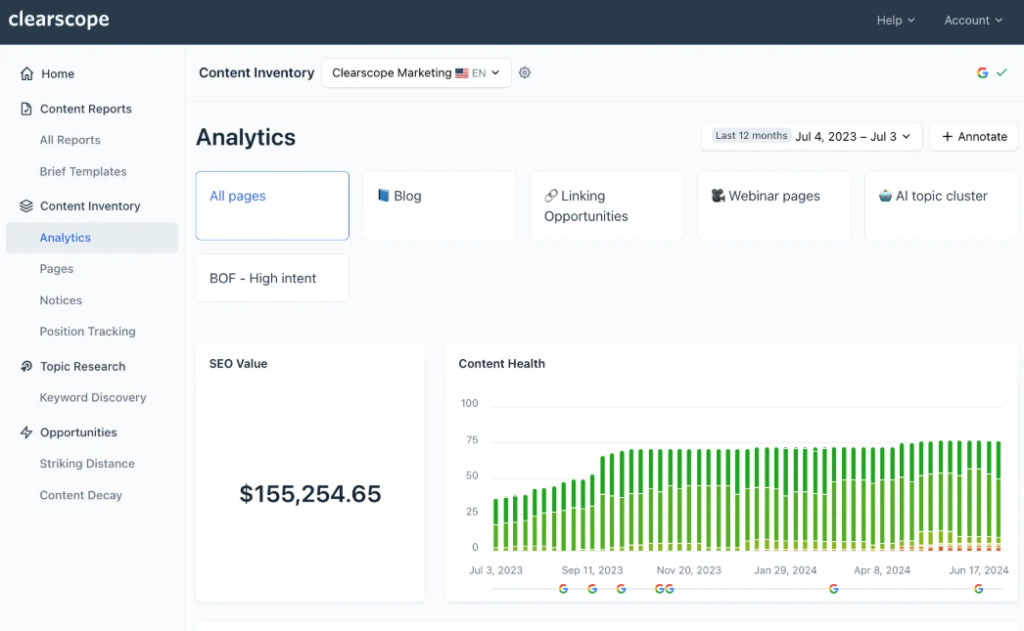
Clearscope grades content against top-ranking competitors and provides keyword recommendations to improve topical relevance.
Best for: Content grading against top search results.
Uses: Content teams use Clearscope reports to guide writers on which terms to include for topical depth.
Benefits: Its content grading interface is clean and easy for writers who aren’t SEO experts to follow.
Pricing: Essentials starts at $129/month, and Business is $399/month, with custom Enterprise pricing above that.
Limitations: It’s one of the pricier content tools, and overage fees for extra pages add up fast.
Best alternative: Surfer SEO for similar functionality with a lower entry price.
Frase
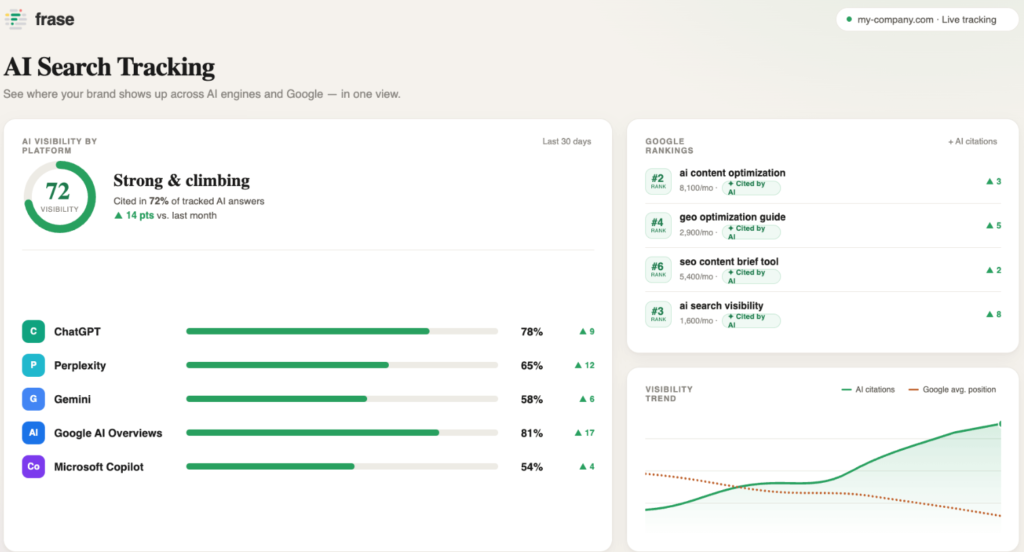
Frase combines content briefs, SERP analysis, and an AI writing assistant to help teams plan and optimize content faster.
Best for: Content briefs and outline generation.
Uses: Freelance writers use Frase to build content briefs quickly by pulling data from top-ranking competitor pages.
Benefits: The brief generation feature saves significant research time compared to manually reviewing competitor articles.
Pricing: Starter begins at $49/month ($39 annually), Professional at $129/month ($103 annually), and Scale at $299/month ($239 annually).
Limitations: Article credits are limited per plan, and overage charges apply once you exceed them.
Best alternative: Surfer SEO for stronger content scoring depth.
MarketMuse
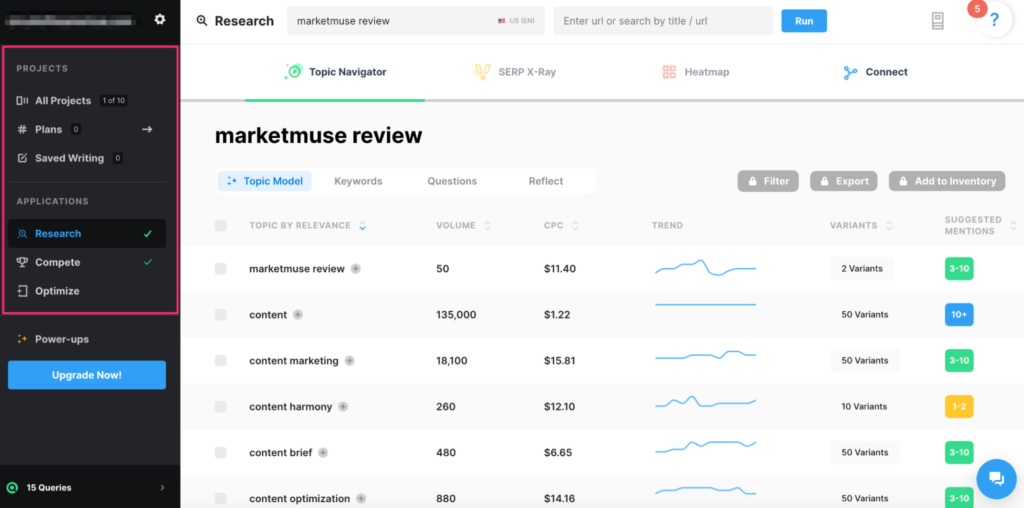
MarketMuse uses AI to analyze your content inventory and recommend topics, briefs, and content gaps based on topical authority modeling.
Best for: Content strategy and topical authority planning.
Uses: Content strategists use MarketMuse to plan multi-article content clusters and identify where a site lacks topical depth.
Benefits: The topic modeling goes deeper than most competitors, which helps larger sites plan content at scale.
Pricing: A free plan exists with limited queries, and paid plans historically start around $99/month (Optimize), scaling to $249 and $499/month, though current pricing is largely quote-based.
Limitations: Pricing transparency has decreased recently, and you often need to contact sales for a quote.
Best alternative: Frase for a more affordable, self-serve alternative.
Google Trends
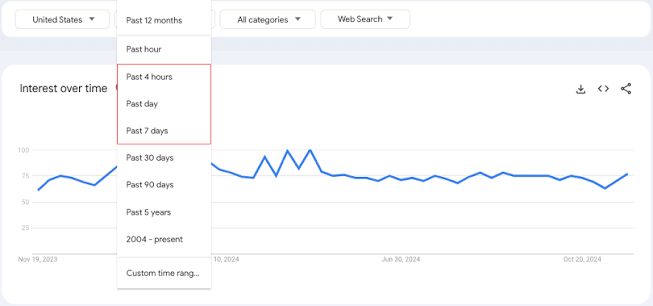
Google Trends shows the relative popularity of search terms over time, letting you spot rising or seasonal keyword trends.
Best for: Identifying seasonal and trending topics.
Uses: Content planners use Google Trends to time content around seasonal spikes or catch emerging topics early.
Benefits: It’s completely free and pulls data directly from Google’s own search index.
Pricing: Free
Limitations: It shows relative popularity, not actual search volume numbers, so it works best alongside a keyword tool.
Best alternative: Ahrefs’ keyword tool for actual volume data alongside trend direction.
Grammarly
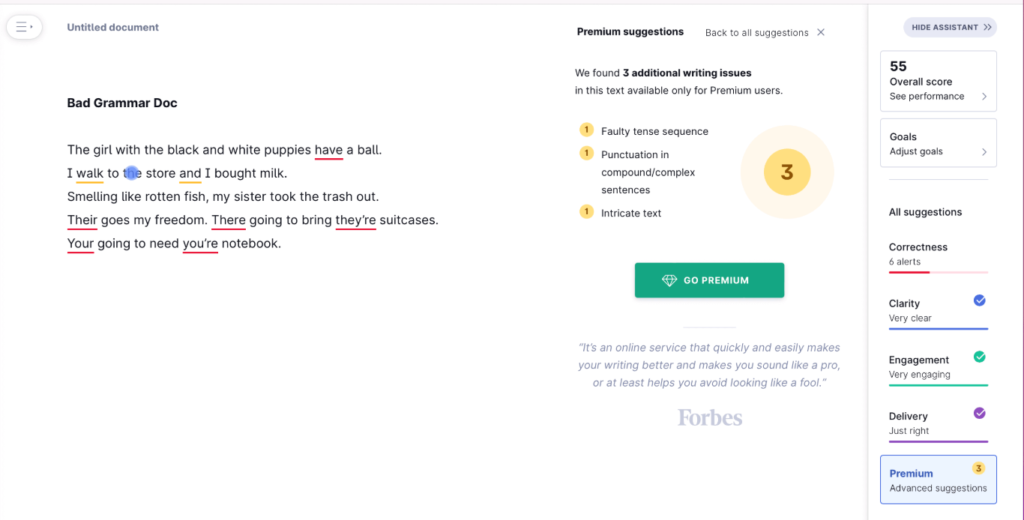
Grammarly checks writing for grammar, clarity, tone, and plagiarism across browsers, documents, and apps.
Best for: Grammar and clarity checks before publishing.
Uses: Writers use Grammarly to catch typos and awkward phrasing before content goes live.
Benefits: The browser extension works across almost every writing tool, from Google Docs to WordPress.
Pricing: A free version is available, with Premium plans typically starting around $12/month billed annually.
Limitations: Grammar suggestions occasionally miss context-specific nuance, especially in technical or industry-specific writing.
Best alternative: Hemingway App for a simpler, readability-focused check.
Hemingway App
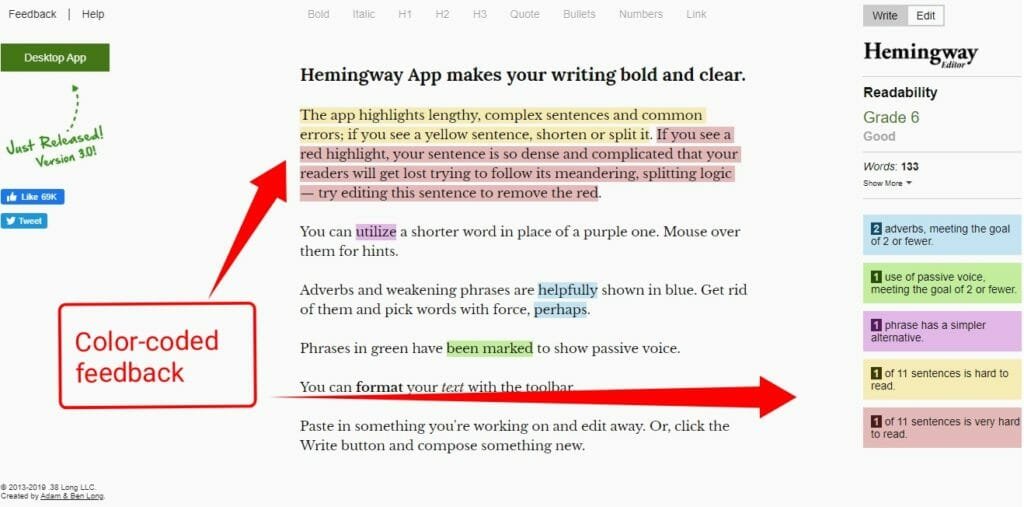
Hemingway App analyzes writing for readability, flagging complex sentences, passive voice, and unnecessary adverbs.
Best for: Simplifying sentence structure and readability.
Uses: Writers run drafts through Hemingway to catch overly complex sentences before publishing.
Benefits: It’s fast, free, and forces you to write in a clearer, more direct style.
Pricing: Free for the web version, with a one-time desktop app purchase available.
Limitations: It doesn’t check grammar or spelling as thoroughly as Grammarly.
Best alternative: Grammarly for a more complete writing check.
Copyscape
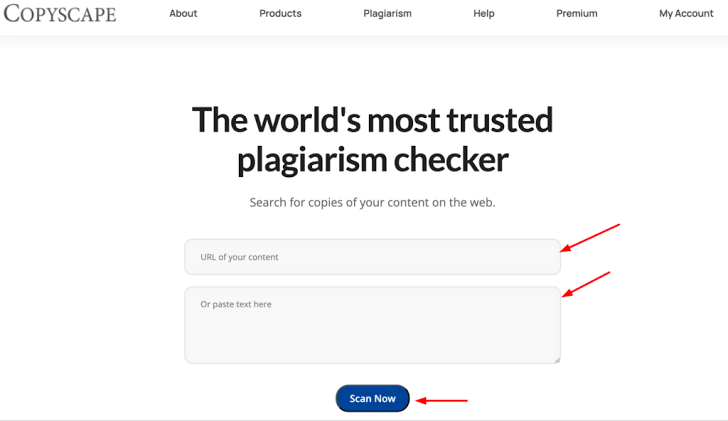
Copyscape checks content against the web to detect plagiarism and duplicate content issues.
Best for: Plagiarism detection before publishing.
Uses: Content managers use Copyscape to verify freelance writers haven’t submitted copied content.
Benefits: It catches duplication other tools miss, protecting your site from potential Google penalties tied to duplicate content.
Pricing: Pay-as-you-go checks start at around 3 to 5 cents per search, with Premium plans for larger volume needs.
Limitations: It only flags matches against publicly indexed content, so private or gated duplicate content can slip through.
Best alternative: Grammarly’s plagiarism checker for a bundled option.
The table below summarizes the content and AEO/GEO tools:
| Tool | Best For | Starting Price |
|---|---|---|
| AnswerThePublic | Question-based ideas | Free / $9/mo |
| AlsoAsked | Related question mapping | Free / $15/mo |
| Surfer SEO | Content optimization | $49/mo |
| Clearscope | Content grading | $129/mo |
| Frase | Content briefs | $49/mo |
| MarketMuse | Topical authority planning | $99/mo |
| Google Trends | Trend spotting | Free |
| Grammarly | Grammar checking | Free / $12/mo |
| Hemingway App | Readability | Free |
| Copyscape | Plagiarism checks | Pay-as-you-go |
Local SEO Tools
If you run or manage a local business site, these SEO tools help you manage listings, reviews, and local search visibility.
Google Business Profile
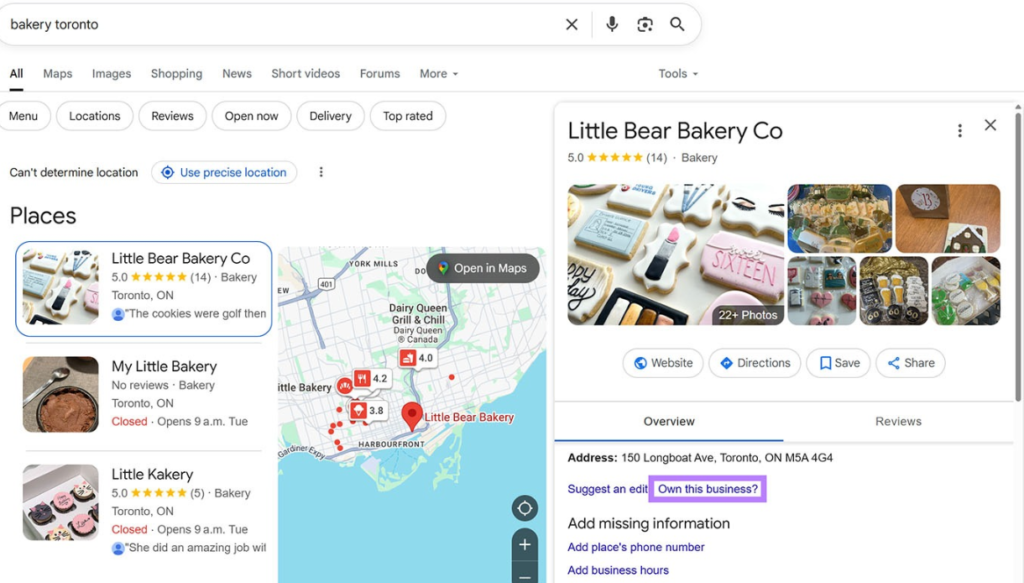
Google Business Profile is Google’s free tool for managing how your business appears in local search results and Google Maps.
Best for: Managing your core local search presence.
Uses: Local businesses use it to post updates, respond to reviews, and keep hours and contact details accurate.
Benefits: It directly controls how your business shows up in Google’s local pack, making it non-negotiable for local SEO.
Pricing: Free
Limitations: It only manages your Google presence, not other directories like Bing Places or Apple Maps.
Best alternative: Yext for managing listings across multiple platforms at once.
BrightLocal
BrightLocal is a local SEO platform offering rank tracking, citation audits, and review management for multi-location businesses.
Best for: Local rank tracking and citation management.
Uses: Agencies use BrightLocal to track local keyword rankings across multiple locations and monitor citation consistency.
Benefits: The reporting tools make it easy to show clients exactly how local rankings are improving over time.
Pricing: Plans start at $39/month (Track) for one location, scaling based on location count up to $449/month or more for larger portfolios.
Limitations: Review management features are locked behind the higher-priced Grow plan.
Best alternative: Whitespark for a more affordable citation-focused alternative.
Whitespark
Whitespark specializes in local citation building and local rank tracking for small businesses.
Best for: Building and cleaning up local citations.
Uses: Local SEO specialists use Whitespark to find and correct inconsistent business listings across directories.
Benefits: Its citation-building service handles manual outreach that would otherwise take hours per client.
Pricing: Plans start around $29/month for rank tracking, scaling up depending on features needed.
Limitations: The interface feels dated compared to newer local SEO platforms.
Best alternative: BrightLocal for a more complete local SEO suite.
Local Falcon
Local Falcon uses geo-grid scanning to show exactly how your business ranks in Google Maps across different points on a map.
Best for: Visualizing local ranking variance across geography.
Uses: Local SEO specialists use it to spot ranking weak points in specific neighborhoods, not just citywide averages.
Benefits: The geo-grid visual makes it obvious where a business needs more local signals to compete.
Pricing: Credit-based plans start at $24.99/month (Starter) and scale up to $199.99/month (Enterprise).
Limitations: The credit system means heavy scanning can burn through your monthly allowance quickly.
Best alternative: BrightLocal for broader local SEO management beyond rank visualization.
Yext
Yext is a knowledge management platform that syncs business listings across dozens of directories, apps, and search engines.
Best for: Multi-location listing management at scale.
Uses: Franchises and multi-location brands use Yext to keep business information consistent across every platform automatically.
Benefits: It saves enormous manual effort for businesses managing dozens or hundreds of locations.
Pricing: Self-serve tiers run from about $199 to $999 per year per location, with enterprise deployments custom-quoted well beyond that.
Limitations: Pricing scales fast with location count, making it expensive for single-location businesses.
Best alternative: Google Business Profile combined with BrightLocal for a cheaper multi-tool approach.
Here’s a side-by-side look at the local SEO tools:
| Tool | Best For | Starting Price |
|---|---|---|
| Google Business Profile | Core local presence | Free |
| BrightLocal | Local rank tracking | $39/mo |
| Whitespark | Citation building | $29/mo |
| Local Falcon | Geo-grid rank tracking | $24.99/mo |
| Yext | Multi-location listings | $199/yr per location |
On-Page SEO Tools
These SEO tools help you optimize individual pages directly inside your content management system and track how visitors interact with your site.
Yoast SEO
Yoast SEO is a WordPress plugin that guides on-page optimization with real-time readability and SEO scoring as you write.
Best for: On-page SEO for WordPress sites.
Uses: Bloggers and small business owners use Yoast to optimize meta titles, descriptions, and internal linking without needing SEO expertise.
Benefits: Its traffic light scoring system makes SEO approachable for people without technical backgrounds.
Pricing: The plugin is free, with Premium at $118.80/year per site, and higher tiers for WooCommerce and AI features up to $358.80/year.
Limitations: It’s built specifically for WordPress, so it won’t work on other platforms.
Best alternative: Rank Math for a comparable free feature set with a more generous free tier.
Rank Math
Rank Math is a WordPress SEO plugin offering schema markup, keyword tracking, and site audit features, with a generous free tier.
Best for: Budget-friendly on-page SEO with schema support.
Uses: Freelancers use Rank Math to add schema markup and optimize multiple keywords per page without extra plugins.
Benefits: The free version includes features that competitors charge for, like basic schema markup and multiple keyword optimization.
Pricing: A free version is available, with PRO starting at $7.99/month, Business at $24.99/month, and Agency at $54.99/month, billed annually.
Limitations: The separate Content AI add-on costs extra on top of the core plugin subscription.
Best alternative: Yoast SEO for a more established plugin with a longer support history.
Google Analytics
Google Analytics (GA4) tracks website traffic, user behavior, and conversion data across your site.
Best for: Understanding visitor behavior and traffic sources.
Uses: SEO specialists use GA4 to see which pages drive the most organic traffic and where visitors drop off.
Benefits: It’s free and integrates directly with Google Search Console and Google Ads for a fuller data picture.
Pricing: Free
Limitations: GA4’s interface and event-based tracking model have a steep learning curve compared to the older Universal Analytics.
Best alternative: SimilarWeb for competitor traffic estimates GA4 can’t provide.
Google Tag Manager
Google Tag Manager lets you add and manage tracking codes and tags on your website without editing site code directly.
Best for: Managing tracking scripts without a developer.
Uses: Marketers use GTM to set up conversion tracking, event tracking, and third-party pixels quickly.
Benefits: It removes the bottleneck of needing a developer every time you want to add a new tracking script.
Pricing: Free
Limitations: Misconfigured tags can slow down your site or break tracking if you’re not careful with setup.
Best alternative: Direct code implementation for very simple sites with minimal tracking needs.
Google Alerts
Google Alerts sends email notifications whenever your chosen keywords, like your brand name, appear online.
Best for: Monitoring brand mentions and competitor activity.
Uses: SEO specialists use Google Alerts to catch unlinked brand mentions that could become backlink opportunities.
Benefits: It’s a completely free way to monitor your online reputation and competitor news.
Pricing: Free
Limitations: Alerts can be delayed and sometimes miss mentions that Google’s index picks up slowly.
Best alternative: SEMrush’s brand monitoring tool for more comprehensive tracking.
Here’s a quick comparison of on-page SEO tools:
| Tool | Best For | Starting Price |
|---|---|---|
| Yoast SEO | WordPress on-page SEO | Free / $118.80/yr |
| Rank Math | Budget schema and SEO | Free / $7.99/mo |
| Google Analytics | Traffic and behavior tracking | Free |
| Google Tag Manager | Tag management | Free |
| Google Alerts | Brand mention monitoring | Free |
Learning And Community Resources
SEO changes constantly. These resources keep you updated on algorithm changes, best practices, and community discussions that tools alone can’t teach you.
Search Engine Journal
Search Engine Journal publishes SEO, PPC, content, analytics, and search-industry guidance.
Best for: Marketers who want practical explainers and coverage of major search changes.
Uses: Follow updates, learn workflows, compare tactics, and use checklists as a starting point for team discussions.
Benefits: Regular reading helps you keep your process current without relying on social media rumors.
Pricing: Free to read
Limitations: Articles can vary by author and date, so verify recommendations against official documentation;
Best alternative: Search Engine Land.
Search Engine Land
Search Engine Land covers search marketing news, platform changes, and analysis for professional marketers.
Best for: Staying informed about significant Google, Bing, advertising, and industry developments.
Uses: Track confirmed updates, understand feature changes, and brief clients when search visibility shifts.
Benefits: Timely news coverage helps teams separate a real platform change from normal ranking volatility.
Pricing: Free to read
Limitations: News tells you what changed, but you still need site-specific analysis before acting;
Best alternative: Search Engine Roundtable for community reaction.
Search Engine Roundtable
Search Engine Roundtable tracks search industry discussion, volatility, and public comments from search representatives.
Best for: Experienced SEOs monitoring early signals around ranking changes.
Uses: Check whether others report widespread volatility, follow public statements, and watch recurring issues across the community.
Benefits: It is useful context when your own data shows an unexpected change.
Pricing: Free to read
Limitations: Industry chatter is not confirmation of cause and effect;
Best alternative: Search Engine Land for broader news coverage.
Backlinko
Backlinko publishes in-depth SEO guides, studies, and practical tutorials. Best for: Marketers who prefer structured, beginner-friendly explanations of major SEO topics.
Uses: Learn core concepts, create team training materials, and use checklists to structure initial audits or content projects.
Benefits: Long-form guides can reduce the time needed to understand a new discipline before you apply it.
Pricing: Free to read
Limitations: Tactics and examples can age quickly, so check publication dates and test advice;
Best alternative: Ahrefs Blog
Moz Blog
The Moz Blog publishes foundational SEO education, research, and practical guidance.
Best for: Building a strong grasp of keyword research, links, local SEO, and technical basics.
Uses: Train junior marketers, review concepts, and find approachable explanations for clients or stakeholders.
Benefits: It is especially useful when you need to translate SEO ideas into plain language.
Pricing: Free to read
Limitations: Some articles are introductory or tool-adjacent, so pair them with current official guidance;
Best alternative: Search Engine Journal.
Ahrefs Blog
The Ahrefs Blog provides detailed tutorials, data-led studies, and SEO process guides.
Best for: Practitioners who want actionable workflows for content, links, technical SEO, and keyword research.
Uses: Learn audit methods, content-promotion processes, link-building frameworks, and reporting ideas.
Benefits: Many guides include clear steps that a freelancer can adapt to real client work.
Pricing: Free to read
Limitations: Some workflows naturally fit Ahrefs users best;
best alternative: Semrush Academy and blog resources.
HubSpot Blog
HubSpot Blog covers inbound marketing, content, sales, CRM, and SEO topics. Best for: Business owners who need to connect SEO work with lead generation and broader marketing operations.
Uses: Learn content planning, conversion optimization, email nurture, reporting, and marketing management. Benefits: It helps prevent the common mistake of treating rankings as the end goal instead of a path to leads and revenue.
Pricing: Free to read. Limitations: Content often supports a broad marketing audience rather than advanced technical SEO; best alternative: Search Engine Journal for SEO-specific material.
r/SEO (Reddit)
r/SEO is a community where practitioners discuss SEO problems, experiments, tools, and industry changes.
Best for: Seeing real-world questions and diverse opinions from people working on active sites.
Uses: Search past threads for troubleshooting ideas, ask focused questions, and monitor recurring complaints about tools or updates.
Benefits: It can surface practical details and edge cases that polished blog posts often leave out.
Pricing: Free
Limitations: Advice is unverified and can conflict, so never implement a risky change solely because a comment recommended it;
Best alternative: WebmasterWorld for another long-running community.
WebmasterWorld
WebmasterWorld is a long-running forum for discussions about search engines, websites, advertising, and online business.
Best for: Experienced site owners who want to compare observations with a specialist community.
Uses: Review discussion threads, follow search volatility reports, and learn how others diagnose traffic or indexing changes.
Benefits: Its archive can provide useful historical context for recurring SEO issues.
Pricing: Free to access. Limitations: Forum posts are individual opinions and may not reflect current search systems;
Best alternative: r/SEO for a larger, faster-moving community.


![How Much Does an SEO Expert Cost in 2026 [SEO Pricing]](https://seovisibility.co/wp-content/uploads/2026/01/how-much-does-an-seo-expert-cost.png)


![SEO Copywriting Checklist [Easy to Follow Guidelines]](https://seovisibility.co/wp-content/uploads/2026/01/seo-copywriting-checklist.png)