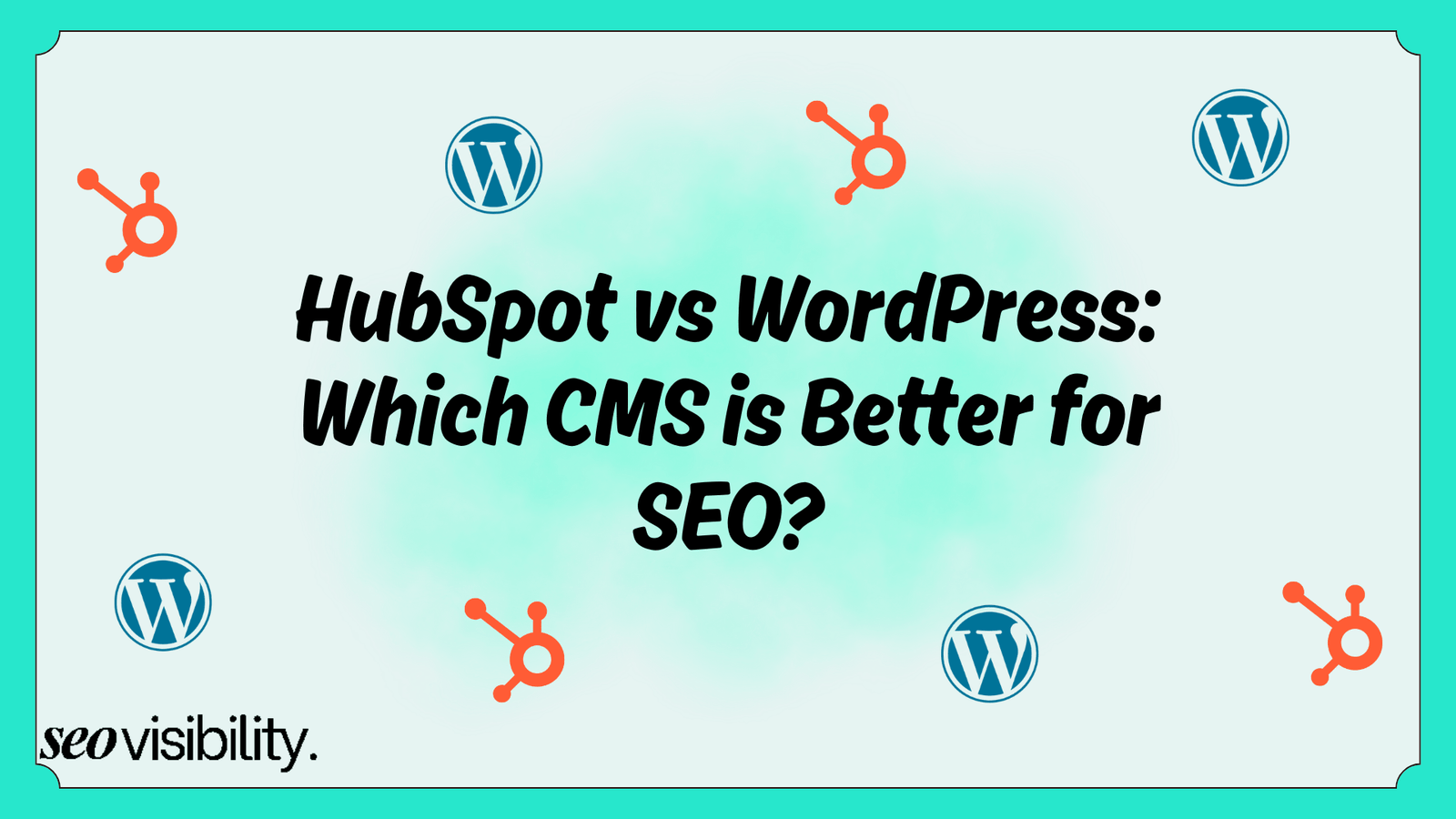
WordPress is the better choice for SEO if you want full control, low cost, and long-term scalability, while HubSpot works better for small marketing teams who want built-in SEO tools without touching code.
Both platforms can rank in Google, so the real answer depends on your team size, technical skills, and growth plans, not just the name of the CMS.
If you only remember one thing from this article, remember this: your CMS does not rank your site; your setup does.
A messy WordPress site with no plugins will lose to a clean HubSpot site every time, and a poorly built HubSpot page will lose to a well-optimized WordPress blog just as fast.
What Makes a CMS Good for SEO
A CMS is good for SEO when it lets you control the technical basics without a fight. This means clean URLs, fast page speed, easy meta tag editing, working sitemaps, and the freedom to add schema markup where you need it.
Search engines do not care what platform generated a page. They care whether that page loads fast, answers a real question, and connects to the rest of your site through solid internal linking.
So when people ask “HubSpot vs WordPress for SEO,” they are really asking which platform makes those basics easier to maintain consistently.
Both HubSpot and WordPress can handle the fundamentals like meta tags, headers, URL structures, and XML sitemaps.
The difference shows up in how much control you get, how much technical skill you need, and how fast you can execute changes at scale.
HubSpot vs WordPress CMS: Quick Overview
HubSpot is a closed, all-in-one marketing platform where the CMS lives inside a bigger system that includes CRM, email, and sales tools. WordPress is an open-source CMS that runs over 42.7% of all websites globally, and it depends on themes and plugins to add features.
This core difference explains almost every SEO trade-off between the two platforms. HubSpot trades flexibility for simplicity, and WordPress trades simplicity for flexibility and raw power.
Here is a simple comparison of HubSpot CMS vs WordPress for SEO.
| Feature | HubSpot CMS | WordPress |
|---|---|---|
| SEO tools | Built-in, no plugins needed | Requires plugins like Yoast, Rank Math, SEOPress |
| Customization | Limited without developer help | Very flexible with themes and custom code |
| Schema markup | Needs template edits or modules | Easy via schema plugins, no coding needed |
| Page speed | Managed hosting, optimized by default | Depends on the host, caching, and plugins |
| Cost | Subscription-based, higher entry point | Core is free, pay for hosting and plugins |
| Learning curve | Friendly for non-technical marketers | Steeper benefits from technical support |
| Best fit | Small teams, marketing-focused sites | Content-heavy sites, complex SEO setups |
| Ecosystem | Closed platform, fewer integrations | Huge ecosystem with thousands of plugins |
SEO for HubSpot: The Built-In Advantage
HubSpot CMS is built with marketers in mind, so most SEO tasks happen right inside the content editor without needing a developer. You get automatic XML sitemap generation, an on-page SEO recommendation panel, and a content strategy tool that groups related topics into clusters for topical authority.
The platform also ships with SSL certificates, mobile optimization, and a content delivery network baked into every plan, so speed and security are mostly handled for you.
HubSpot’s newer SEO features lean into answer engine optimization too, helping content show up in AI-powered search results, not just traditional blue links.
Where HubSpot for SEO falls short is customization. Adding schema markup requires editing template code or building a custom module, which becomes time-consuming across hundreds of pages. Open Graph tags pull automatically from your featured image and title, but custom social snippets need manual code edits too.
HubSpot also tightly integrates your website into its ecosystem. If you ever want to leave, migrating years of content, URLs, and tracking data out of a closed platform takes real planning.
Who Should Choose HubSpot CMS
HubSpot fits small marketing teams without a dedicated developer on staff. It also fits companies that already use HubSpot CRM and want their website, blog, and lead tracking to live under one roof.
If your team publishes a handful of pages a month and values guardrails over granular control, HubSpot removes a lot of guesswork. The trade-off is that you accept the platform’s boundaries in exchange for speed and simplicity.
SEO for WordPress: Flexibility With a Learning Curve
WordPress takes the opposite approach. The core software gives you basic SEO settings, but the real power comes from its plugin ecosystem.
Plugins like Yoast SEO, Rank Math, and SEOPress add real-time content analysis, readability scoring, and automatic schema generation without writing a single line of code. These tools get frequent updates that track Google’s algorithm changes closely, which keeps your optimization approach current.
WordPress also wins on internal linking. Plugins like Link Whisper scan your content and suggest relevant internal links automatically, which becomes critical once your site grows past a few hundred pages.
Image SEO is another strong point. Plugins like Smush and EWWW Image Optimizer compress images and generate responsive versions automatically, which directly helps Core Web Vitals scores.
The catch with WordPress SEO is that none of this happens by default. You need to choose the right plugins, keep them updated, and avoid conflicts between them, which requires either technical know-how or a reliable developer.
Who Should Choose WordPress
WordPress suits businesses that plan to publish a large volume of content over time, like blogs, resource libraries, or enterprise sites with hundreds of pages. It also suits anyone who wants full ownership of their data, code, and hosting environment without vendor lock-in.
If you have access to a developer or an SEO specialist who is comfortable in WordPress, the ceiling for technical optimization is much higher than HubSpot. Best CMS for SEO discussions usually favor WordPress when the site needs deep customization at scale.
Best CMS for SEO: Key Factors
Technical SEO and Site Speed
WordPress gives you granular control over caching, redirects, canonical tags, and robots.txt files through plugins. HubSpot handles most of this automatically through managed hosting, which reduces your workload but also limits how deep you can go.
For most small sites, page speed comes down to a draw between the two platforms, since both can load fast when configured well. Large WordPress sites need a good host and proper caching to match HubSpot’s out-of-the-box consistency, while HubSpot sites rarely need speed troubleshooting at all.
Content Strategy and Topic Clusters
HubSpot’s content strategy tool actively suggests topic clusters based on your existing content and target keywords. WordPress does not include this natively, but tools like SurferSEO or Clearscope can replicate the same workflow through integrations.
Either way, topic clusters remain one of the strongest SEO strategies for WordPress and SEO for HubSpot in 2026, since Google continues to reward sites that demonstrate depth on a subject.
Schema Markup and Structured Data
This is one of WordPress’s clearest wins. Schema plugins let you add structured data for articles, FAQs, products, and reviews in a few clicks, with no coding required.
HubSpot requires you to edit templates or build custom modules to add the same markup, which is manageable for a handful of pages but painful across a large site. If structured data is central to your SEO strategy, WordPress vs HubSpot CMS SEO comparisons almost always favor WordPress here.
Analytics and Reporting
HubSpot’s built-in analytics connect your SEO performance directly to lead generation and CRM data, so you can see which pages actually drive revenue. WordPress relies on third-party tools like Google Analytics and Search Console, connected through simple plugins like Site Kit.
If your priority is tying organic traffic to the sales pipeline without extra setup, HubSpot has an edge. If you want granular, customizable analytics without platform boundaries, WordPress plus Google’s free tools does the job just as well.
SEO Migration
Switching CMS platforms carries real SEO risk if you get URL mapping wrong. Every old URL needs a precise 301 redirect to its new counterpart, or you lose the ranking signals and trust built over time.
This risk applies whether you move from WordPress to HubSpot or the other way around. Treat any CMS migration as a full project with a redirect plan, not a quick weekend task.
Cost
WordPress usually costs less to start, since the core software is free and you only pay for hosting, a theme, and any premium plugins. HubSpot’s pricing starts higher because you are paying for an all-in-one platform with hosting, security, and SEO tools bundled together.
Over time, WordPress costs can grow through developer hours, premium plugin subscriptions, and hosting upgrades as your site scales. HubSpot’s costs grow through tier upgrades as you add contacts, users, or advanced marketing features, which can add up fast for growing businesses.
Neither platform is universally cheaper. The real cost difference comes down to whether you are paying for flexibility with your time or paying for simplicity with your subscription fee.
Common Mistakes When Choosing Between HubSpot and WordPress
Many businesses pick a CMS based on brand reputation instead of their actual publishing needs. A small local business with five pages does not need WordPress’s full plugin stack, and a 500-page enterprise blog will eventually outgrow HubSpot’s schema limitations.
Another common mistake is ignoring team capacity. If nobody on your team can manage plugin updates or troubleshoot conflicts, WordPress can become a maintenance hurdle instead of an SEO asset.
Businesses also underestimate migration complexity. Moving a content-heavy site between platforms without a proper redirect strategy is one of the fastest ways to tank rankings overnight.
Get Expert Guidance for Your CMS and SEO Strategy
Choosing between HubSpot and WordPress for SEO comes down to matching the platform to your team, your content volume, and your growth plans, not chasing a one-size-fits-all answer. Whichever CMS you land on, the platform only sets the ceiling; your execution decides how close you get to it.
At SEO Visibility, I’m Khalid Hussain, a freelance SEO expert with over 15 years of experience helping HubSpot and WordPress websites grow organic traffic through strategic, hands-on SEO work.


![How Much Does an SEO Expert Cost in 2026 [SEO Pricing]](https://seovisibility.co/wp-content/uploads/2026/01/how-much-does-an-seo-expert-cost.png)



![SEO Copywriting Checklist [Easy to Follow Guidelines]](https://seovisibility.co/wp-content/uploads/2026/01/seo-copywriting-checklist.png)