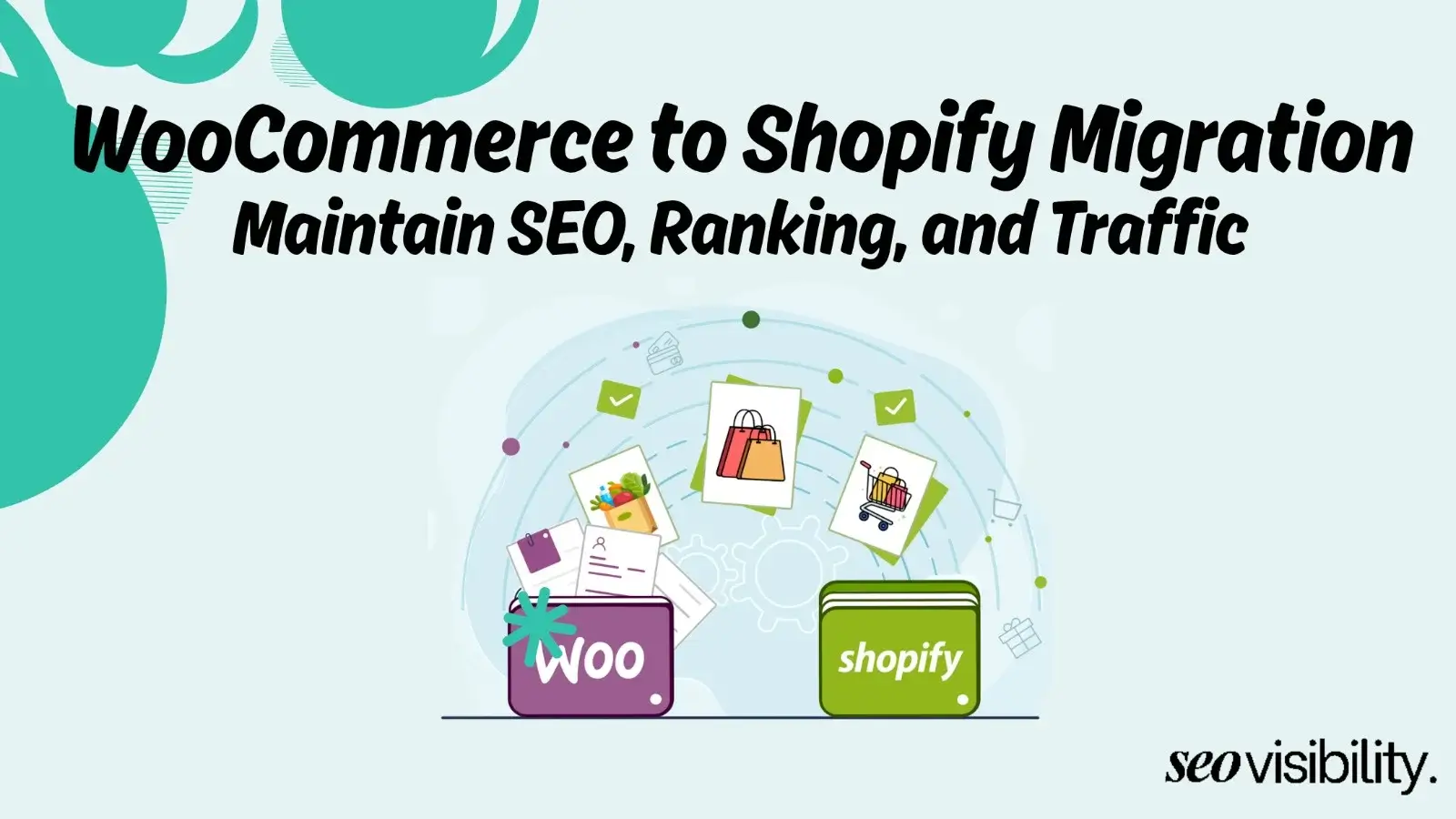
WooCommerce gives you more SEO control, while Shopify gives you faster SEO results. Both platforms can rank at the top of Google when set up correctly – the real difference is in how much control you want and how much technical work you are willing to do.
That said, there is much more to explore before you make a decision that affects the organic growth of your entire online store. This comparison breaks down every SEO factor that actually matters, so you can pick the platform that fits your goals, your team, and your budget.
Shopify Vs WooCommerce: An Overview
The platform you build your store on affects nearly every SEO variable that Google cares about. Site speed, URL structure, content management, schema markup, and mobile optimization – all of these are shaped by your platform at the foundation level.
Switching platforms later is painful. Redirects can leak link equity, URLs change, and rankings can drop for months. Choosing right the first time saves you a significant amount of stress and money.
What is Shopify?

Shopify is a fully hosted, software-as-a-service (SaaS) eCommerce platform. You pay a monthly fee, and Shopify handles hosting, security, updates, and infrastructure for you. It is designed to get you selling fast with minimal technical setup.
What is WooCommerce?
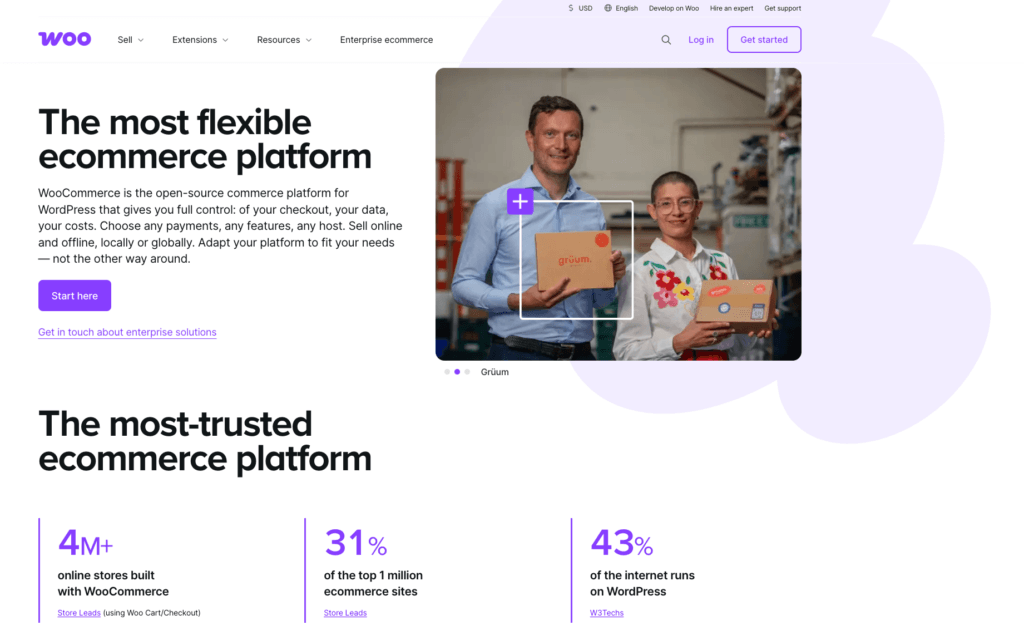
WooCommerce is a free, open-source plugin that runs on WordPress. You own the software, choose your own hosting, and have complete control over every aspect of your store. With that freedom comes more responsibility for setup, maintenance, and performance.
Understanding this core difference is the key to understanding every SEO comparison that follows.
Shopify Vs WooCommerce SEO Comparison at a Glance
| SEO Factor | Shopify | WooCommerce | Winner |
|---|---|---|---|
| Site Speed (Out of the Box) | Fast – CDN + managed hosting | Hosting-dependent | Shopify |
| Core Web Vitals Pass Rate | 62% of stores | 43% of stores | Shopify |
| URL Structure Control | Fixed prefixes (/products/, /collections/) | Fully customizable permalinks | WooCommerce |
| Technical SEO Control | Managed defaults, limited override | Full server-level access | WooCommerce |
| Blogging and Content | Basic built-in blog | Full WordPress CMS | WooCommerce |
| SEO Plugins | App store (subscription-based) | Yoast, Rank Math, AIOSEO (free tiers) | WooCommerce |
| Schema and Structured Data | App-dependent | Plugin-driven, granular control | WooCommerce |
| Mobile Optimization | Built-in on all themes | Theme-dependent | Shopify |
| SSL and Security | Automatic, included | Self-managed | Shopify |
| Ease of SEO Setup | Minutes | Hours to days | Shopify |
| Cost of SEO Tools | Apps add up fast | Many free or low-cost plugins | WooCommerce |
| Scalability for SEO | Moderate | High with proper setup | WooCommerce |
1. Site Speed and Core Web Vitals
Google uses Core Web Vitals – LCP, CLS, and INP – as ranking factors. Site speed directly affects your rankings, bounce rate, and conversions. This is where the two platforms differ most clearly.
Shopify wins on default speed. Because it is a managed SaaS platform with a global CDN and SSL built in, a brand new Shopify store typically achieves a Lighthouse score of 70-85 without any configuration. WooCommerce stores on default setup often score 40-60, because every page request has to bootstrap WordPress, load all active plugins, and render HTML through PHP templates.
Real-world data backs this up. According to Google’s Chrome User Experience Report (CrUX), around 62% of Shopify stores pass Core Web Vitals, compared to around 43% of WooCommerce stores. That gap is driven by the out-of-the-box performance difference between a managed SaaS platform and a self-hosted setup.
WooCommerce can match Shopify with the right setup. On managed WordPress hosting like Kinsta, WP Engine, or Cloudways – combined with a caching plugin like WP Rocket or LiteSpeed Cache and a CDN like Cloudflare – a WooCommerce store can reach Lighthouse scores of 85-95. The catch is that this requires active management: the right host, configured caching, compressed images, and a maintained tech stack.
For teams without development support, Shopify’s speed advantage is a real, practical benefit. For teams with a developer, WooCommerce can match or exceed Shopify’s performance.
2. URL Structure
Clean, keyword-rich URLs are a basic SEO best practice. They help search engines understand what a page is about and improve click-through rates from search results.
WooCommerce gives you full URL control. Because it runs on WordPress, you can set any permalink structure you want. You can build URLs like /running-shoes/mens-trail-sneakers/ or /category/product-name/ – whatever best serves your keyword strategy and site architecture.
Shopify enforces fixed URL prefixes. Every product lives under /products/, every collection under /collections/, every blog post under /blogs/, and every static page under /pages/. You cannot remove these prefixes, and no amount of custom Liquid code changes the actual URL. For most stores, Shopify’s fixed URL structure is not a dealbreaker, but for large stores with precise category architecture requirements, this limitation matters.
3. Technical SEO
Technical SEO covers robots.txt management, canonical tags, redirects, XML sitemaps, and crawl behavior.
Shopify automates most technical SEO tasks. It automatically generates XML sitemaps, adds canonical tags to handle duplicate content from product variants, and makes all themes mobile-responsive. For store owners who do not want to think about server configurations, this automation is genuinely useful.
The limitation is that Shopify’s technical controls have a ceiling. You cannot access the server directly, modify .htaccess files, or implement custom redirect logic at scale without workarounds.
WooCommerce gives you full technical access – direct robots.txt editing, server-level redirects, custom canonical tags on any page, and crawl behavior control with precision.
4. SEO Plugins and Tools
Plugins are how most stores handle on-page SEO – editing meta titles, descriptions, schema markup, and content analysis.
WooCommerce has the strongest plugin ecosystem. Tools like Yoast SEO, Rank Math, and All in One SEO Pack are available, many with robust free tiers. The free version of Rank Math includes meta tag editing, schema markup, XML sitemaps, keyword tracking for up to five keywords, and a real-time content scoring system. For agencies managing multiple client sites, Rank Math is widely considered more cost-effective and scalable than Shopify app alternatives.
Shopify relies on its app store for advanced SEO. Apps like Plug in SEO, Smart SEO, and SEO Manager add on-page controls and audit tools. The limitation is cost – most Shopify SEO apps charge monthly subscription fees, and if you need multiple apps to replicate what WooCommerce plugins offer for free, costs add up quickly.
Shopify’s built-in SEO features cover the basics (meta titles, descriptions, alt tags), but anything advanced requires a paid app.
5. Schema Markup and Structured Data
Schema markup tells search engines exactly what your content means – product names, prices, reviews, FAQs, breadcrumbs. A correct schema can earn rich snippets in search results, which directly improve click-through rates.
Both platforms can produce valid product schema, but they get there differently. Shopify themes often include basic product schema, and apps extend this further. For most stores, Shopify’s schema output is sufficient to generate product-rich results in Google.
WooCommerce gives you more granular schema control. With Rank Math or Yoast, you can apply FAQ schema, How-To schema, Review schema, BreadcrumbList schema, and custom structured data types to any page.
For stores that want layered or non-standard structured data, WooCommerce provides the flexibility Shopify cannot match without a premium app investment. For the majority of product-focused stores, the practical schema difference is minor – both platforms produce valid schema that Google reads.
6. Content Marketing and Blogging
Google uses mobile-first indexing, meaning it primarily uses the mobile version of your site to determine rankings. Mobile optimization is not optional.
Shopify bakes mobile optimization into every theme. All Shopify themes are built mobile-first and responsive out of the box. There is no scenario where you launch a Shopify store with a non-mobile-friendly design unless you build a custom theme incorrectly.
WooCommerce mobile optimization depends on your theme. Most modern WooCommerce themes – especially premium options from reputable developers – are fully responsive. But because WooCommerce is open-source, quality varies across themes.
A poorly built or outdated theme can produce a bad mobile experience that hurts rankings. This is less a platform limitation and more a theme selection issue that requires attention during setup.
7. Security and Uptime
Search engines favor sites that are secure and reliably available. A site that goes down frequently or gets compromised loses crawl equity and user trust.
Shopify handles security automatically. SSL certificates are included and automatically renewed on every plan. Shopify manages security patches, platform updates, and infrastructure maintenance, achieving 99.99% managed uptime. For store owners without a technical team, this hands-off approach reduces risk significantly.
WooCommerce security is your responsibility. You manage SSL, WordPress core updates, plugin updates, and security configurations. Quality managed WordPress hosts like WP Engine handle much of this for you, but it does require active attention. Neglecting updates is the most common reason WooCommerce stores experience security issues or downtime.
8. International SEO
If you target multiple countries or languages, international SEO requires hreflang tags, language-specific URL structures, and localized content.
WooCommerce offers more international SEO flexibility. With plugins like WPML or Polylang combined with Yoast or Rank Math, you can implement hreflang tags precisely, create subdirectory or subdomain structures for each language, and manage localized metadata with full control.
The open-source architecture means you can build exactly the international SEO structure your strategy requires.
Shopify has improved international SEO through its Markets feature, which creates localized versions of your store for different regions and handles hreflang tag generation automatically. The limitation is less control over exact URL configurations compared to WooCommerce.
For most mid-size international stores, Shopify Markets covers the essentials, but for complex multilingual SEO setups, WooCommerce provides more precision.
9. Cost of SEO
Budget is a real factor. The platform that looks cheaper upfront is not always cheaper once you factor in SEO tools, plugins, apps, and hosting.
WooCommerce’s core SEO tools are largely free. Rank Math and Yoast SEO both have robust free tiers covering the vast majority of on-page SEO needs. Hosting costs range from around $25 to $350 per month, depending on your provider and traffic level. The WooCommerce plugin itself is free.
Shopify’s SEO costs add up through apps. Shopify’s Basic plan starts at $29/month (billed annually), the Grow plan at $79/month, and the Advanced at $299/month. On top of that, SEO apps typically charge $10 to $50 per month each. If you need schema markup control, an audit tool, a keyword optimizer, and a review schema app, you can easily add $100-150/month in app costs on top of your base plan.
Shopify is easier to budget for upfront – the subscription is predictable. WooCommerce’s costs vary more but can deliver better SEO capability per dollar when managed well.
Which Platform is Better for SEO: Shopify or WooCommerce?
Both platforms can rank at the top of Google when the SEO work is done properly. The platform itself is rarely the ceiling on your rankings – content quality, backlinks, and consistent execution matter more than platform choice alone.
Both platforms can rank at the top of Google when the SEO work is done properly. The platform itself is rarely the ceiling on your rankings – content quality, backlinks, and consistent execution matter more than platform choice alone.
Choose Shopify if:
- You want a fast launch with minimal technical setup
- Your team is not deeply technical, and you need SEO to work out of the box
- You run a straightforward product catalog without complex category architecture
- Predictable costs and low maintenance are priorities
- You want strong mobile optimization and speed without configuration
Choose WooCommerce if:
- You want full control over URLs, technical SEO, and site architecture
- Content marketing is a core part of your SEO strategy
- You need advanced SEO plugins without paying monthly app fees
- You operate a large or complex product catalog
- You have development resources to manage hosting, security, and performance
- You want maximum flexibility for international SEO, schema, and technical customization
One point that many comparisons overlook: a technically superior setup that nobody maintains is worse than a simpler setup your team executes well every week. Shopify’s automation removes the maintenance burden and reduces the chance of technical SEO errors accumulating. WooCommerce’s power only translates into SEO results when the setup is properly managed.
Choose the Right eCommerce Platform and Grow Your Revenue Organically
Both Shopify and WooCommerce are capable platforms. The better choice for SEO is the one that matches your team’s capabilities, your content strategy, and your long-term organic growth goals. Shopify gets you moving fast with strong defaults. WooCommerce gives you the full SEO toolkit when you are ready to use it.
Not sure which platform is right for your specific store, or struggling to get results from the platform you already have? Khalid Hussain at SEO Visibility has helped 999+ businesses, agencies, and eCommerce stores grow their organic traffic over 15+ years of hands-on experience.
Whether you are building from scratch, planning a migration, or looking to fix what is holding back your rankings, Khalid can audit your current setup and develop a data-driven SEO strategy that delivers real, measurable growth.



![How Much Does an SEO Expert Cost in 2026 [SEO Pricing]](https://seovisibility.co/wp-content/uploads/2026/01/how-much-does-an-seo-expert-cost.png)


![SEO Copywriting Checklist [Easy to Follow Guidelines]](https://seovisibility.co/wp-content/uploads/2026/01/seo-copywriting-checklist.png)