Duda is one of the more SEO-capable website builders, offering built-in tools for meta tags, schema, redirects, sitemaps, and even AI-generated SEO content.
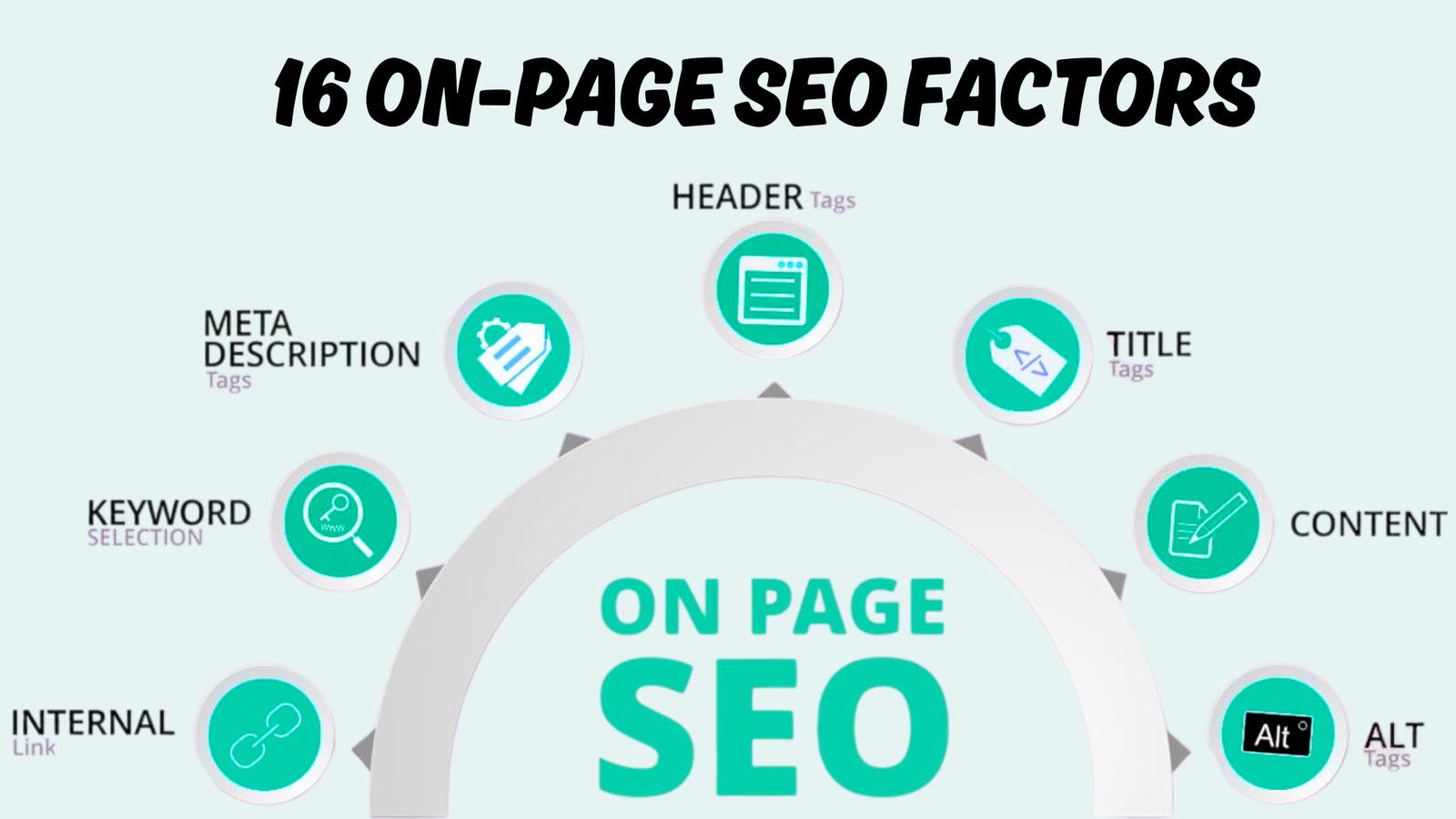
A Duda website can rank well when you combine its built-in technical SEO tools with strong on-page optimization. Start by setting unique page titles, meta descriptions, clean URLs, one clear H1, helpful content, internal links, image alt text, and the right structured data.
This guide explains how to optimize a Duda website for SEO step by step. It is useful whether you are launching a local business website, an agency site, a service business site, an ecommerce store, or a content-led brand.
SEO for Duda: An Overview
Duda gives you a useful SEO base before you touch the editor. A published Duda site includes HTTPS, an automatically generated XML sitemap, a robots.txt file, responsive design, and page-level SEO settings.
It also gives you controls for redirects, noindex settings, image alt text, social sharing details, and custom code. Those controls are helpful, but they only work when they are configured with a clear plan.
| SEO Area | Duda Helps With | You Need to Do |
|---|---|---|
| Technical setup | SSL, sitemap, robots.txt, responsive layout | Check crawlability, indexing, redirects, and custom rules |
| Metadata | Fields for titles and descriptions | Write unique, keyword-focused metadata for every important page |
| URLs | Editable page URLs | Use short, descriptive slugs and redirect old URLs |
| Content | Flexible page and blog editor | Create useful pages that match search intent |
| Images | Alt-text fields and modern image support | Compress images and add meaningful alt text |
| Schema | Blog and product support plus custom code options | Add accurate LocalBusiness, Organization, FAQ, Service, or Product schema |
| Performance | CDN and platform optimizations | Reduce oversized media, unnecessary widgets, and third-party scripts |
Start With Keyword and Search Intent Research
SEO optimization starts before you write a title tag or add a keyword to a page. First, decide which searches matter to your business.
For each service, product, or content topic, identify the main phrase people use, the questions they ask before buying, and the type of result they expect to see. A person searching “SEO consultant for ecommerce” wants a different page than someone searching “how does ecommerce SEO work.”
Map Keywords to the Right Pages
Avoid targeting every keyword from one service page. Instead, assign a main keyword theme to each URL so Google and visitors can quickly understand its purpose.
For example, an SEO consultant’s website could use this structure:
| Search Intent | Example Keyword Theme | Best Page Type |
|---|---|---|
| Informational | how to improve local SEO | Blog post or guide |
| Commercial | best SEO consultant for small business | Service comparison or dedicated service page |
| Transactional | hire freelance SEO expert | Main service or landing page |
| Navigational | Duda Website Builder | Homepage, about page, or branded page |
This approach prevents keyword cannibalization. Cannibalization happens when multiple URLs target the same query, causing Google to struggle to choose which page should rank.
Before publishing a new page, ask three simple questions:
- Does this keyword have a different intent from an existing page?
- Can the page provide a more useful answer than the current search results?
- Does the page support a real business goal, such as a lead, sale, signup, or qualified visit?
If the answer to all three is yes, it is likely worth creating.
Set Up Essential Duda SEO Settings
Open your site in the Duda editor and go to SEO & Settings. This is where you can review site-level SEO settings, indexing controls, redirects, and configuration files.
Do this setup before heavy content production. It makes it less likely that you will publish pages that are hidden from search or that point search engines to the wrong version of your domain.
Check Your Preferred Domain and HTTPS
Choose one preferred version of your domain, usually the HTTPS version with either www or non-www. Keep this consistent across your Google Search Console property, business listings, backlinks where possible, and internal links.
Make sure HTTPS is enabled and that visitors are forced to use the secure version of the website. A website should not be accessible through multiple versions that can create duplicate URLs.
Review Sitewide Metadata
Duda allows sitewide metadata, but the sitewide title and description should not be your only metadata setup. They are fallback values.
Every core page needs its own page title and meta description. These include the homepage, service pages, location pages, product pages, category pages, important blog posts, contact page, and about page.
Write Page Titles and Meta Descriptions
Your page title is one of the clearest on-page signals you provide to search engines. It is also often the first thing a potential visitor sees in search results.
Use one primary topic per title. Include the core keyword naturally, add a meaningful benefit or qualifier where relevant, and place your brand name at the end if space allows.
Create Clean, Keyword-Focused URLs
A Duda page URL should be short, readable, and descriptive. Search engines and visitors should be able to understand the page topic from the URL alone.
Use lowercase letters and hyphens between words. Remove unnecessary dates, stop words, file extensions, and categories unless they clarify the site structure.
If you change an existing URL, add a permanent 301 redirect from the old URL to the most relevant replacement. Do not redirect every removed URL to the homepage. That creates a poor user experience and can weaken the relevance signal of the redirect.
Use One Clear H1 and Logical Heading Structure
Every important page should have one primary H1 heading. The H1 should clearly say what the page is about in language that matches the visitor’s goal.
After the H1, organize the page with H2 headings for major sections and H3 headings for supporting points. Do not choose headings only for visual size. Choose heading levels based on the content hierarchy.
This structure helps users scan the page. It also gives search engines a clearer map of the topic and supporting subtopics.
Build Content That Matches Search Intent
Do not create a page only to include a keyword. Build it because it answers a searcher’s question, solves a problem, or supports a buying decision.
A service page should explain the service, who it helps, what is included, the process, likely outcomes, proof of experience, frequently asked questions, and a clear next step. A blog post should answer the main question early, then expand with practical detail, examples, and related questions.
Use the Two-Layer Content Model
Strong SEO content usually serves two layers of intent.
The first layer gives the direct answer quickly. This helps visitors who want an immediate solution and gives the page a chance to appear in featured snippets or AI-generated answers.
The second layer gives depth. It explains the process, trade-offs, examples, common mistakes, and next actions so the reader does not need to return to search for basic follow-up information.
For a page about Duda SEO, the direct answer might be: optimize unique metadata, headings, URLs, content, images, internal links, schema, and page speed. The deeper layer would explain how to do each task inside the Duda editor and why it matters.
Avoid Thin Pages
If you use location pages, do not create dozens of near-identical pages with only the city name changed. These pages rarely help visitors and can look low quality.
Give each location page real local value. Add location-specific services, customer concerns, proof, case examples, local coverage details, unique FAQs, driving directions when appropriate, and accurate business information.
Optimize Images and Media
Large media files are one of the easiest ways to slow a Duda website. Before uploading an image, resize it to the largest size it will actually display and use a compressed modern format where possible.
Do not upload a 5000-pixel image to display it in a 700-pixel content block. It wastes bandwidth and can delay the page’s visual load.
Add Alt Text
Alt text describes an image for people using screen readers and gives search engines context when they cannot interpret the visual content fully.
Write alt text that describes the image’s purpose in the context of the page. Do not stuff keywords into every image.
Improve Core Web Vitals and Mobile Experience
Duda provides a technically strong starting point, but site owners can still create slow pages with oversized images, heavy animations, multiple third-party scripts, and too many widgets.
Start with the pages that matter most: homepage, primary service pages, top landing pages, product category pages, and high-traffic blog posts. Run those pages through PageSpeed Insights and check both mobile and desktop results.
Prioritize these improvements:
- Enable lazy loading for below-the-fold media
- Compress and resize images before upload
- Use WebP images when available
- Remove unused widgets and app integrations
- Limit autoplay video, sliders, and large background videos
- Avoid excessive animation and motion effects
- Keep key calls to action visible and easy to tap on mobile
- Test forms, menus, phone links, and buttons on real mobile devices
Google primarily evaluates the mobile version of a page for indexing. A desktop page that looks great but is difficult to use on a phone will struggle to convert and can lose organic opportunities.
Add Internal Links
Internal links help visitors discover related pages. They also help search engines understand your site architecture and find deeper content.
Every important page should be reachable through your main navigation or a relevant internal link. No valuable page should sit alone without links from the rest of the site.
Use descriptive anchor text where it makes sense. For example, link the phrase technical SEO audit to your technical audit service page rather than using vague anchors such as click here.
A practical content cluster for an SEO consultant could look like this:
- A main SEO services page links to local SEO, ecommerce SEO, technical SEO, and content strategy pages
- Each service page links back to the main services page
- Supporting blog posts link to their relevant service page
- Service pages link to related case studies, FAQs, and conversion pages
Do not force links into every paragraph. Add them when they help the visitor take the next logical step.
Use Structured Data Correctly
Structured data, also called schema markup, helps search engines better understand entities and page content. It does not guarantee rich results, but correct markup can strengthen your page’s machine-readable context.
Duda supports custom schema through Header HTML and custom HTML areas. Use JSON-LD format because it is easier to manage and does not interrupt the visible page layout.
Recommended Schema Types
| Page Type | Useful Schema |
|---|---|
| Homepage | Organization, WebSite |
| Local business homepage or contact page | LocalBusiness |
| Service page | Service, FAQPage when visible FAQs exist |
| Blog post | Article or BlogPosting where appropriate |
| Product page | Product, Offer, Review when eligible and accurate |
| FAQ section | FAQPage only for visible, helpful FAQs |
| Breadcrumb navigation | BreadcrumbList |
Only mark up information that appears visibly on the page and is factually accurate. Do not add review schema for reviews that do not exist or FAQ schema for content that users cannot see.
After publishing, test the exact live URL in Google’s Rich Results Test or a structured-data validator. Fix errors and warnings that affect the schema type you are trying to use.
Manage Indexing, Sitemap, and Robots.txt
Duda automatically generates sitemap.xml and robots.txt files. This is helpful, but you should still check them after launching or making major structural changes.
Your sitemap should include the important URLs you want indexed. It should not be filled with thin, duplicate, staging, or utility pages.
Submit the sitemap in Google Search Console. This does not guarantee indexing, but it helps Google discover URLs and gives you a clear index coverage report.
Use noindex deliberately for pages such as:
- Thank-you pages
- Internal search results
- Duplicate campaign pages
- Private login pages
- Test pages
- Low-value utility pages
Do not use robots.txt to hide a page that you want removed from search results. A crawler may still discover and index a URL without crawling its content. For pages that should not appear in search, use noindex and make sure the page is crawlable enough for Google to see that instruction.
Set Up Redirects Before a Migration or Redesign
URL changes are one of the biggest risks during a site migration. If old pages have backlinks, rankings, traffic, or conversions, redirect them to the closest relevant new URL.
Build a redirect map before making major changes. Include every important old URL, its new destination, redirect type, status, and notes.
Connect Google Search Console and Analytics
SEO decisions should be based on real search performance, not only keyword tool estimates. Connect Google Search Console as soon as the site is live.
Search Console can show which queries produce impressions and clicks, which pages rank, index coverage issues, Core Web Vitals signals, mobile usability concerns, and backlinks discovered by Google.
Use this data monthly to find opportunities:
- Pages with deep impressions but low click-through rate may need better titles and descriptions
- Queries ranking between positions 5 and 20 may need stronger content, links, or better intent alignment
- Pages getting traffic but no conversions may need a clearer offer, better calls to action, or a more suitable target keyword
- Pages that are not indexed may have crawl, quality, duplication, or noindex problems
Add Google Analytics 4 as well. It helps connect organic visits with engagement, events, leads, sales, and other business outcomes.
Optimize Duda Ecommerce Pages
If you use Duda’s store features, optimize each category and product page individually. Do not rely on manufacturer descriptions or reuse the same description across products.
Every product page should have a unique title, meta description, product name, useful product description, clear price and availability, strong images, structured data where supported, and related product links.
Category pages need an introductory description that helps visitors and search engines understand the collection. Keep it useful and concise rather than adding blocks of repetitive keywords below the product grid.
For ecommerce SEO, focus on:
- Unique product copy that explains benefits, specifications, and common use cases
- Descriptive category titles and content
- Product and category internal linking
- Fast image delivery
- Product schema and accurate availability data
- Avoiding duplicate URLs created by filters, sort options, and parameters
Audit Your Duda Website Regularly
SEO is ongoing. Search behavior changes, competitors update content, links break, and websites accumulate technical problems over time.
Run a monthly light audit and a deeper quarterly audit. The monthly check can focus on Search Console, rankings, new content, broken links, titles, index coverage, and page speed on priority URLs.
The quarterly audit should review site structure, content gaps, internal linking, redirect issues, schema validity, competitor changes, conversion performance, and pages that need updating or consolidation.
Duda SEO Audit Checklist
Use this checklist when optimizing a new Duda site or reviewing an existing one.
- Confirm HTTPS and one preferred domain version
- Verify the live site is not globally noindexed
- Connect Google Search Console, GA4, and tag management
- Submit the XML sitemap in Google Search Console
- Check robots.txt for accidental blocking rules
- Create unique page titles and meta descriptions
- Set one descriptive H1 on each important page
- Use logical H2 and H3 headings
- Create short, readable, keyword-focused URLs
- Add 301 redirects for changed or removed important URLs
- Add meaningful alt text to relevant images
- Compress images and reduce unnecessary scripts or widgets
- Review mobile navigation, forms, buttons, and calls to action
- Add internal links between related services, posts, and conversion pages
- Add accurate structured data where it matches visible content
- Check for broken links and orphan pages
- Improve or consolidate thin and duplicate content
- Review Search Console data monthly and update priorities
Optimize Your Duda Website in the Right Way
Duda makes technical SEO easier, but sustainable rankings come from consistent execution. Your website needs clear search intent targeting, useful pages, strong on-page signals, an easy-to-crawl structure, fast mobile performance, and regular improvements based on real data.
Start with your highest-value pages instead of trying to fix everything at once. Optimize the homepage, main service pages, key landing pages, and pages already receiving impressions, then expand into supporting content and greater technical improvements.


![How Much Does an SEO Expert Cost in 2026 [SEO Pricing]](https://seovisibility.co/wp-content/uploads/2026/01/how-much-does-an-seo-expert-cost.png)