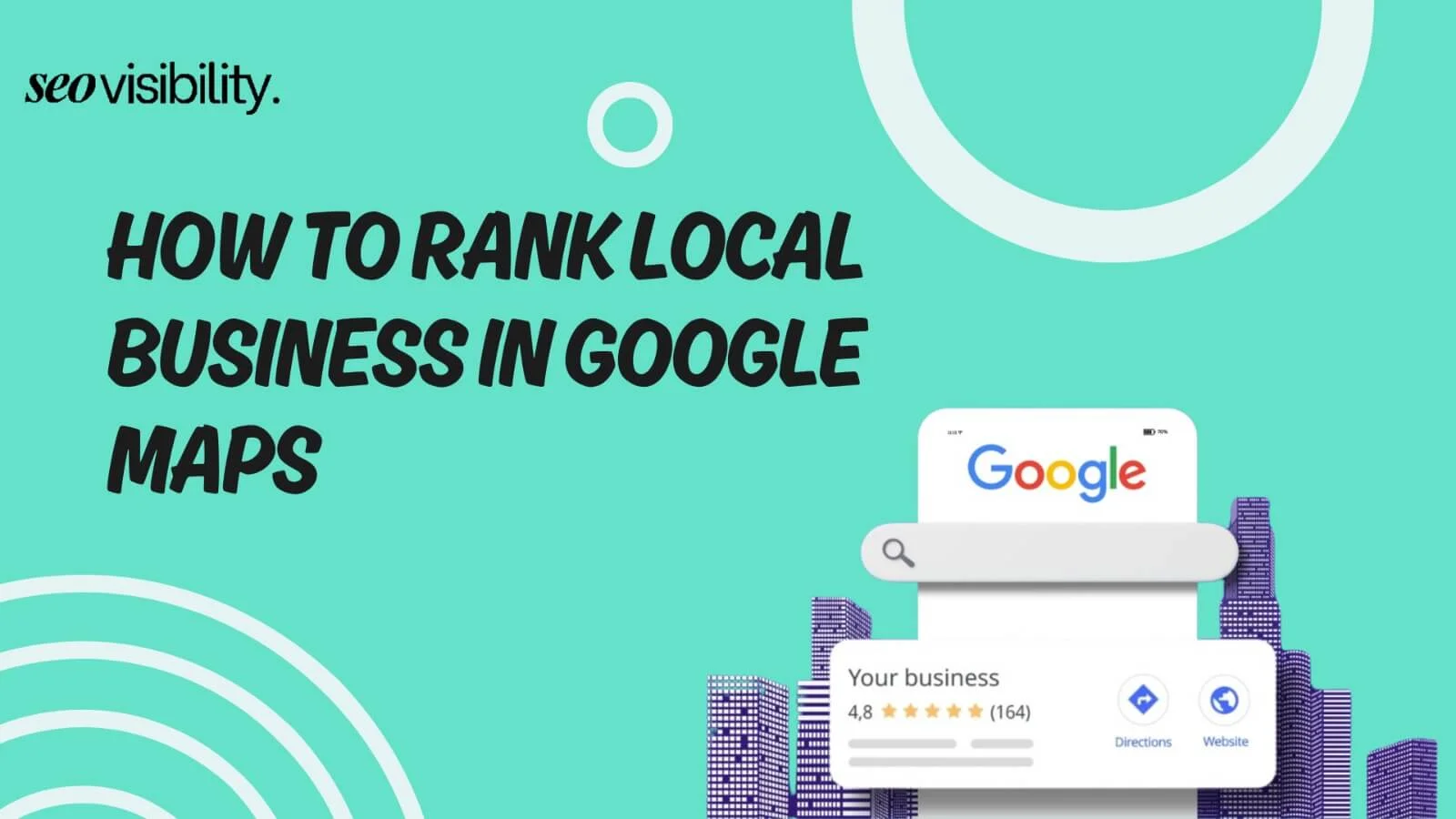
If you run a local business and nobody is finding you on Google Maps, you are leaving real money on the table — every single day.
Here is the truth: 93% of Google searches with local intent show a Local Pack at the top of the results. That three-business block with a map? It gets 42% of all clicks on the page. And when someone lands on one of those top spots, they receive 126% more traffic than businesses sitting further down.
So yes, Google Maps rankings matter a lot. The good news is that ranking there is not some dark art. It comes down to doing the right things consistently, and this guide walks you through every single step.
SEO vs GEO
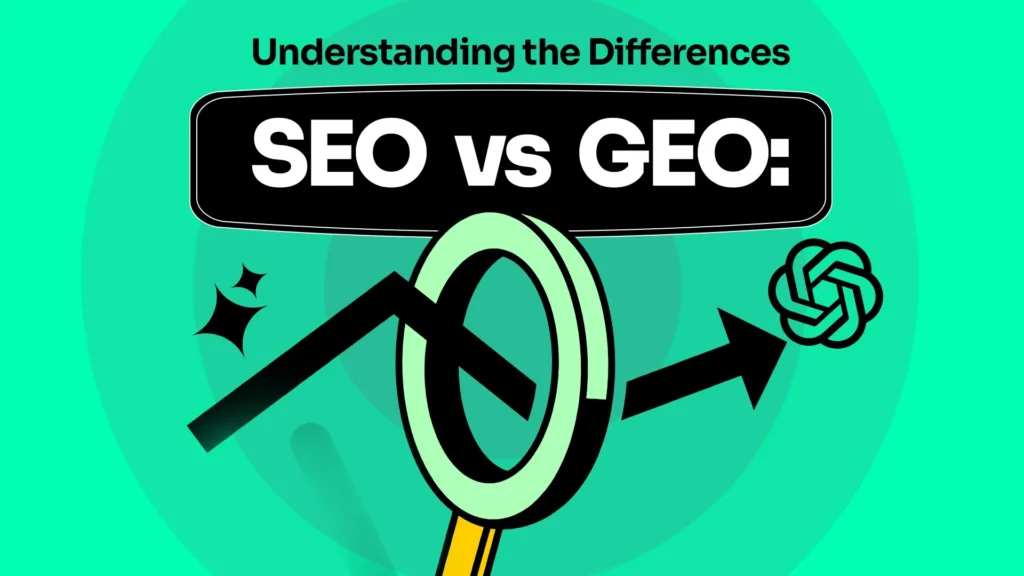
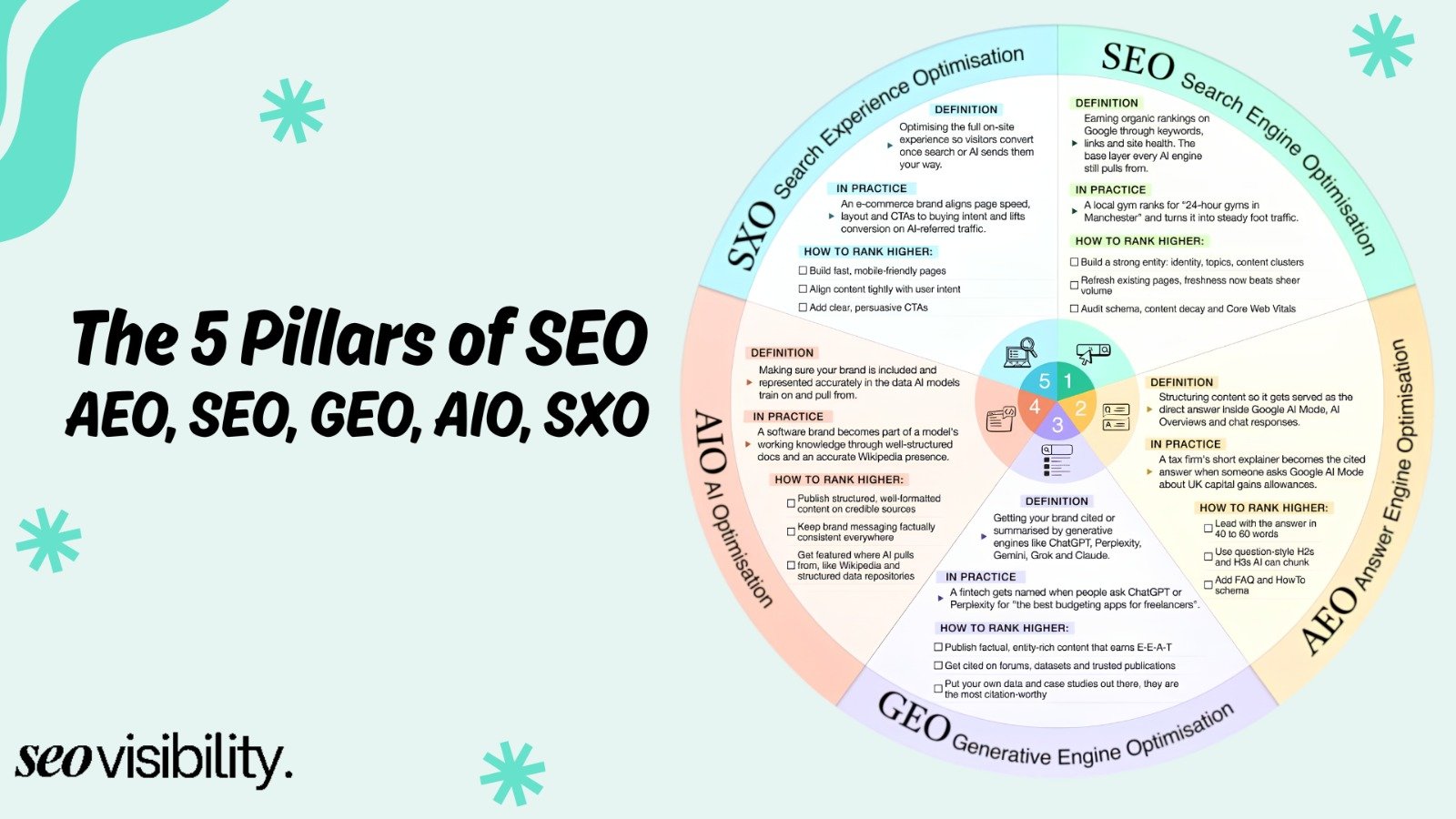
Before diving into tactics, it helps to understand a distinction that is reshaping how businesses get found online in 2026 — SEO vs GEO.
SEO (Search Engine Optimization) is what most people already know. It is the process of optimizing your website and online presence so you rank higher in traditional Google search results. You focus on keywords, backlinks, page speed, and content to climb the SERPs.
GEO (Generative Engine Optimization) is newer. It means optimizing your content and business information so that AI-powered platforms — like Google’s AI Overviews, ChatGPT, and Gemini — actually mention or recommend your business in their generated answers.
Here is where it gets interesting for local business owners: both strategies now overlap more than ever. The same trust signals that help you rank in Google Maps — accurate business data, strong reviews, consistent citations, and authoritative content — also help AI systems pick your business as a credible answer.
SEO vs GEO: Key Differences at a Glance
| Factor | SEO (Traditional) | GEO (Generative) |
|---|---|---|
| Platform | Google, Bing, Yahoo | ChatGPT, Gemini, Google AI Overviews |
| Goal | Rank higher in SERPs | Get cited in AI-generated responses |
| Main Signals | Keywords, backlinks, page speed | Entities, structured data, factual accuracy, E-E-A-T |
| Success Metric | Rankings and organic traffic | Citation frequency in AI answers |
| Content Style | Keyword-targeted, click-worthy | Direct answers, structured, conversational |
| User Journey | User clicks a link to your site | User gets your answer without clicking |
| Local Impact | Google Maps, Local Pack visibility | AI Local suggestions, voice search results |
The takeaway? For local businesses in 2026, you need both. A well-optimized Google Business Profile (GBP) builds the foundation for SEO, while accurate, trust-rich, structured content helps GEO. Everything covered in this guide feeds into both.
What Is Google Maps SEO and Why Does It Matter?
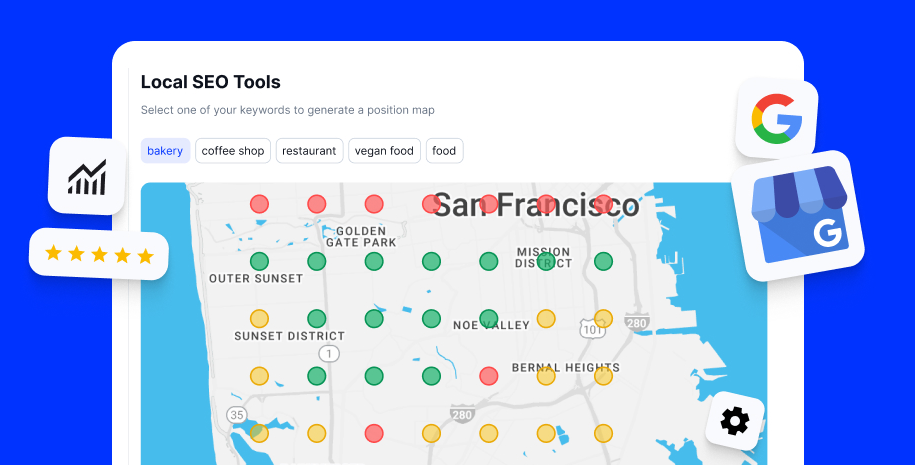
Google Maps SEO — sometimes called Google local pack SEO — is the practice of optimizing your local business presence so it appears in the top results when someone nearby searches for what you offer.
When a user types “plumber near me” or “best pizza in Chicago,” Google shows three business listings at the top with a map. That is the Local 3-Pack (also called the Map Pack), and it is prime digital real estate for any local business.
Here are a few numbers that put the stakes into perspective:
- 76% of people who search for a local business on mobile visit that business within 24 hours, with 28% making a purchase
- “Near me” searches have grown by 900% in the last two years
- 46% of all Google searches are seeking local information
- Businesses in the top 3 Local Pack positions receive 93% more actions — calls, direction requests, and website clicks — compared to businesses ranked 4 to 10
- Google Maps results get clicked 2.7x more on mobile than on desktop
How Google Decides Who Ranks on Google Maps
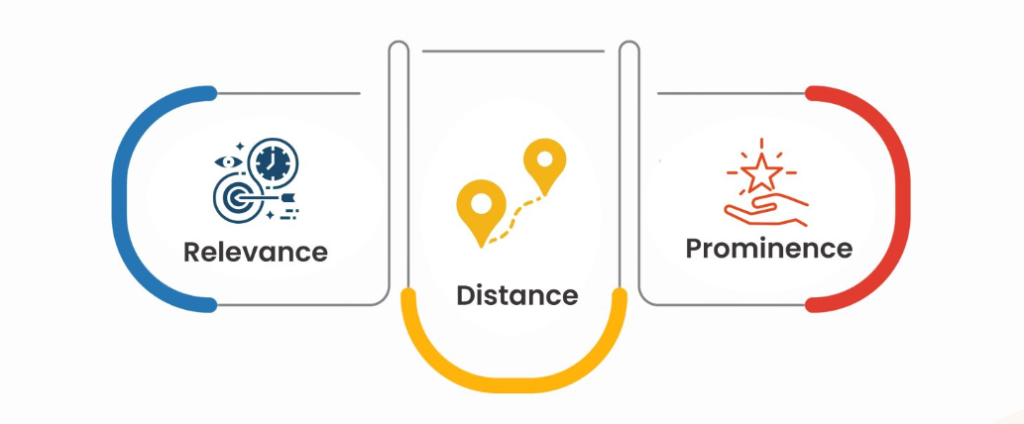
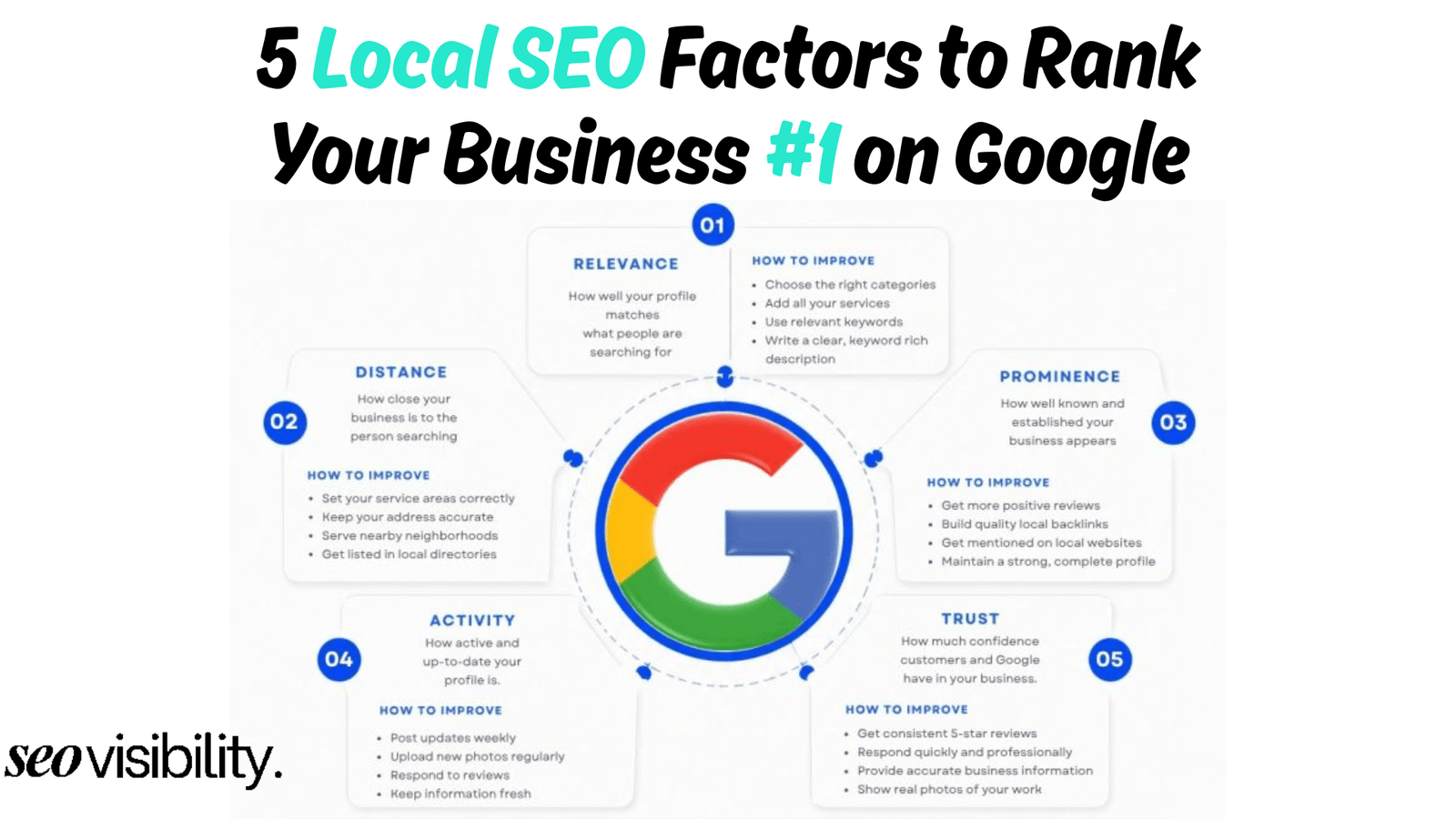
Google uses three core factors to rank local businesses:
1. Relevance — How closely your business profile matches what someone searched for. If someone searches “emergency dentist Houston” and your GBP clearly lists emergency dental services in Houston, Google sees you as relevant.
2. Distance — How close your physical location is to the person searching. You cannot change where your business is, but you can make sure your address is accurate and your map pin is placed correctly.
3. Prominence — How well-known, trusted, and authoritative your business is. This includes your reviews, citations, backlinks, and how active your profile is.
Everything covered in this step-by-step guide improves one or more of these three signals. Keep that in mind as you work through each step.
Google Maps Ranking Factors in 2026
According to the 2026 Local Search Ranking Factors data, here is how much each signal matters for your Local Pack/Maps rankings:
| Ranking Signal | Weight (Maps/Local Pack) |
|---|---|
| Google Business Profile (GBP) Signals | 32% |
| Review Signals | 20% |
| On-Page (Website) Signals | 15% |
| Behavioral Signals | 9% |
| Link Signals | 8% |
| Citation Signals | 6% |
| Personalization | 6% |
| Social Signals | 4% |
Your GBP and reviews together account for over 50% of your Maps ranking. That tells you exactly where to focus your energy.
Step-by-Step Guide: How to Rank Higher on Google Maps
Step 1: Claim and Verify Your Google Business Profile
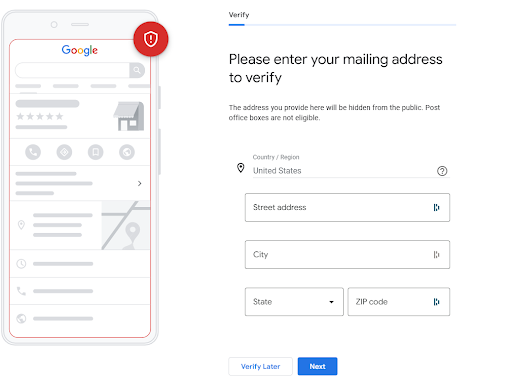
This is step zero — the foundation of everything else. If you have not claimed your Google Business Profile, go to google.com/business and do it right now. A business that has not claimed its profile is essentially invisible in local search.
Once claimed, complete every single section. Businesses with a fully completed GBP are 2.8x more likely to rank in the Local Pack than those with incomplete profiles.
Fill in:
- Business name (exactly as it appears in the real world)
- Primary business category
- Physical address
- Phone number
- Website URL
- Business hours — including holiday hours (business hours now have a direct impact on rankings in 2026)
- Business description with your main services and location keywords
- Services and products
- Attributes (wheelchair accessible, outdoor seating, women-owned, etc.)
Do not keyword-stuff your business name. Only use the name your business actually operates under. Google penalizes artificial keyword insertion in business names.
Step 2: Choose the Right Primary and Secondary Categories
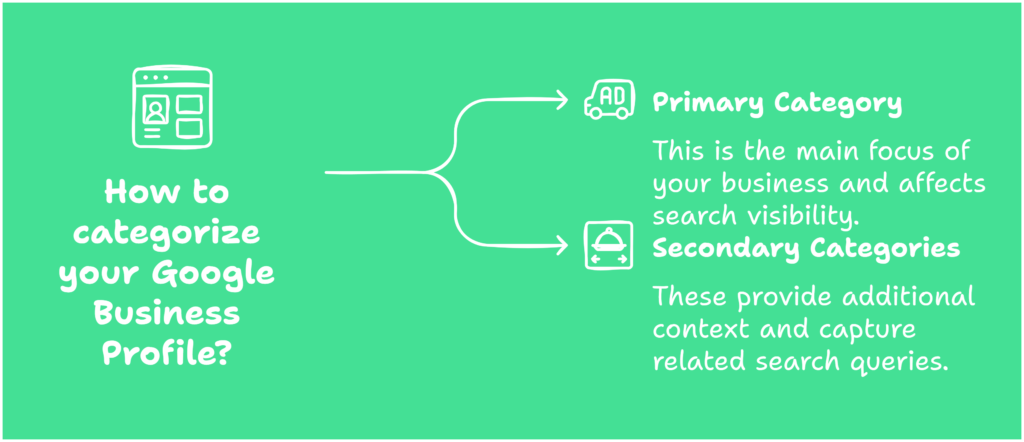
Your primary category is one of the strongest ranking signals in Google Maps. It tells Google exactly what type of business you are, and Google uses it to match your profile to relevant search queries.
Choose the most specific and accurate category available. If you run a family law firm, “Family Law Attorney” is better than just “Lawyer.”
Then add secondary categories for the other services you offer. Businesses with 3 or more categories rank an average of 2.4 positions higher in the Local Pack.
Example for a dental practice:
- Primary: Dentist
- Secondary: Cosmetic Dentist, Emergency Dental Service, Orthodontist
Review your categories regularly. Your competitors might be using categories you have not considered, and a single category addition can meaningfully change your visibility for specific searches.
Step 3: Build NAP Consistency
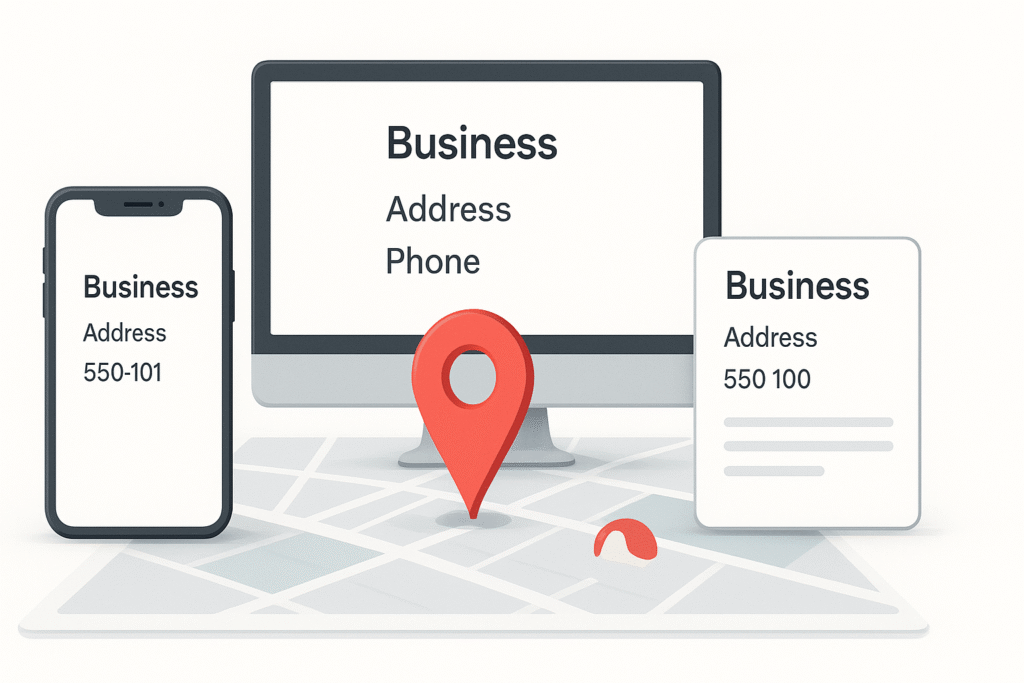
NAP stands for Name, Address, and Phone Number. It sounds simple, but inconsistent NAP data across the web is one of the top reasons local businesses fail to rank well on Google Maps.
Here is why it matters: Google verifies your business identity by cross-referencing your information across multiple online sources. When your NAP matches everywhere, Google has high confidence that your business is legitimate, located where it claims to be, and reachable. When details conflict — even small things like “St.” vs. “Street” or different phone number formats — Google’s confidence drops, and so do your rankings.
Businesses with consistent NAP across 40+ directories see a 4.1x ranking improvement in the Local Pack. That is a significant lift from something that is entirely within your control.
Priority citation platforms for US businesses:
Audit your existing citations using tools like BrightLocal or Whitespark. Fix any discrepancies before building new citations.
Step 4: Get More Reviews (and Actually Respond to Them)
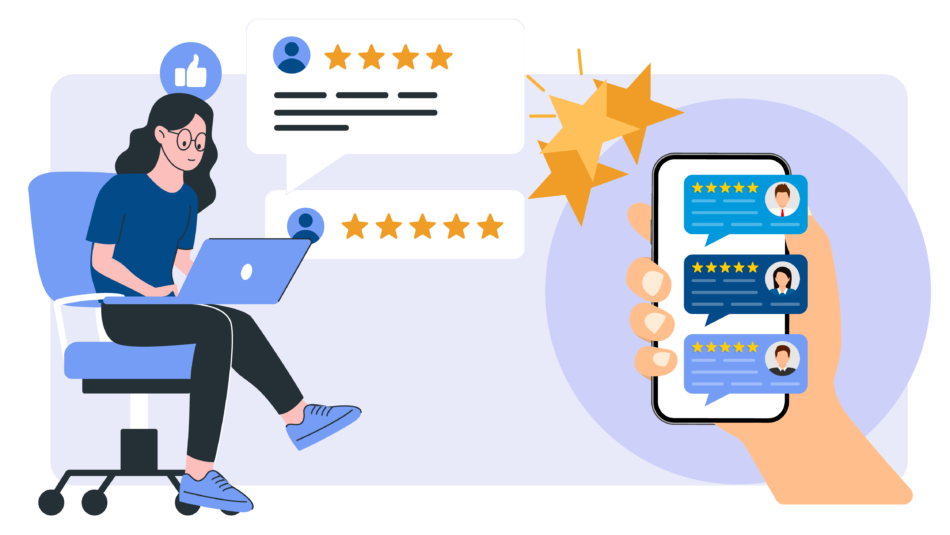
Reviews are the #1 controllable ranking factor for Google Maps in 2026. They account for 20% of your overall Maps ranking signal. And the impact goes beyond rankings — 62% of top Local Pack results have 100 or more Google reviews.
But here is what most business owners miss: it is not just about the number of stars or the volume of reviews. Google looks at:
- Review volume — How many total reviews do you have?
- Review recency — Are you getting fresh reviews consistently? Recent reviews signal you are still active
- Review quality — Detailed, specific reviews carry more weight than generic five-star ratings
- Keywords in reviews — When customers mention your services and city in their review text, those keywords feed directly into your relevance signals
- Your response rate — Businesses that respond to reviews signal engagement and professionalism to Google
How to get more reviews without being pushy:
- Send a follow-up text or email after a service with a direct link to your Google review page
- Ask in person right after a job well done — timing matters
- Add a QR code to receipts, invoices, or business cards that links to your review form
- Train your staff to politely request reviews from happy customers
Respond to every review — good and bad — within 24 hours. When you respond to negative reviews professionally, you demonstrate trustworthiness to both Google and future customers.
Never buy fake reviews. Google’s detection has become significantly more sophisticated. Fake reviews can result in your entire GBP being suspended.
Step 5: Optimize Your Photos and Videos
Photos create a strong first impression and signal to Google that your profile is active and trustworthy. Businesses at the top 3 Local Pack positions have an average of 250+ images on their profiles.
Profiles with well-optimized photo galleries receive significantly more direction requests and website clicks compared to profiles with minimal images. Videos, even short ones, increase the time people spend engaging with your profile — which feeds behavioral signals to Google.
What photos to upload:
- Exterior shots (helps people recognize your location)
- Interior shots
- Team and staff photos
- Before-and-after photos of your work
- Product or service photos
- Photos taken at the job site (geo-tagged if possible)
Upload photos consistently rather than dumping 50 photos at once and never updating. Consistent activity signals to Google that your business is live and engaged.
Avoid stock photos. Google in 2026 is better at identifying generic stock imagery, and authentic photos build more trust with potential customers.
Step 6: Publish Regular Google Posts
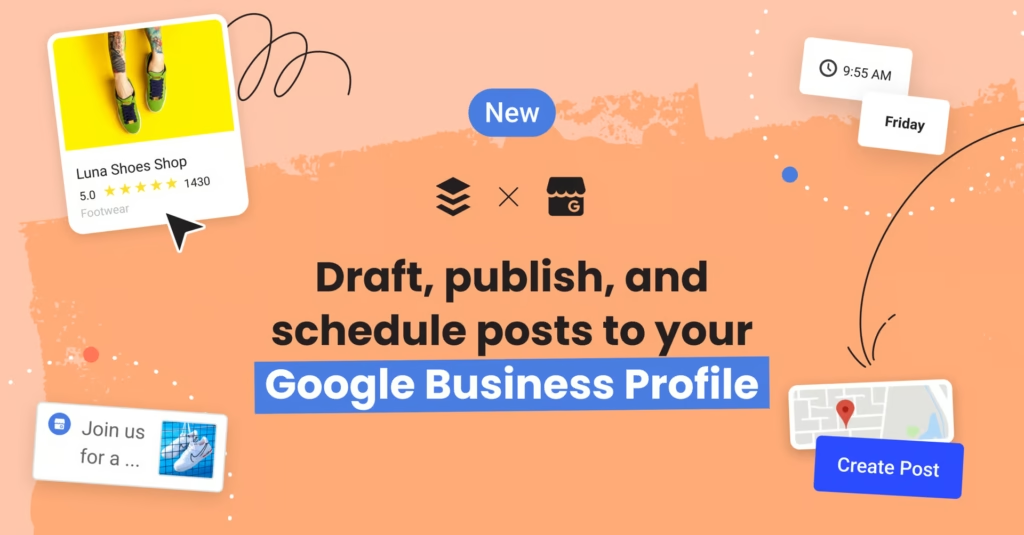
Google Posts are mini-updates you can publish directly on your GBP. They appear in your Map listing and knowledge panel. Most local businesses ignore this feature — which is exactly why using it gives you an edge.
Post 2–3 times per week for maximum engagement impact. You can post about:
- Current promotions or offers
- New services or products
- Seasonal announcements
- Local events your business is participating in
- Recent customer success stories (without naming anyone without permission)
- Tips and advice related to your industry
Keep posts short, relevant, and locally focused. Including your target city and a service keyword in posts reinforces your relevance signals for those terms. Posts expire after 7 days (except Offers and Events), so consistent posting is key.
Step 7: Optimize Your Website for Local SEO
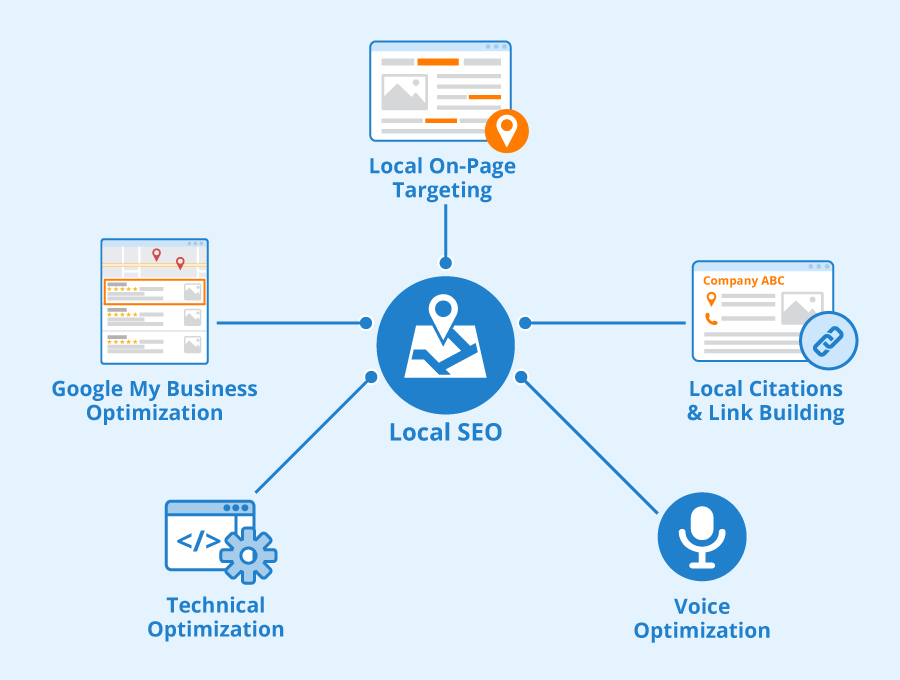
Your website is the backbone of your local SEO strategy. Google uses on-page signals to understand what your business does and where it operates — these signals account for 15% of your Maps ranking.
Key on-page local SEO actions:
Create location-specific landing pages. If you serve multiple cities or neighborhoods in the USA, build a dedicated page for each location. Use the city name naturally in your H1, title tag, meta description, and throughout the page content.
Do not duplicate the same content across multiple location pages — each needs to be unique and genuinely helpful.
Add LocalBusiness schema markup. Schema is structured data that helps Google understand exactly who you are, where you are, and what you offer. Implement the LocalBusiness schema with your business name, address, phone, hours, and service type.
Align your website services with your GBP services. If your GBP lists “air duct cleaning” as a service but your website has no mention of it, you are creating a disconnect. Your GBP services and website content should mirror each other.
Embed a Google Map on your contact page. This is a simple trust signal that links your physical location to your website.
Ensure mobile speed. 76% of local searches happen on mobile. A site that loads slowly on mobile devices directly hurts both your user experience and your local rankings.
Step 8: Build Local Backlinks
Link signals account for 8% of your Maps ranking, but the quality of those links matters more than the quantity. For local businesses, the most powerful links come from locally relevant sources.
Ways to earn local backlinks:
- Sponsor local events, sports teams, or charities — they will often link back to you
- Join your local Chamber of Commerce or business association (they maintain member directories with links)
- Partner with complementary local businesses for cross-referrals and link exchanges
- Get featured in local news publications or neighborhood blogs
- Write a guest post for a local industry blog
- Donate to or volunteer for local nonprofits that publish donor/partner pages
You do not need hundreds of links. Five genuinely local, high-authority backlinks can outperform fifty generic directory submissions for Maps rankings.
Step 9: Use the Q&A Section Strategically
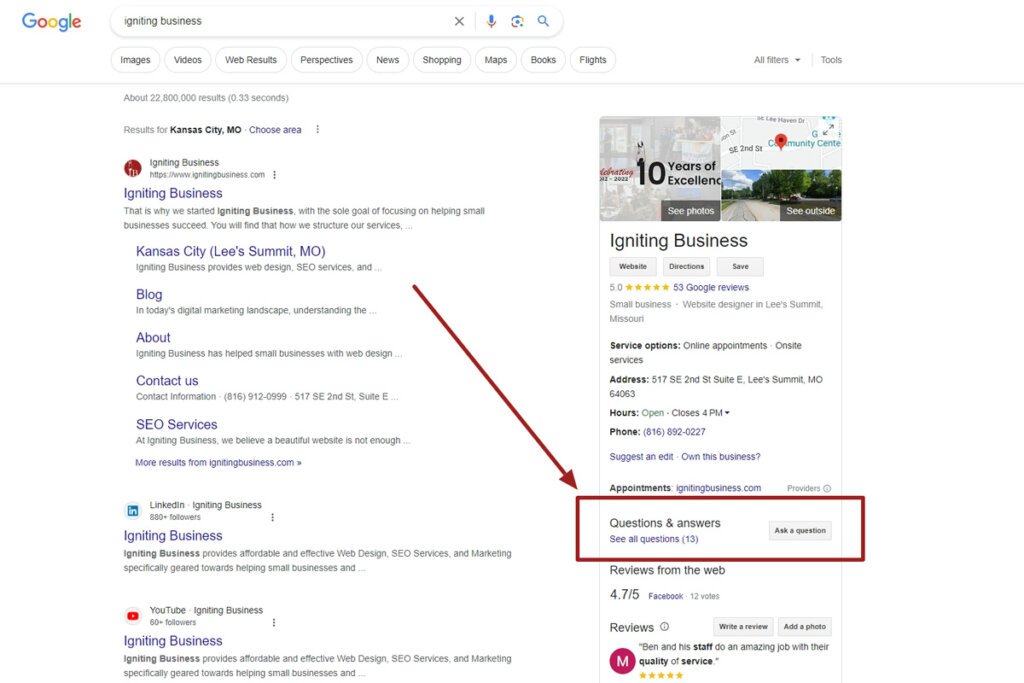
The Questions and Answers section on your GBP is underused by most businesses. It is a public space where anyone can ask questions — which means if you do not seed it with useful content, random people might ask questions that go unanswered, or worse, get answered incorrectly by strangers.
Proactively add the most common questions customers ask you, along with thorough answers. Use your service keywords and city name naturally in your answers. This adds keyword-rich content directly to your GBP without keyword stuffing.
Businesses that actively manage Q&A on their GBP get 35% more clicks to their website. That is not a trivial number.
Monitor your Q&A section weekly. If a question comes in and you do not answer it within 24 to 48 hours, another Google user might provide an inaccurate answer that stays permanently visible on your profile.
Step 10: Send Behavioral Signals Google Pays Attention To
Behavioral signals — how people interact with your Maps listing — account for 9% of your ranking. These include:
- How many people click on your listing
- How many people call you directly from Maps
- How many people request directions
- How many people click through to your website
- Branded searches for your business name
You cannot fake these signals — but you can encourage them organically. Make your listing compelling enough that people want to click. Use strong photos, a well-written description, updated hours, and a steady stream of recent reviews. A listing that looks active and trustworthy gets more clicks, and more clicks improve your rankings — a reinforcing cycle that works in your favor.
Google Maps Local SEO Strategy: A 30-Day Action Plan
| Week | Focus Area | Actions |
|---|---|---|
| Week 1 | Profile Setup | Claim GBP, complete all fields, add photos, verify address |
| Week 2 | Citations | Audit NAP consistency, fix discrepancies, and build 10 new citations |
| Week 3 | Reviews | Set up review request workflow, ask 10–20 satisfied customers for reviews |
| Week 4 | Content & Links | Optimize website location pages, publish the first 3 GBP posts, and identify local link opportunities |
Common Google Maps Ranking Mistakes to Avoid
- Using a P.O. Box as your address — Google requires a real, verifiable physical address
- Stuffing keywords into your business name — this violates Google’s guidelines and can get your profile suspended
- Ignoring negative reviews — unanswered negative reviews damage both your reputation and rankings
- Inconsistent business hours — outdated hours confuse customers and hurt behavioral signals
- Multiple duplicate GBP listings — duplicates split your authority and confuse Google; report and merge any duplicates you find
- Letting your profile go inactive — no new posts, no new photos, no review responses signal that your business may no longer be active
Start Ranking on Google Maps and Grow Your Local Business
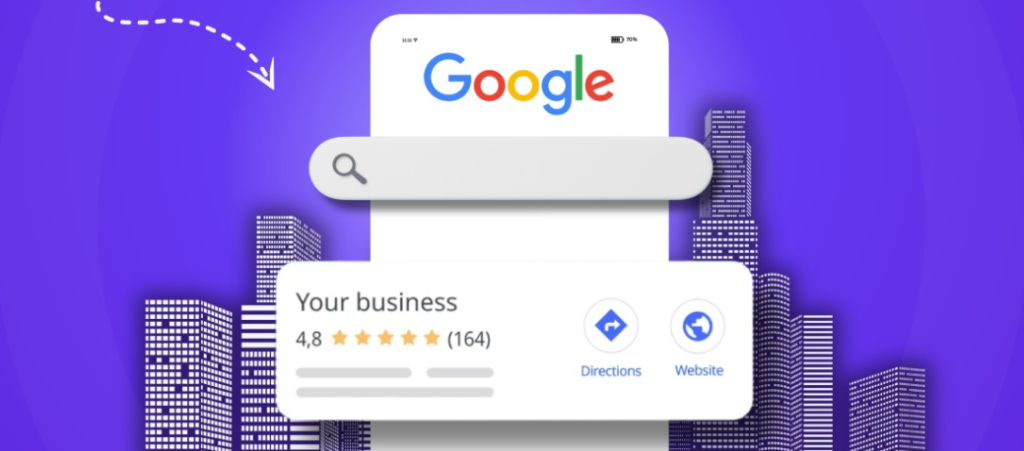
Getting your local business to rank in Google Maps is not about tricks or shortcuts. It is about building a trustworthy, complete, and active online presence that tells Google — and potential customers — exactly who you are, what you offer, and why you are the best option in your area.
Every step in this guide feeds into that goal. Start with your Google Business Profile, build consistent citations, generate authentic reviews, and keep showing up with fresh content. The businesses that do these things consistently are the ones showing up in the top three on Maps — and getting the calls, visits, and sales that come with it.
If you are feeling overwhelmed or simply do not have the time to execute a full Google Maps local SEO strategy on your own, at SEO Visibility, Khalid Hussain is here to help.
With 15+ years of hands-on SEO experience and a track record of helping 999+ businesses grow online, Khalid brings the expertise to get your business ranking where it belongs — at the top of Google Maps. Reach out today and turn your local search visibility into a reliable source of new customers.


![How Much Does an SEO Expert Cost in 2026 [SEO Pricing]](https://seovisibility.co/wp-content/uploads/2026/01/how-much-does-an-seo-expert-cost.png)
![SEO Copywriting Checklist [Easy to Follow Guidelines]](https://seovisibility.co/wp-content/uploads/2026/01/seo-copywriting-checklist.png)