
Website maintenance is the ongoing process of keeping your site secure, updated, fast, and working properly so it can do its job: attract visitors, build trust, and convert them into customers.
In this guide, I’ll break down what website maintenance is, what it includes, why it is important, how often you should do it, and what it actually costs.
What is website maintenance?
Website maintenance is the regular work you do to keep your website healthy: checking for issues, updating software, improving content, and making sure everything works the way it should.
Think of it like routine service for a car—oil changes, tire checks, and inspections. Skip it long enough and things break, often at the worst possible time.
In practical terms, website maintenance usually includes:
- Updating your CMS (like WordPress), themes, and plugins
- Running security scans and applying patches
- Backing up your website files and database
- Fixing broken links and errors
- Improving loading speed and performance
- Updating and refreshing content and design
- Testing forms, checkout, and other key features
The goal is simple: keep your site safe, fast, and useful so visitors have a smooth experience and search engines keep sending you traffic.
Why is website maintenance important?
If you’ve ever landed on a slow, ugly, or broken website and clicked away instantly, you already know why this matters. That is exactly what your visitors do when your site isn’t maintained.
Here are the main reasons website maintenance is critical for small businesses and online brands:
- First impressions: Around 94% of first impressions online are design-related, and people form an opinion in milliseconds. An outdated or buggy site kills trust fast.
- Brand reputation: A broken site, 404 errors, or obvious mistakes make your business look unprofessional and unreliable.
- SEO: Search engines reward fast, secure, well-maintained sites and punish slow, broken ones with lower rankings.
- Sales and leads: If your contact forms, quote forms, or checkout flow are broken, you literally lose money without even knowing it.
- Security: Outdated websites are an easy target for malware, hacks, and data breaches, especially on popular platforms like WordPress.
For eCommerce stores, SaaS platforms, and local service providers, neglecting maintenance is not just a tech issue—it’s a revenue and reputation loss.
What does website maintenance include?
Let’s break down what website maintenance includes in a way that’s easy to relate to. These are the core pillars almost every site needs, from simple blogs to busy online stores.
1. Security updates and monitoring
Security is non‑negotiable. Attackers love outdated plugins, themes, and CMS versions because they’re full of known holes.
Security maintenance typically includes:
- Updating CMS, plugins, and themes to the latest secure versions
- Running regular malware scans
- Enforcing strong passwords and role-based access
- Using firewalls and security plugins
- Enabling HTTPS with a valid SSL/TLS certificate
- Using trusted payment gateways for online stores
For higher-risk or higher-traffic sites, advanced measures can include two-factor authentication (2FA), intrusion detection systems, and periodic security audits or penetration testing.
2. Content updates and management
A “set it and forget it” website goes stale fast. Regular content updates tell users and search engines that your site is alive and relevant.
Content maintenance usually involves:
- Adding new blog posts, articles, service pages, or landing pages
- Updating outdated information, pricing, or policies
- Refreshing images, videos, and visuals
- Fixing broken links in content
- Updating calls‑to‑action, metadata, and keywords
This is also where good SEO and content strategy meet: making sure your content still matches user intent and supports your business goals
3. Performance optimization (speed and Core Web Vitals)
Speed is not a “nice to have.” Over half of visitors leave a site if it takes more than three seconds to load, and page speed is a known ranking factor.
Performance optimization can include:
- Compressing and resizing images
- Minifying CSS, JavaScript, and HTML
- Enabling browser caching and server caching
- Using a Content Delivery Network (CDN)
- Cleaning up heavy or unused plugins
- Monitoring Core Web Vitals like LCP, INP, and CLS
For mobile users—who now make up the majority of traffic—performance work is even more important.
4. Backups and disaster recovery
At some point, something will go wrong: a bad update, a hack, a server failure, or accidental deletion. Backups are your safety net.
A solid backup setup includes:
- Complete backups of files and database
- Incremental backups to save only changes and reduce load
- Automated schedules (daily or weekly, depending on how often your content changes)
- Off-site or cloud storage (not just on the same server as your site)
- Clear restore procedures and periodic restore tests
Without this, you risk days or weeks of downtime and permanent data loss.
5. Software updates and compatibility
Your website is a stack of moving parts: CMS, theme, plugins, integrations, and hosting environment. When one changes, something else can break.
Maintenance here includes:
- Updating CMS core, themes, and plugins regularly
- Testing updates in a staging site before pushing live
- Checking compatibility after updates
- Removing abandoned or unsupported plugins
This is one of the most common ways non‑technical site owners accidentally “break” their site—clicking update without a backup or testing step.
6. Uptime and monitoring
Uptime is simply: “Is your website up and reachable?” Even a few hours of downtime during business hours can hurt your brand and revenue.
Monitoring involves:
- Using uptime tools to check your site from multiple locations
- Getting alerts by email, SMS, or chat when your site goes down
- Reviewing reports to catch recurring hosting or server issues
Popular tools can watch your site 24/7 and notify you before your customers start complaining.
7. Functionality and UX testing
Over time, forms, buttons, sliders, search bars, and checkout flows can break due to updates, third‑party changes, or simple bugs.
Good maintenance includes:
- Testing contact forms and quote forms
- Testing checkout and payment flows for eCommerce
- Checking navigation menus and internal links
- Testing on major browsers (Chrome, Edge, Safari, Firefox)
- Testing on desktop, tablet, and mobile devices
This is how you catch silent “conversion killers” that analytics alone might not explain.
8. SEO and analytics maintenance
SEO is not one-and-done. Search engines change, competitors change, and your business evolves.
SEO and analytics maintenance includes:
- Fixing broken links and redirects
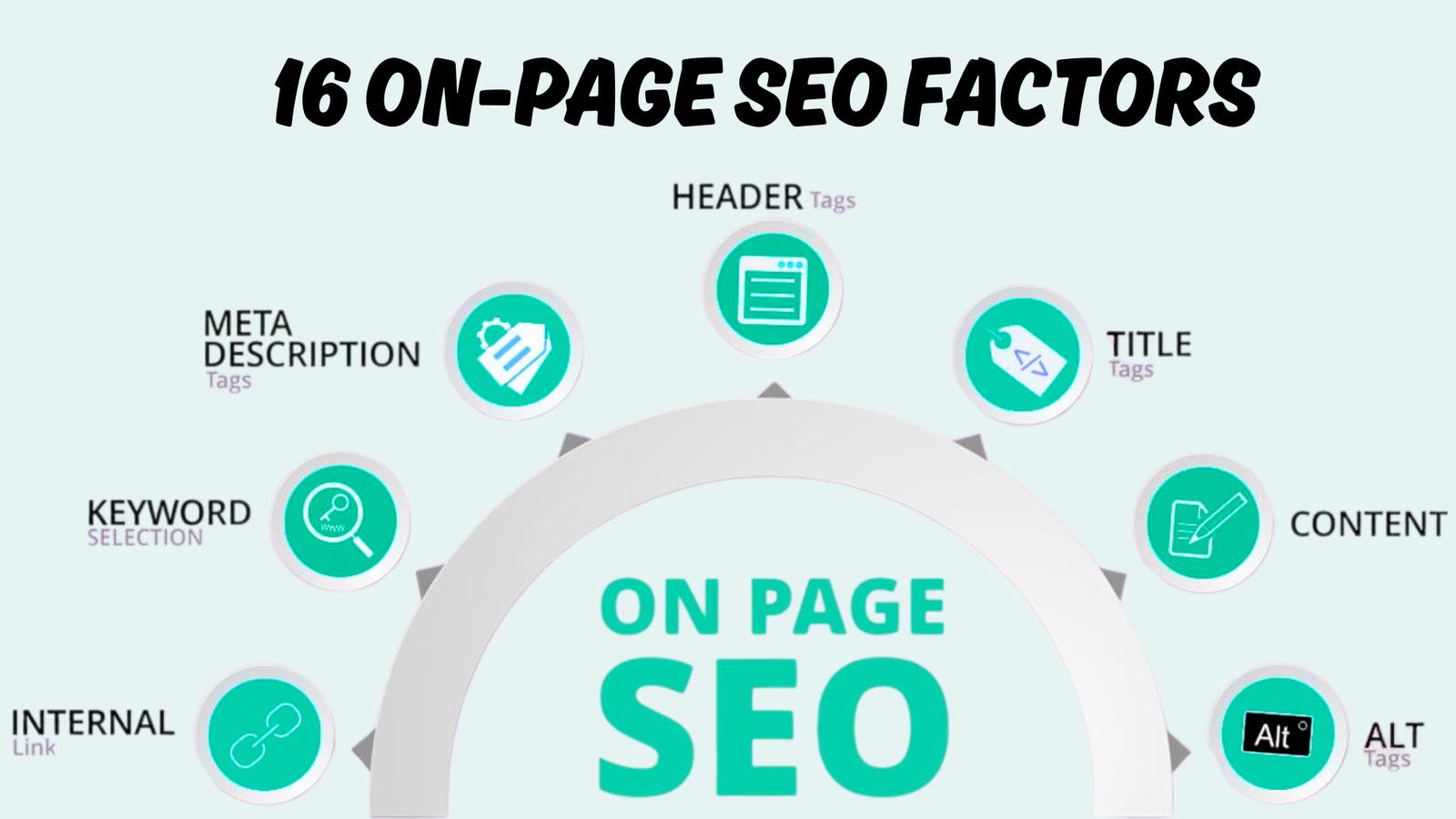
- Updating title tags and meta descriptions
- Optimizing content for relevant keywords and search intent
- Checking indexation and crawl errors
- Monitoring traffic, bounce rate, and conversions
- Keeping pages mobile‑friendly and fast
This is where website management overlaps heavily with marketing: making sure your site continues to bring you qualified traffic and leads.
9. Accessibility and compliance
Accessibility ensures people with disabilities can use your website and, in many cases, helps you comply with legal standards.
Key accessibility tasks include:
- Adding alt text to images
- Ensuring good color contrast
- Making navigation keyboard‑friendly
- Adding captions or transcripts to media
- Using proper heading structure and form labels
Accessibility improves UX for everyone and can prevent legal issues, especially for organizations working under laws like ADA or similar regulations.
10. DIY vs. professional website management
Once small business owners understand what website maintenance includes, the next question is: “Can I do this myself, or should I hire someone?”
Here’s a simple comparison to help you decide:
| Option | Best For | Pros | Cons |
|---|---|---|---|
| DIY (do it yourself) | Freelancers, small blogs, tight budgets | Lowest cost, full control, skill-building | Time‑consuming, requires learning, risk of mistakes |
| In‑house staff (part-time) | Growing businesses, agencies | Close to business, control over priorities | Payroll cost, may lack deep expertise |
| Freelance specialist / agency | Small to mid‑size businesses, eCommerce | Expertise, structured process, proactive care | Monthly cost, need clear communication |
If you enjoy tech and have time, DIY can work, especially at the beginning. But as your site grows—or starts generating serious revenue—having an expert handle website management often saves money by preventing problems and spotting opportunities earlier.
How often should website maintenance be done?
- Daily (or near-daily for busy sites)
- Check uptime and basic functionality
- Run or verify automated backups
Weekly
- Review key analytics (traffic, leads, sales)
- Apply plugin and minor software updates
- Scan for security issues
Monthly
- Test site speed
- Review and update important content
- Check for broken links and errors
- Review basic SEO elements (titles, meta, internal links)
Quarterly
- Deep test forms, checkout, and user flows
- Review content performance and UX across devices
- Clean up plugins, integrations, and unused features
Yearly
- Full site audit (design, UX, technical health, content)
- Renew domains, SSL, and key tools
- Decide whether a redesign or bigger improvements are needed
The more traffic, transactions, or complexity your site has, the more often you should run through these tasks.
How much does it cost for website maintenance?
Let’s address the big question: how much does it cost for website maintenance in real-world numbers.
Costs depend on:
- Size of your website (number of pages, features, and content)
- Type (blog, service site, eCommerce, membership, SaaS, etc.)
- Tech stack (WordPress, custom build, Shopify, etc.)
- Security level needed
- How often content and features change
- Whether you DIY or hire a professional
Typical ranges you’ll see in the USA market are roughly:
- DIY tools + hosting + basic security: often around 20–50 USD/month in tools and services
- Small business / local service sites:
- Professional maintenance packages commonly range from about 50–300 USD/month depending on scope.
- eCommerce, membership, or high‑traffic sites:
- Ongoing maintenance, security, and performance work can run from a few hundred to several thousand USD per month, especially if you need 24/7 monitoring and frequent updates
For many small businesses, the real cost comparison is simple: a predictable monthly maintenance investment vs. the risk and cost of a major hack, extended downtime, or a broken checkout during peak season.
Where I fit in: ongoing website management
I’m Khalid Hussain, CEO and founder at SEO Visibility. I’ve spent over 15 years managing and maintaining websites for small businesses, startups, local service companies, eCommerce brands, and agencies.
What I focus on for clients is exactly what you’ve read so far:
- Keeping sites secure, fast, and stable
- Making sure forms, funnels, and checkout don’t silently break
- Maintaining SEO‑friendly structure and content
- Watching analytics and spotting issues before they become problems
If you already have a developer or a designer, I don’t replace them—I complement them by handling the ongoing website maintenance and website management that often gets ignored once a site is launched.
If you’d like help turning your site into a reliable, secure, high‑performing asset, I’m here for that. Schedule your free consultation and let’s talk about a website maintenance plan that matches your goals, your tech stack, and your budget. Keeping your website healthy shouldn’t feel overwhelming—and you don’t have to do it alone.