

If you’re planning a website migration and you’re worried about losing SEO traffic, here’s the direct answer: you need a clear SEO migration plan, a complete redirect map, tight staging controls, and a structured post-launch monitoring routine. Do those four things well, and you’ll protect rankings, revenue, and leads during the transition.
In this guide, I’ll walk you through a practical, step‑by‑step SEO migration checklist you can actually follow. We’ll cover domain changes, HTTPS moves, CMS replatforming, redesigns, and architecture changes, so you can keep rankings and conversions steady through the transition.
What is an SEO Migration (and why traffic drops)?
An SEO Migration is the process of moving website to a new CMS, changing your domain, switching hosting, website redesigning, or changing URL structure—while keeping your SEO ranking and traffic.
When traffic drops after a website migration, the cause is almost always one of these:
- URLs changed and redirects were missing, incorrect, or incomplete.
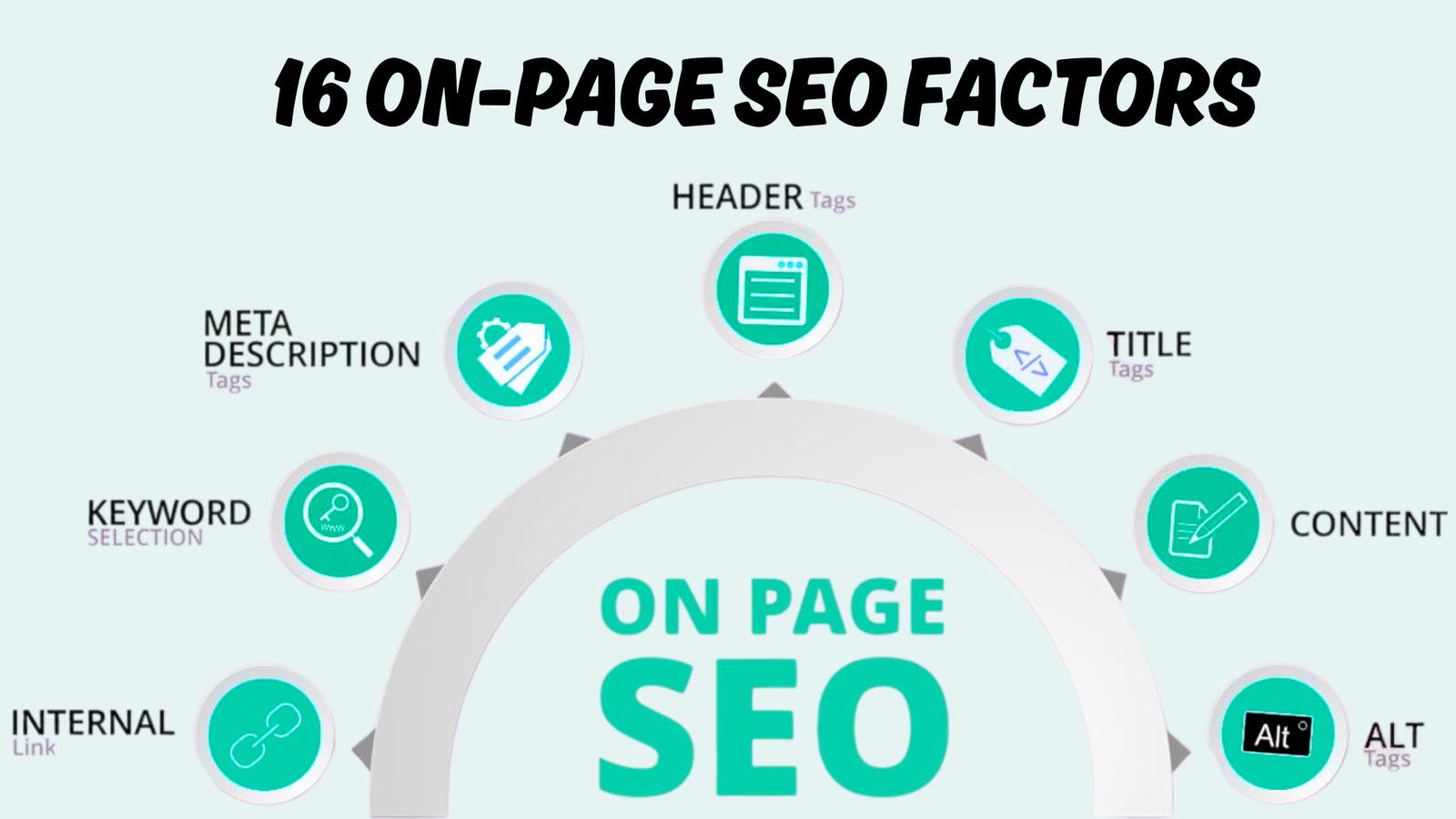
- Metadata didn’t migrate (title tags, meta descriptions, headings, alt text).
- Internal links still point to old URLs, creating chains, unnecessary hops, or 404s.
- The staging site got indexed, or the live site accidentally shipped with a “noindex” directive.
- Robots.txt blocked important sections or resources, slowing crawling and indexing.
- Too many changes happened at once, and nobody could isolate what broke.
SEO migration plan (Before you touch anything)
When I run an SEO migration strategy for a client (or for my own properties), I start with two things: clarity and control.
Set objectives you can measure
I define success in plain language:
- Priority pages keep their rankings (or recover quickly).
- Conversions and revenue remain stable.
- Indexing stays healthy (no mass deindexing).
- Crawl errors are contained and resolved fast.
If a team can’t agree on these goals, the migration becomes guesswork.
Build the right team (and decide who owns what)
A proper SEO migration plan needs clear ownership across:
- SEO (strategy, redirects, auditing, monitoring)
- Development (implementation, performance, templates, release workflow)
- Content (content parity, removals, updates)
- Analytics (GA4/GTM, tracking validation, annotations)
- UX/design (layout changes that don’t destroy search intent)
I also define how issues are logged and escalated. During launch week, I don’t want important fixes buried in random chats.
Choose a smart migration date
I always aim for low-traffic hours and low-sales periods. If a site is ecommerce-heavy, I avoid major promo windows. If something breaks, I want developers available immediately—same day.
Don’t change everything at once
This is where many teams lose control. If I’m replatforming, I try to keep content, metadata, and site structure as consistent as possible during the move. After the new site stabilizes, I iterate and improve.
The SEO migration checklist (step-by-step)
This is the SEO migration checklist I follow to protect traffic. Use it as your execution plan.
Step 1: Benchmark the current site
Before I touch code, I capture the baseline. This gives me proof of performance, and it helps me diagnose issues fast post-launch.
Here’s what I save:
- Keyword rankings (especially money and lead-driving keywords)
- Top landing pages from organic search
- Backlink-heavy pages and assets
- A full crawl export (URLs, status codes, titles, meta, canonicals)
- Page speed benchmarks (top templates, especially mobile)
- Current XML sitemap(s) and robots.txt
- Key conversion metrics (leads, purchases, sign-ups)
If you skip benchmarking, you’ll spend weeks arguing about whether the migration helped or hurt.
Step 2: Build a staging site
I treat staging like a testing lab. It must be accessible for QA—but invisible to search engines.
My staging rules:
- Protect staging (password protection is fine).
- Add no-index on staging so it doesn’t appear in search.
- Confirm that the live site will not inherit staging’s no-index settings.
One of the worst launch-day mistakes is accidentally carrying “noindex” into production.
Step 3: Create a complete URL inventory
If URLs change, I need a master list. I don’t rely on one tool or one export. I combine multiple data sources because each one catches different pages.
My URL analysis typically includes:
- Crawled URLs (site crawl)
- Indexed URLs (search console exports)
- Visited URLs (analytics landing page data)
- Linked URLs (backlink exports)
- Sitemap URLs (what we want indexed)
Then I deduplicate and prioritize.
Step 4: Identify priority pages (the pages you must protect)
In every migration, I create a “priority pages” list. These are the pages I personally spot-check before and after launch.
My criteria:
- Pages with the most organic traffic in the last 12 months
- Pages that drive conversions and revenue
- Pages with strong backlinks
- Key category/service pages and key product pages
- Pages ranking for high-intent keywords in the USA
If you treat all pages equally, you’ll miss what matters.
Step 5: Build a 1:1 redirect map (only when URLs change)
Redirects are where migrations are won or lost.
My redirect rules are simple:
- If a page moved permanently, it gets a 301 redirect to the closest equivalent page.
- I avoid redirect chains.
- I avoid dumping old URLs onto the homepage or a generic category page.
- If a page is removed and there’s no true replacement, I handle it intentionally (not by “lazy redirecting”).
A good redirect map is a spreadsheet: Old URL → New URL. That’s it. But it must be complete and accurate.
Step 6: Migrate content and SEO metadata
When I migrate a site, I aim for parity first, improvement second.
I verify that the new site has:
- Page titles
- Meta descriptions
- Headings (H1/H2/H3)
- Body content (including key sections that match search intent)
- Image alt text (especially for ecommerce and media-heavy pages)
- Structured data where needed
Metadata loss is one of the fastest ways to create a sitewide relevance problem.
Step 7: Update internal links to final URLs
I don’t want my navigation, footer, or in-content links pointing at redirected URLs. Internal links should go directly to the final destination.
This reduces:
- Crawl waste
- Page load delay from extra hops
- Redirect chain risk
- Confusing signals for search engines
Step 8: Prepare XML sitemaps and robots.txt (before launch)
Before launch day, I want:
- A clean sitemap that only contains canonical, indexable URLs
- A robots.txt file that allows crawling of important sections
- A robots.txt file that references the sitemap location
I also make sure robots.txt does not block files needed for rendering, like JS and CSS (common issue on modern sites).
Step 9: Make analytics tracking migration-proof
If tracking breaks, everyone panics—and you lose the ability to diagnose what’s really happening.
On migration week, I verify:
- GA4 is installed correctly
- GTM containers are firing
- Key events are tracked (purchase, lead, begin_checkout, etc.)
- A launch annotation is added so reporting stays clean
Step 10: Launch day QA (my non-negotiables)
On launch day, I do these checks immediately:
- Confirm the live site is indexable (no accidental no-index).
- Spot-check priority URLs (200 OK, correct canonical, correct content).
- Test a sample set of redirects (especially top pages and templates).
- Check for broken links and 404s on key templates.
- Submit the updated XML sitemap in the search console.
Then I keep a developer available for rapid fixes.
Step 11: Monitor hard for 30–90 days
After launch, I monitor daily at first, then weekly.
What I watch:
- Indexing status and crawl errors
- 404 pages (and where they’re coming from)
- Ranking changes for priority keywords
- Organic traffic to priority pages
- Conversion rate and revenue
- Page speed and UX signals (especially mobile)
This is where small problems are caught early, before they turn into a bigger traffic decline.
Step 12: Fix 404s and clean redirect chains
I treat 404s as urgent if they affect important pages or sitewide templates.
I also clean redirect chains by:
- Updating internal links to the final destination
- Adjusting redirects so old URLs point directly to the final URL
Step 13: Update external links when possible
Even though redirects help preserve value, I still like to update key backlinks where I can—especially high-authority links and links sending referral traffic.
It’s not always possible, but it’s a smart cleanup step that can help discovery and reduce reliance on redirects long-term.
30/60/90-day monitoring timeline (GSC + GA4)
After an SEO Migration, I assume there will be some volatility while search engines recrawl and reprocess the site. I don’t panic—but I also don’t “wait and hope.” I monitor the right reports on a schedule and I use simple thresholds to decide when to intervene.
Days 0–7 (launch week):
What I check daily:
- Google Search Console “Page indexing” / indexing status: I confirm important templates and priority pages are being discovered and not blocked.
- Crawl errors and “Not found” URLs: I treat any 404s on priority pages or navigation templates as urgent.
- Redirect validation: I spot-check redirects for top pages and major templates to confirm they’re functioning as intended.
- GA4 real-time + key events: I verify traffic is being recorded and key events (lead, purchase, begin_checkout, etc.) are firing so I can trust post-launch data.
Action thresholds (I fix immediately):
- Any sign the live site is “noindex” or blocked from crawling (this can wipe visibility).
- Any widespread 404 pattern (for example, a whole folder of URLs returning 404 because a redirect rule is missing).
- Redirect chains on priority pages (I simplify old → final destination).
Days 8–30: recovery and cleanup
What I check weekly:
- GSC Performance (Search results): clicks, impressions, CTR, average position—filtered by country (USA), then by queries and pages so I don’t miss page-level problems.
- GSC Page indexing: I confirm new URLs are indexing and old URLs are dropping out cleanly.
- GA4 landing pages: organic sessions/users and conversions on priority pages vs your pre-migration benchmark.
- 404 report (GSC + analytics): I keep adding missing redirects so fewer users and bots hit dead ends.
Action thresholds (I intervene, not “wait it out”):
- If priority pages are not indexed by ~2–3 weeks, I investigate crawlability, internal links, canonicals, and sitemap.
- If a specific group of pages drops far more than the rest (e.g., one template, one subfolder), I assume a template-level issue (metadata, canonical rules, internal linking, rendering) and fix that root cause first.
- If I see rising “Duplicate without user-selected canonical” or similar duplication signals, I review canonical setup and URL variants to prevent index bloat.
On day 30, I run a structured post-launch SEO audit so I’m not relying on gut feel.
Days 31–60: consolidate wins and fix what’s still lagging
What I check weekly (and compare to week 2–4 trends):
- GSC: Are clicks/impressions stabilizing or trending up on priority pages in the USA?
- GA4: Are conversion rates and revenue (for ecommerce) returning to baseline?
- Redirect chains and internal redirects: I reduce them by updating internal links to point directly to final URLs.
Action thresholds:
- If rankings/visibility haven’t improved by this point for key areas, I revisit content parity (did anything important change?), internal linking, and technical crawlability, then re-audit the templates that drive most SEO value.
- If overall visibility is volatile but improving, I keep changes minimal and focus on cleanup rather than major content rewrites.
Days 61–90: optimization phase (only after stability)
By 90 days, I want the migration to feel “normal” operationally: clean crawling, clean indexing, and predictable reporting.
This is also when I’m comfortable moving from “protect” to “improve”—because now I have a stable baseline on the new platform/design.
What I check bi-weekly (or weekly for large sites):
- GSC: top queries and top pages—are we regaining (or exceeding) pre-migration performance?
- GA4: organic conversions and user behavior (engagement, funnel completion), especially on priority templates.
Action thresholds:
- If some pages are still materially underperforming while the rest recovered, I treat them like individual SEO projects: check intent match, on-page coverage, internal links, and whether the new template weakened content or UX.
- If I’m still finding many new 404s, I re-crawl and compare against the redirect map to identify what was missed.
DIY Vs hiring a specialist
Here’s a quick way to decide whether you should handle the migration in-house or bring in an SEO migration specialist.
| Approach | Best for | Pros | Cons |
|---|---|---|---|
| In-house DIY (SEO + dev team) | Small sites, stable URL structure, experienced team | Full control, lower direct cost | Higher risk if you haven’t done migrations; missed steps cause traffic loss |
| Agency-led migration | Brands with internal bandwidth but needing expertise | Clear process, specialists across SEO/dev/analytics | Can be costly; quality varies—ask for proof (GSC before/after graphs) |
| SEO migration specialist (project-based) | Replatforming, domain changes, large sites, enterprise | Focused expertise, tight QA, reduces risk | Needs stakeholder access + coordination; requires planning time |
When to hire an SEO migration specialist
Site migration is complex, technical, and high-stakes. One wrong move—a forgotten redirect, an accidental no-index tag, a broken canonical—can cost months of traffic and tens of thousands in lost revenue.
Consider bringing in professional help if:
- Your site has more than 1,000 pages
- You’re changing domains (highest risk migration type)
- You’re migrating an eCommerce site where revenue depends on search traffic
- Your internal team lacks migration experience
- You can’t afford to lose traffic during the transition
- You’re making multiple changes simultaneously (domain + platform + redesign)
Khalid Hussain, CEO and founder at SEO Visibility, I have spent over 15 years managing large-scale site migrations for businesses across industries.
My complete site migration services are designed specifically to protect your rankings and traffic during platform changes, redesigns, and domain moves.
Every migration I handle follows this proven framework, adapted to your specific business needs and risk profile.